Zum Hauptinhalt springen
KI-strukturiert · von menschlichen Experten geprüft

YouTube ist die größte
Expertenbibliothek der Welt.
Wir schaffen immersive Erlebnisse für Sie.

Haben Sie schon einmal durch die YouTube-Startseite gescrollt und trotzdem nicht gewusst, was Sie ansehen sollen?
Lass uns aus dem Algorithmus ausbrechen und YouTube aus einem ganz neuen Blickwinkel entdecken.
Gib mir etwas Neugier und fünf Minuten — dann entdecken wir es gemeinsam.

Echte Beispiele ansehen
Erste Karte starten

YouTube ist eigentlich ein riesiger Ozean des Wissens Doch der Bereich, den wir erkunden können, wird immer kleiner

Ja, uns fehlt ein Hammer – ein großer Hammer, der das Schloss sprengt, das Ihren Blick begrenzt.

01 Werkzeug wählen
02 Frage formulieren
03 Topologie erstellen
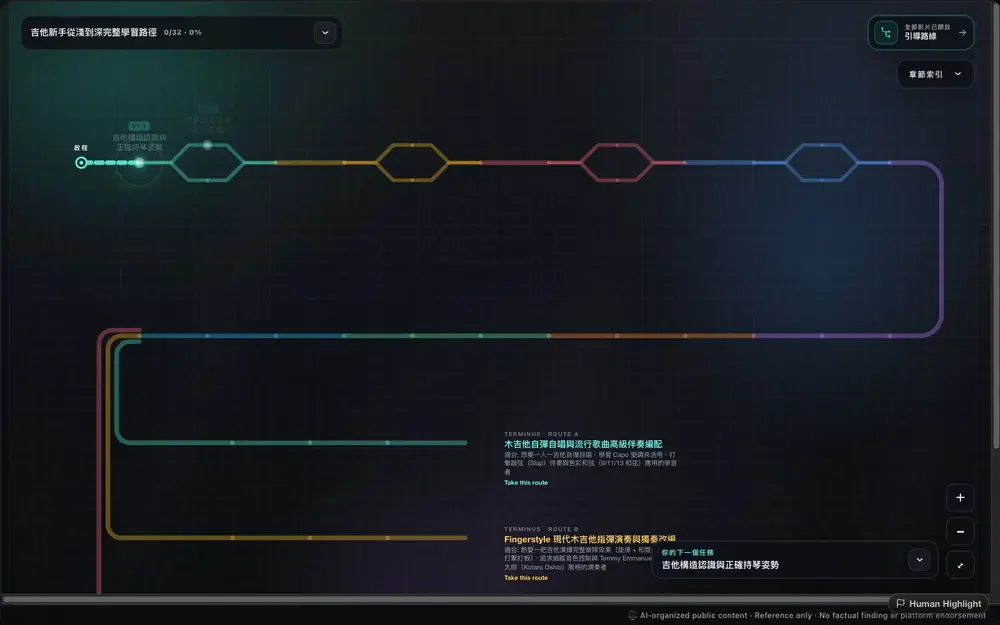
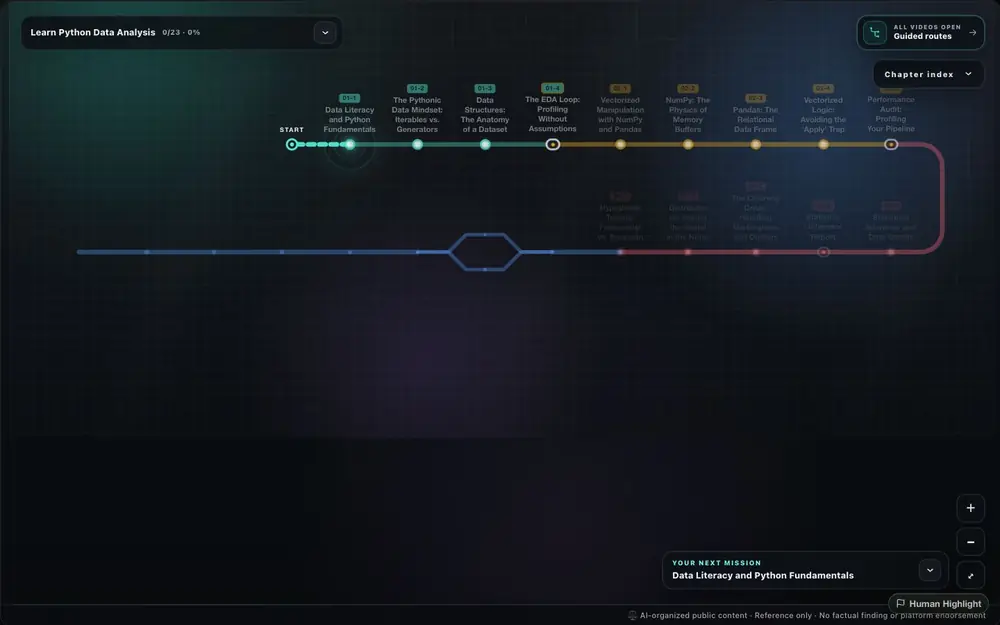
Eine Fähigkeit lernen

Einen Lernpfad wählen

Stellen Sie jedes Lernthema als schrittweise Roadmap dar. Jedes Wissensgebiet ist jetzt zum Greifen nah.

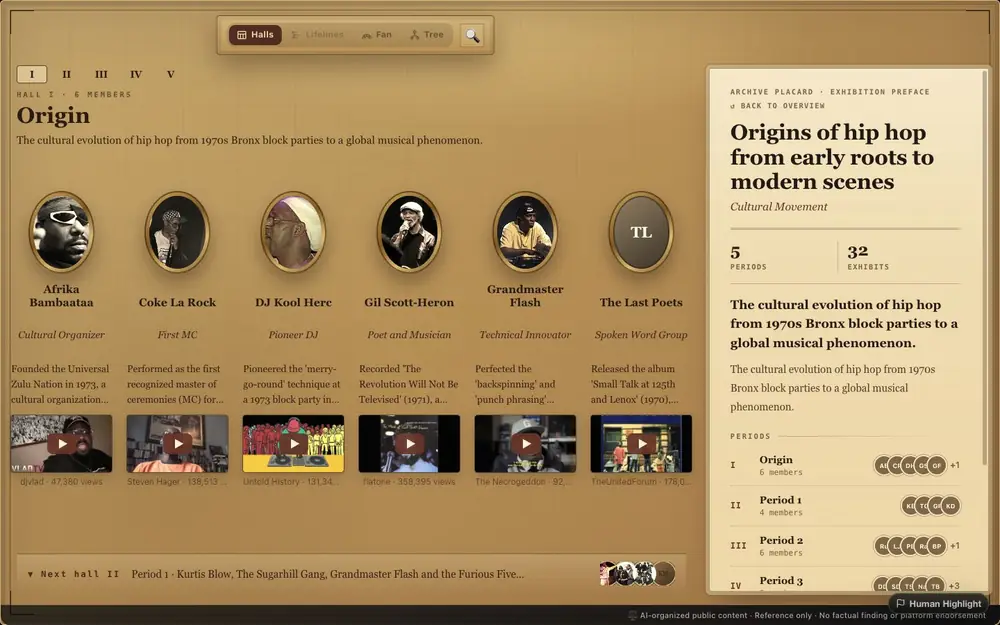
Ursprung verfolgen

Ursprungsbaum bauen

Beginnen Sie mit einem Konzept, einer Strömung oder Geschichte und erkennen Sie Ursprung, Verzweigungen und Wendepunkte klar.

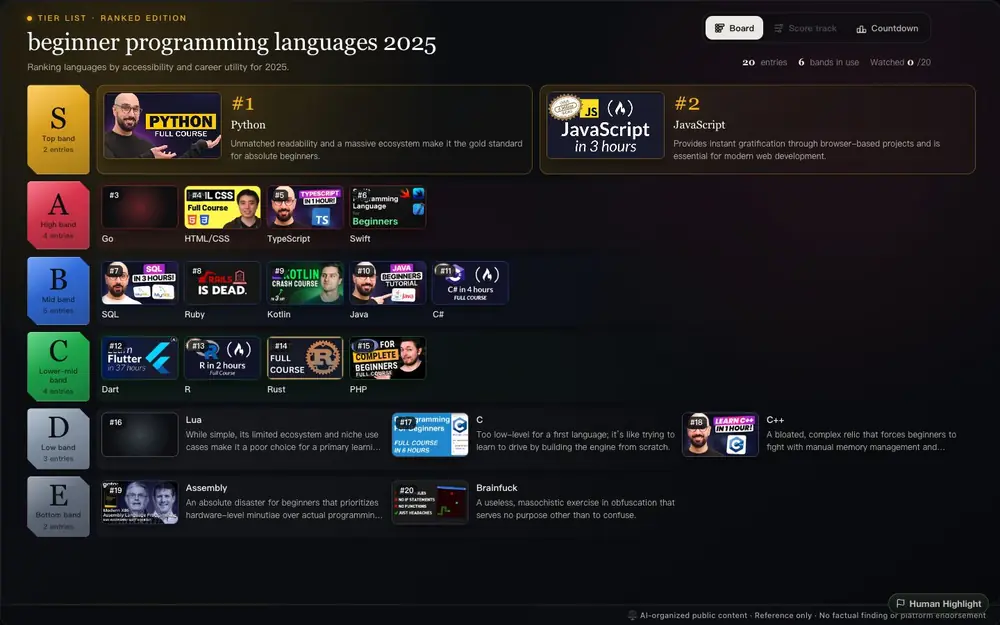
Optionen ranken

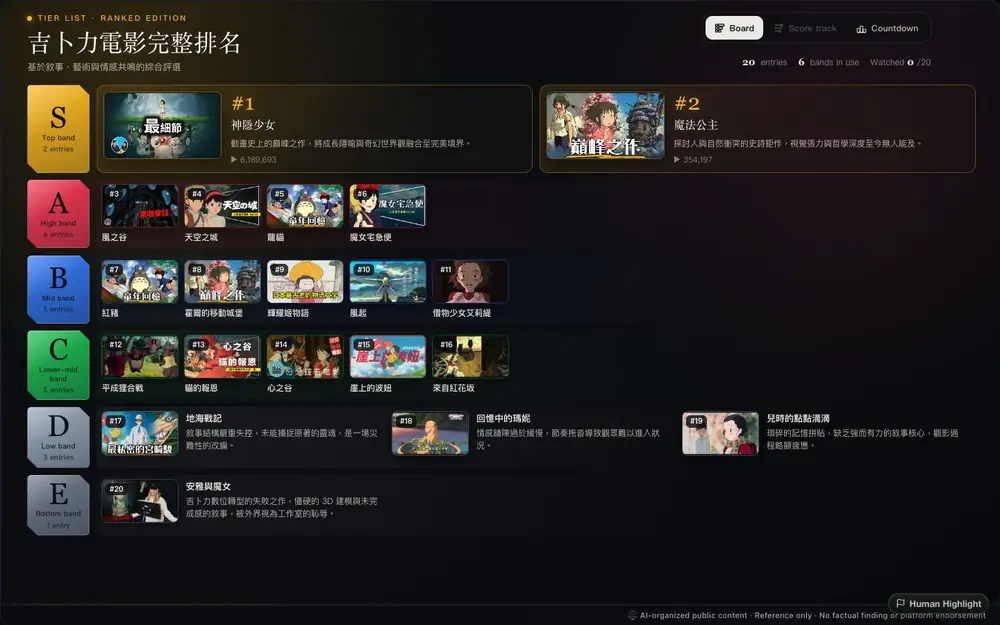
Tier List bauen

Sortiere Tools, Kanäle, Ideen oder Beispiele in Tiers, damit die besten Picks schnell auffallen.

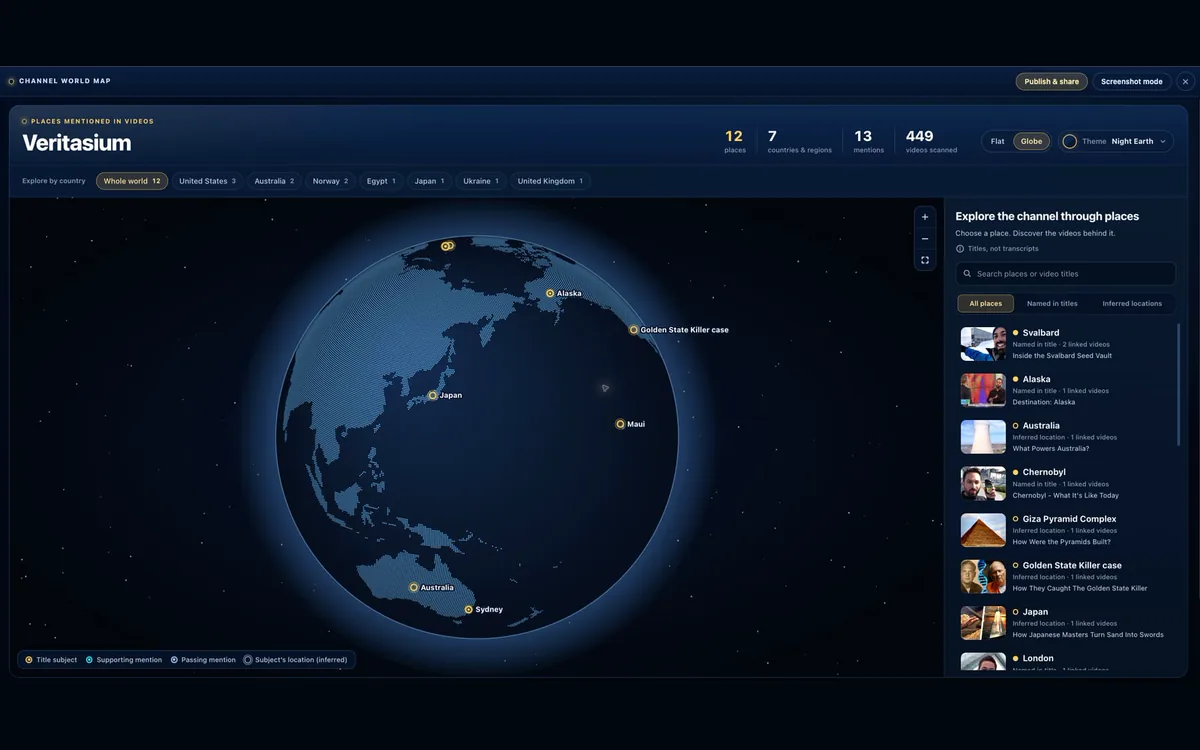
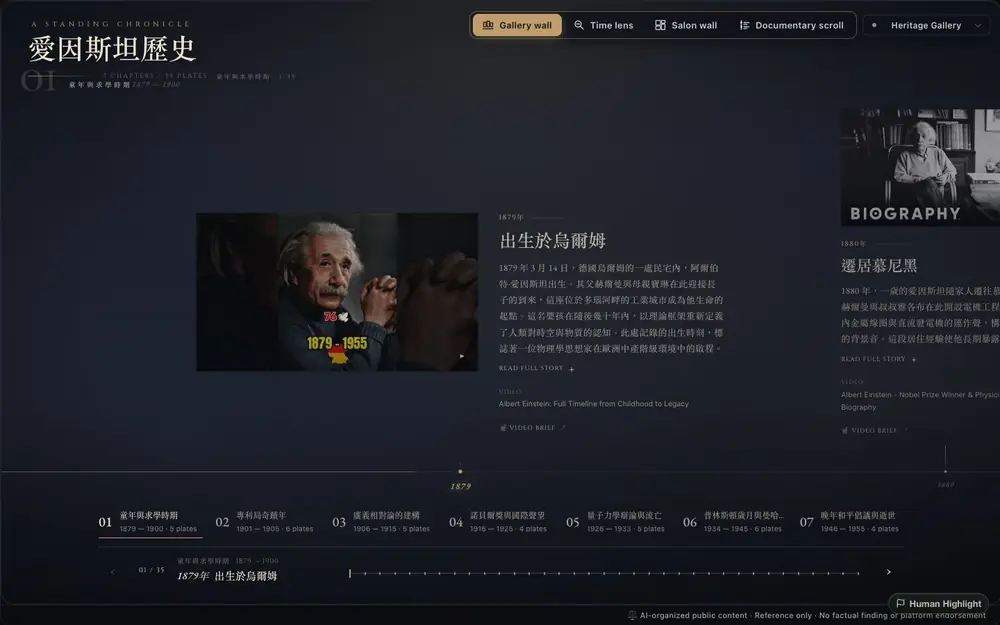
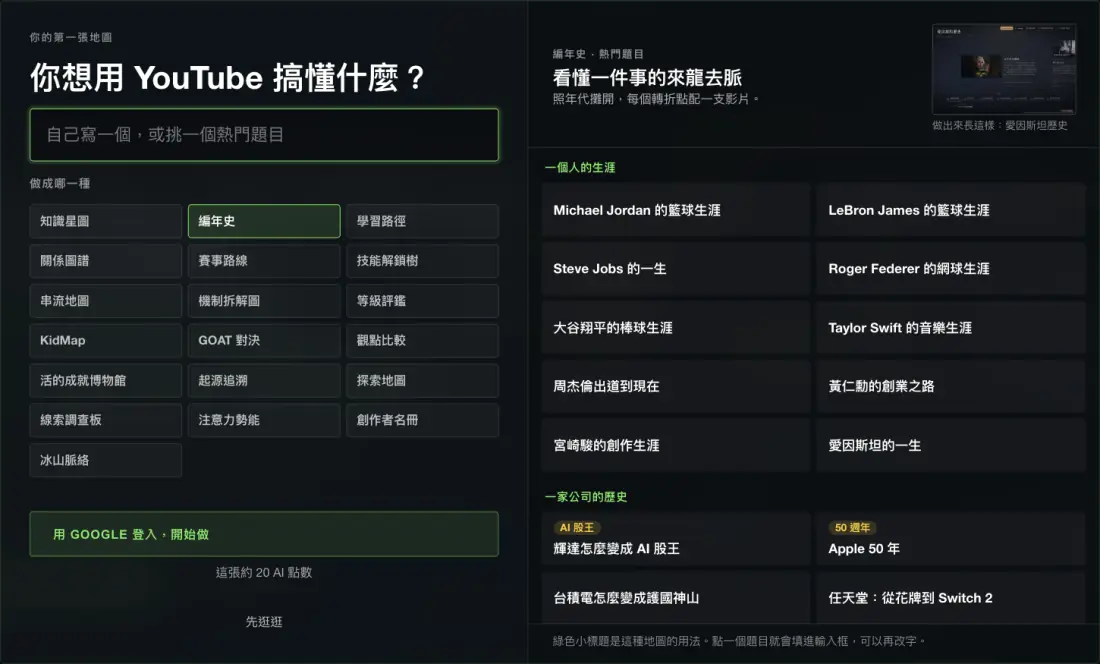
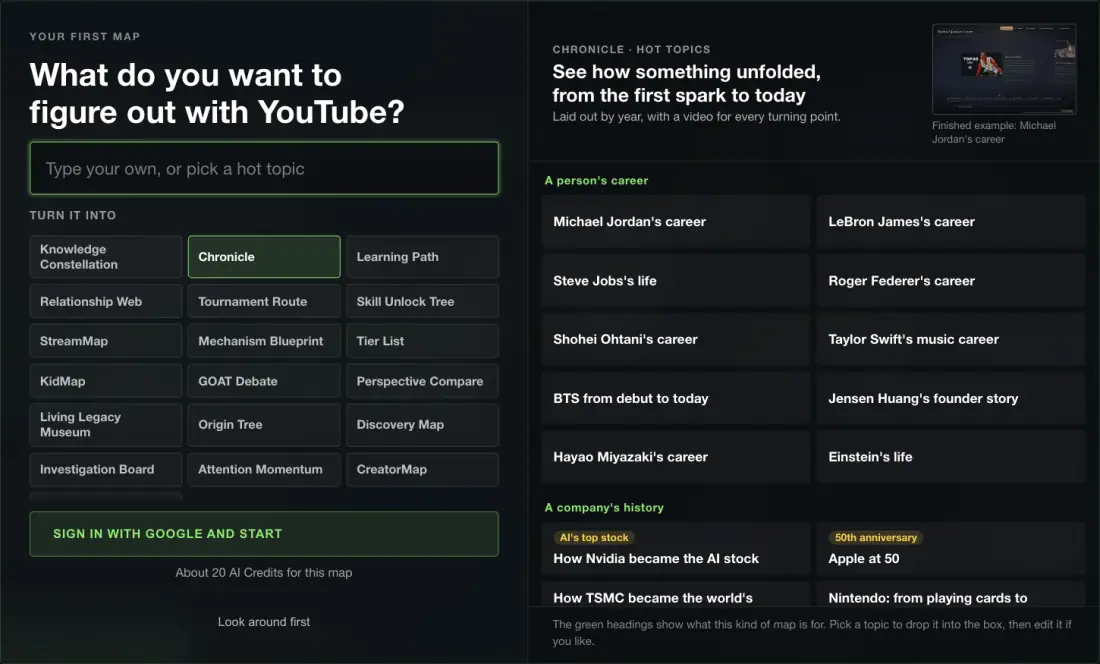
Die Zeitleiste jedes Ereignisses verstehen

Zeitachse bauen

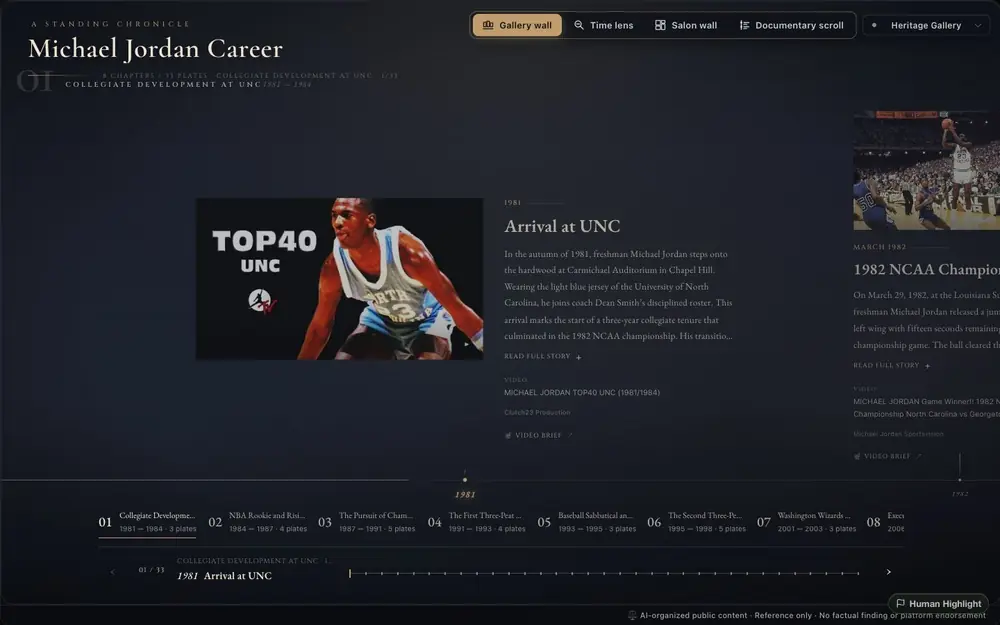
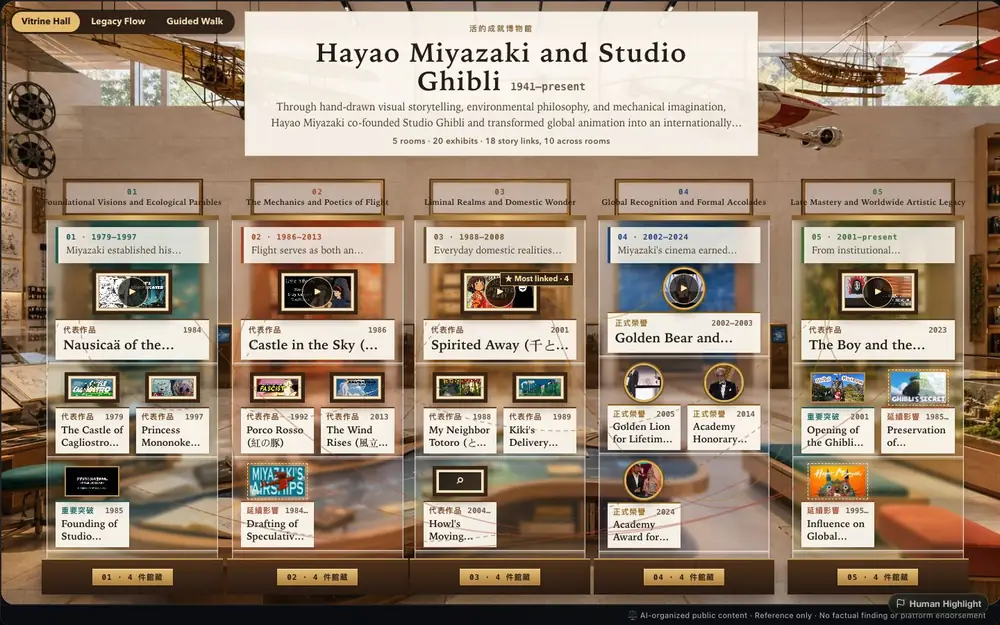
Breiten Sie das Leben berühmter Persönlichkeiten und historische Ereignisse chronologisch aus und erkennen Sie die Zusammenhänge mit der Klarheit eines Museums.

Für Eltern und Erziehungsberechtigte

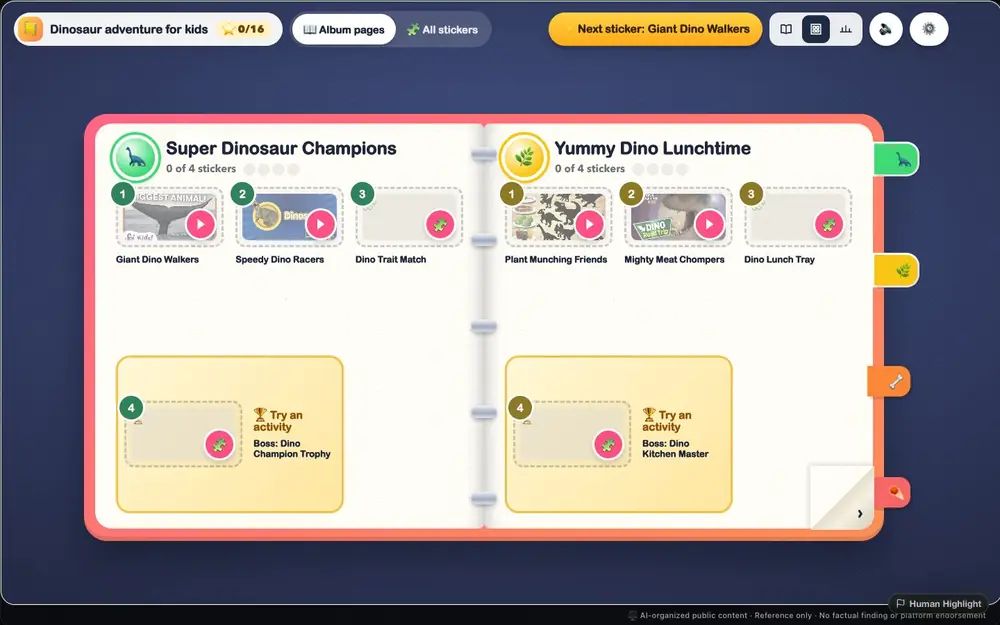
Eine KidMap für ein Kind erstellen

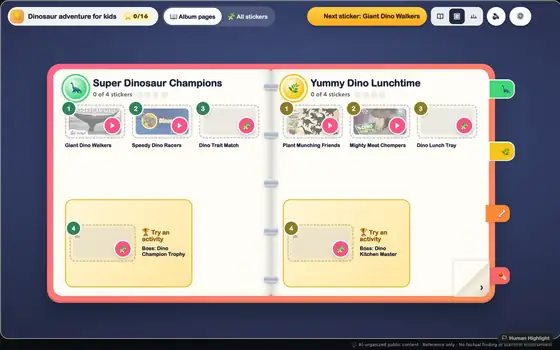
Wähle Thema und Alter für einen farbenfrohen YouTube-Lernpfad. Ein Erwachsener prüft Welten, Stufen und Videos, bevor er ihn einem Kind gibt.

KidMap erstellen →
Sie erinnern sich bestimmt an dieses Gefühl

Auf der Startseite auf und ab scrollenUnd trotzdem nie die gewünschten Videos finden

Auf YouTube steckt mehr Wissen als in jeder Universitätsbibliothek. Doch es ist in einem Algorithmus gefangen, der auf passiven Konsum ausgelegt ist. Je mehr er sich merkt, welche Kanäle Sie abonnieren, desto enger wird der Pool empfohlener Videos – bis Sie mit der Zeit kaum noch daraus ausbrechen können. The knowledge is there. The structure isn't.

Wir haben eine vollständige Suite visueller Werkzeuge entwickelt, um Wissen in seinen Kontext einzuordnen.

Die Form der Frage klar erkennen

Your scattered YouTube saves, finally neatly organized. Brechen Sie aus dem Wissenskokon des Algorithmus aus und nutzen Sie YouTube besser.

01

Every node is a Highlight

Every node links back to the original YouTube video. AI organizes the knowledge; humans verify it. No fabricated citations, no facts that don't exist. You can always trace the source.

02

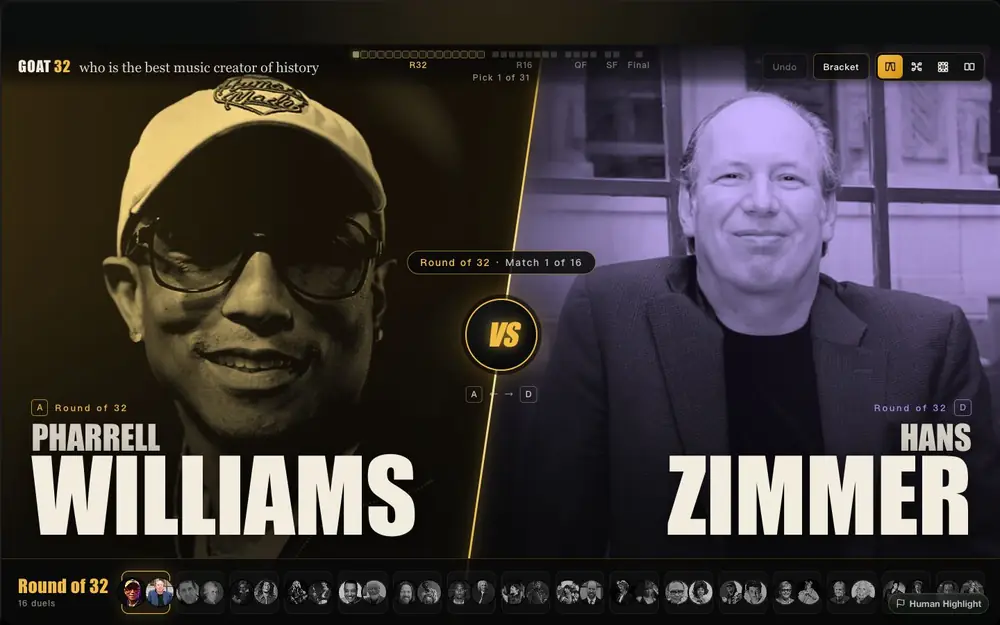
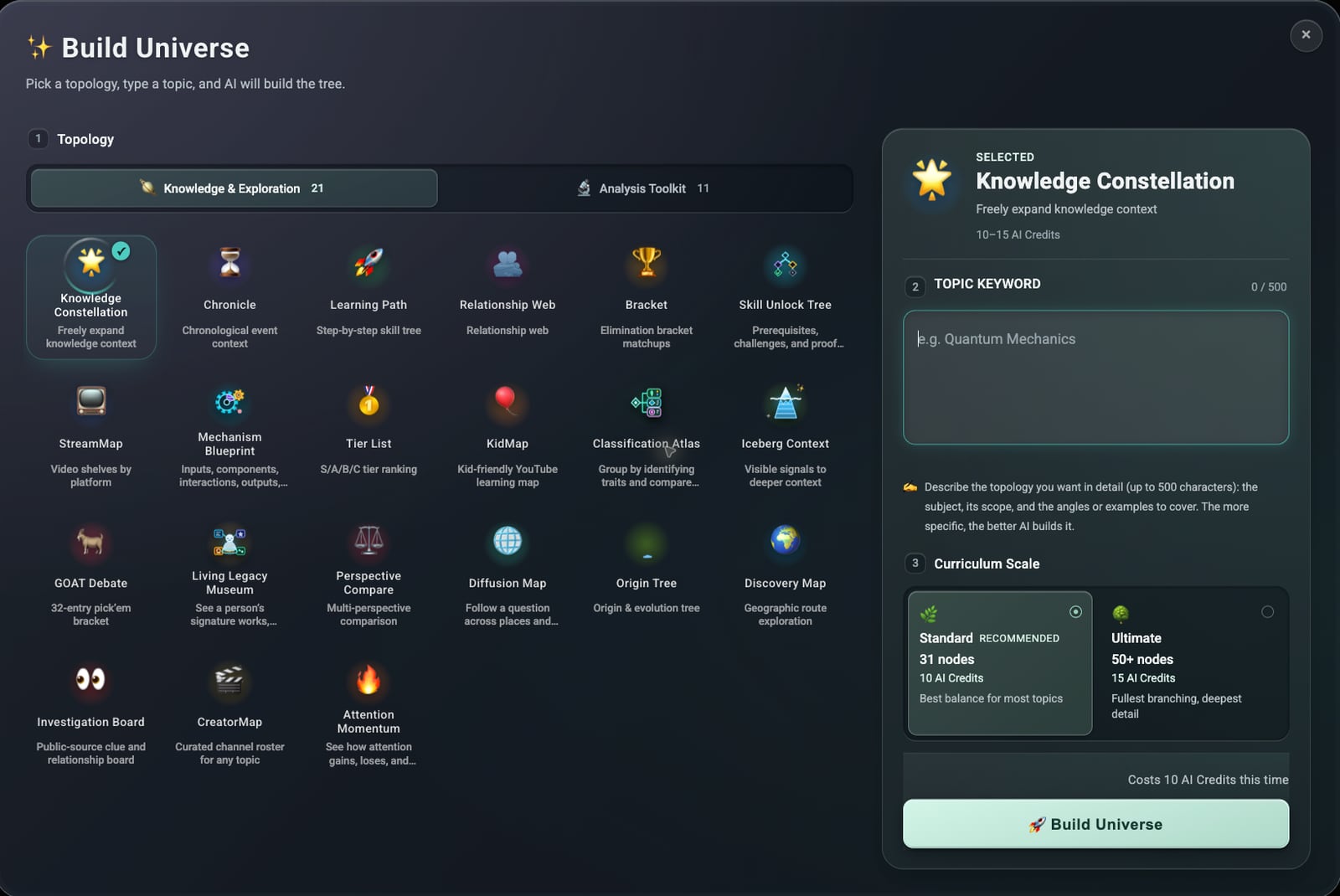
33 knowledge topologies

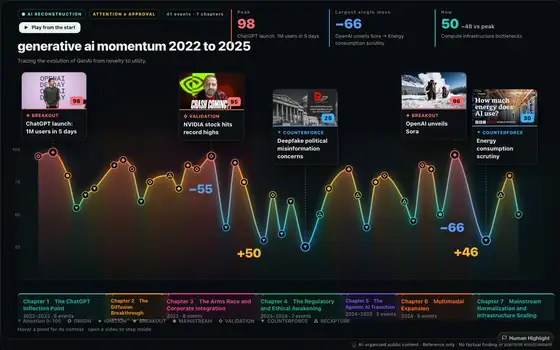
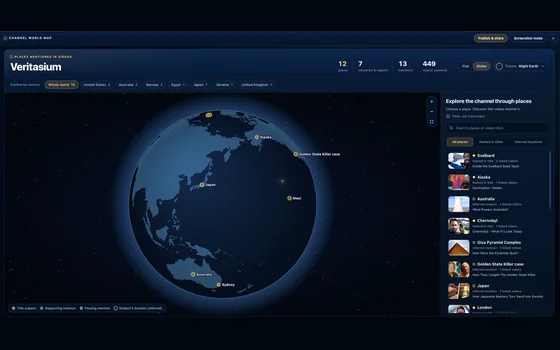
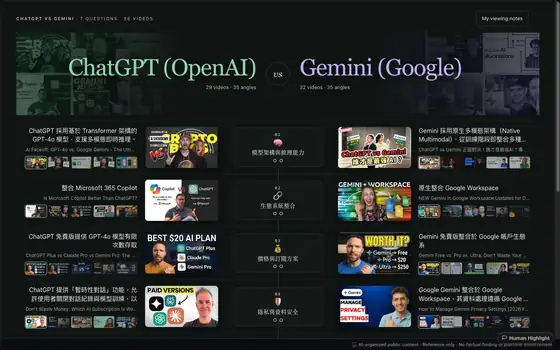
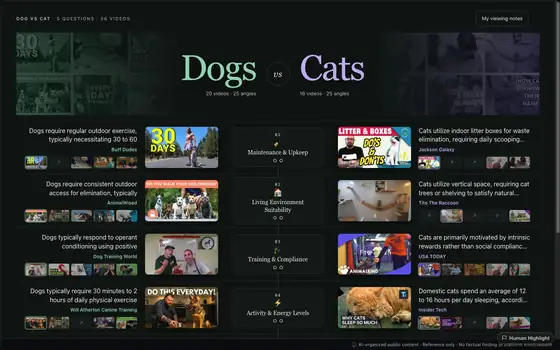
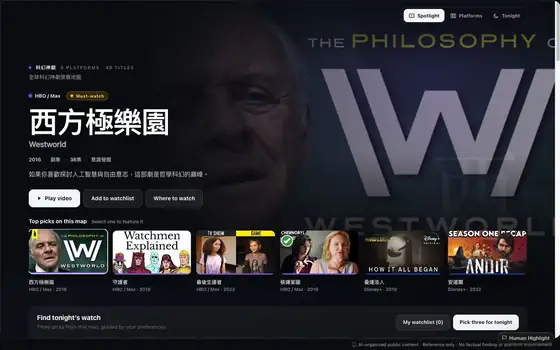
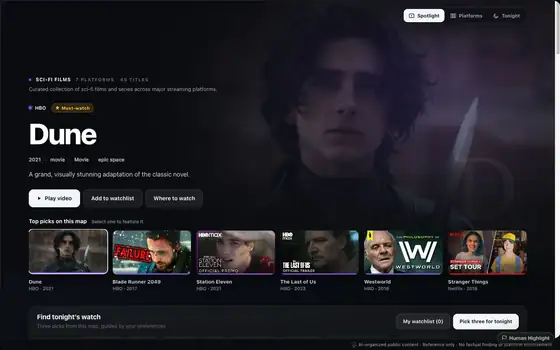
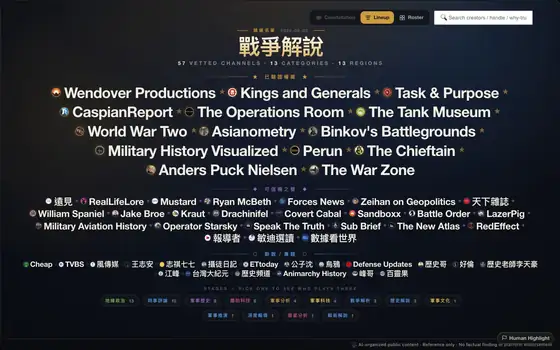
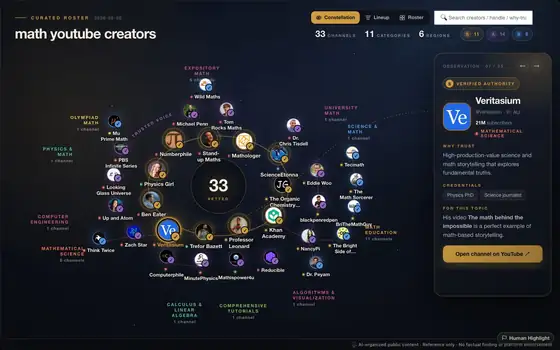
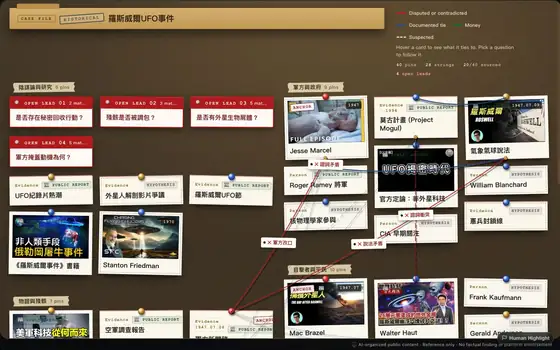
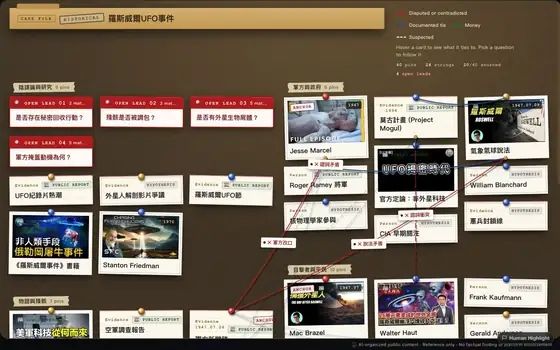
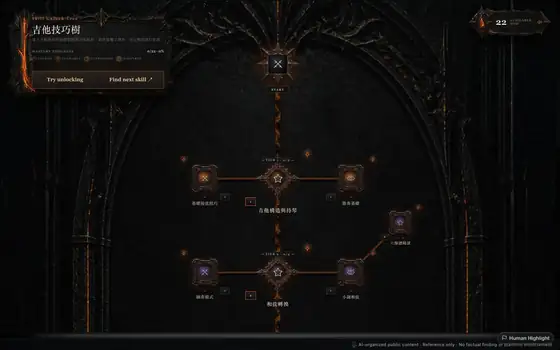
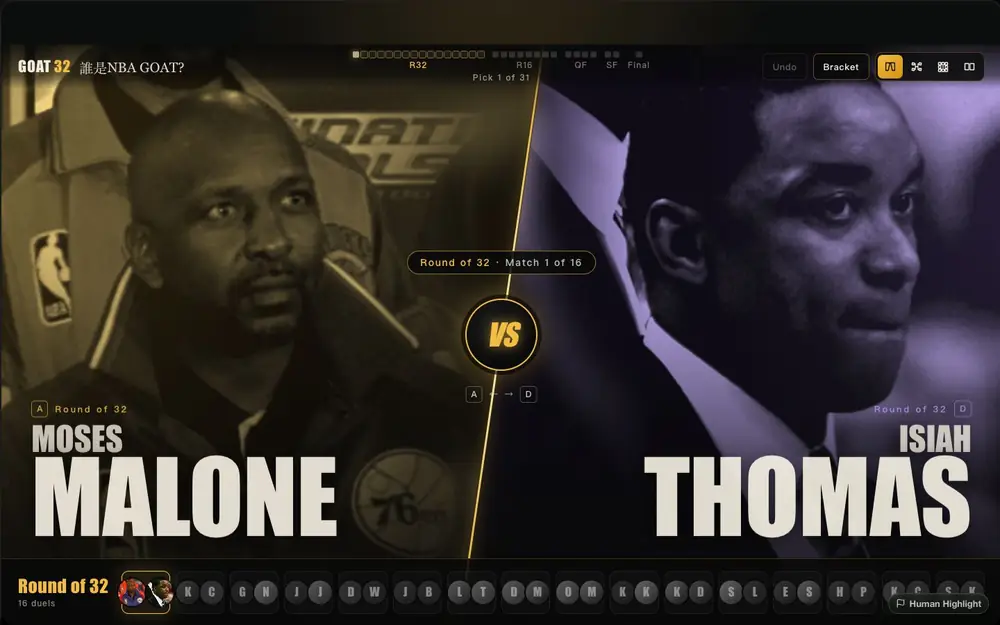
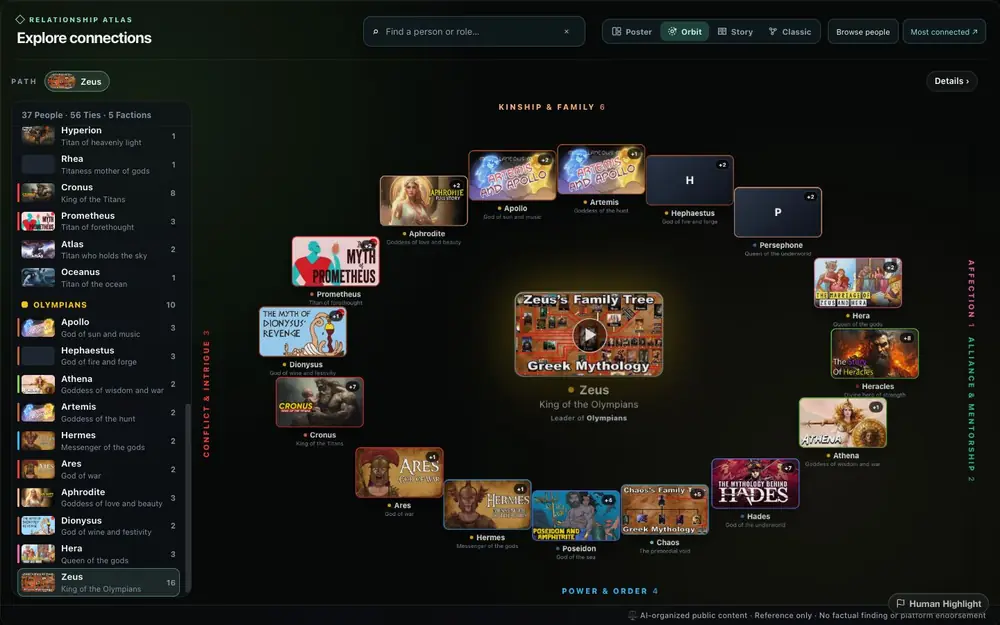
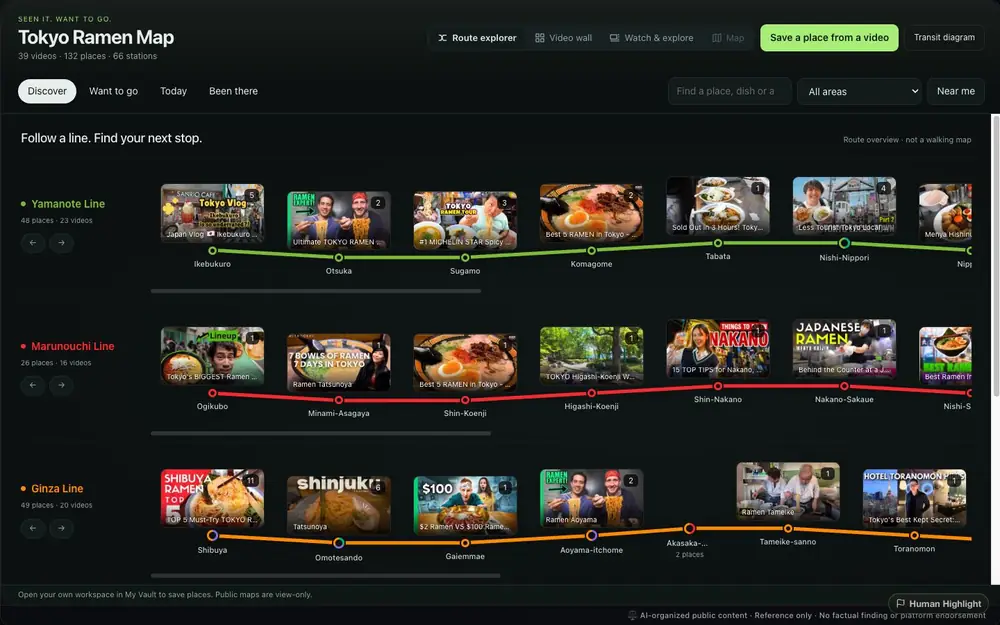
Timeline, tournament bracket, tier list, relationship web, cycle diagram, investigation board... each reveals a different facet of your content. Pick the structure that fits your story and give it a try.

03

A richer experience with the Chrome Extension

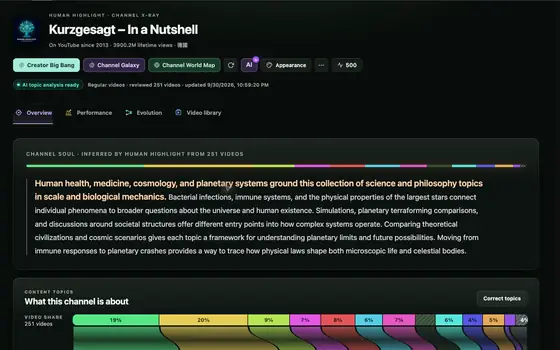
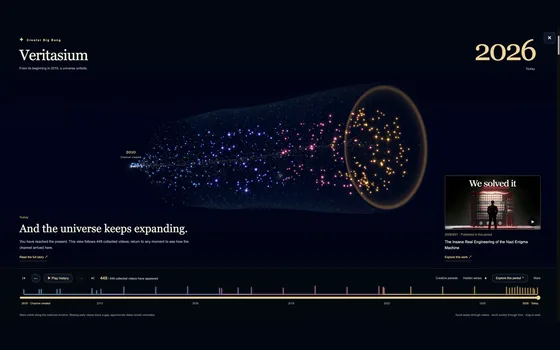
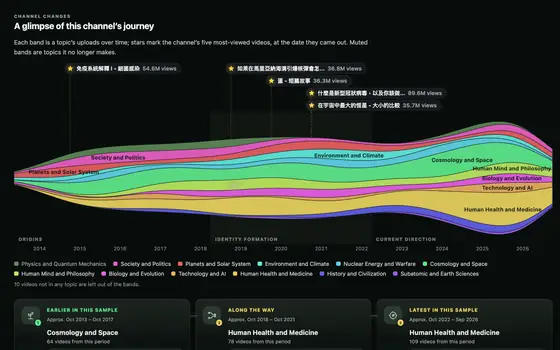
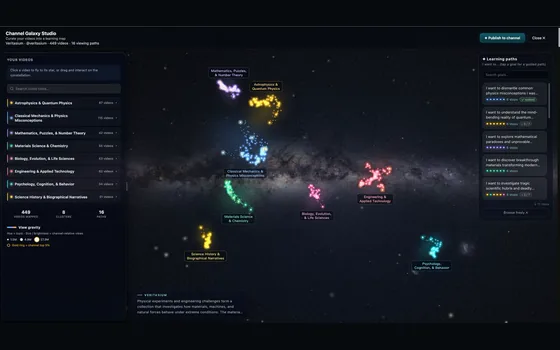
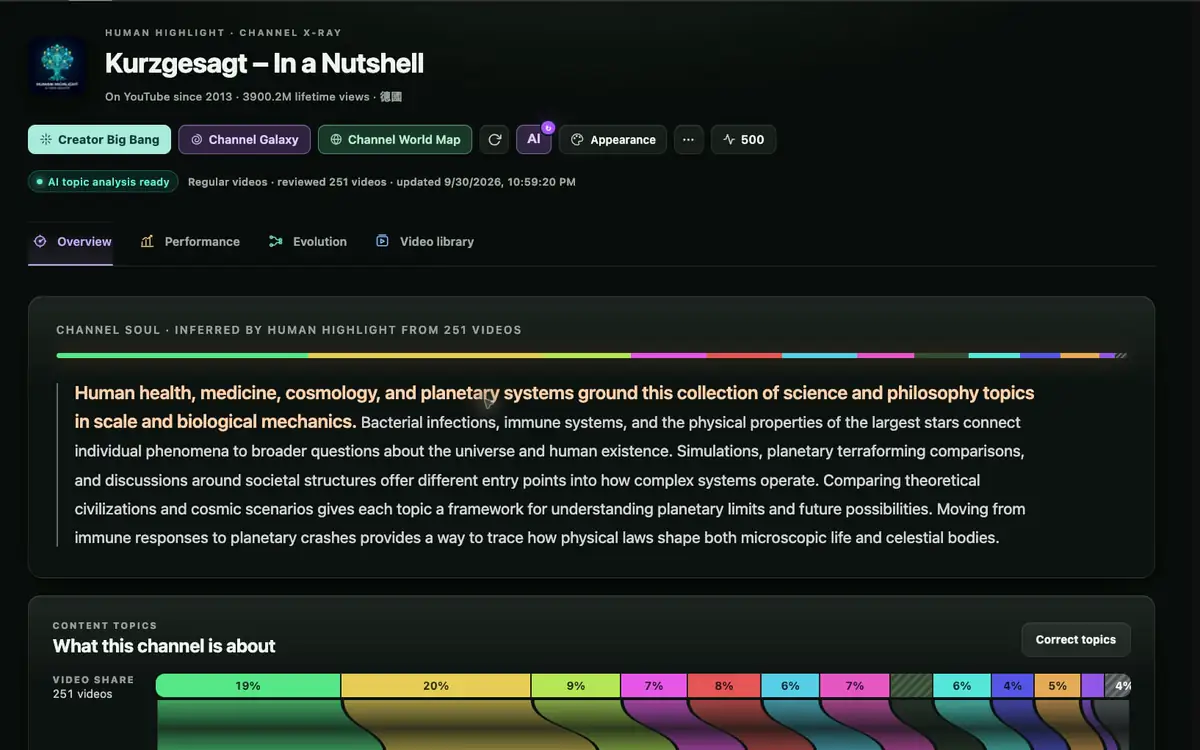
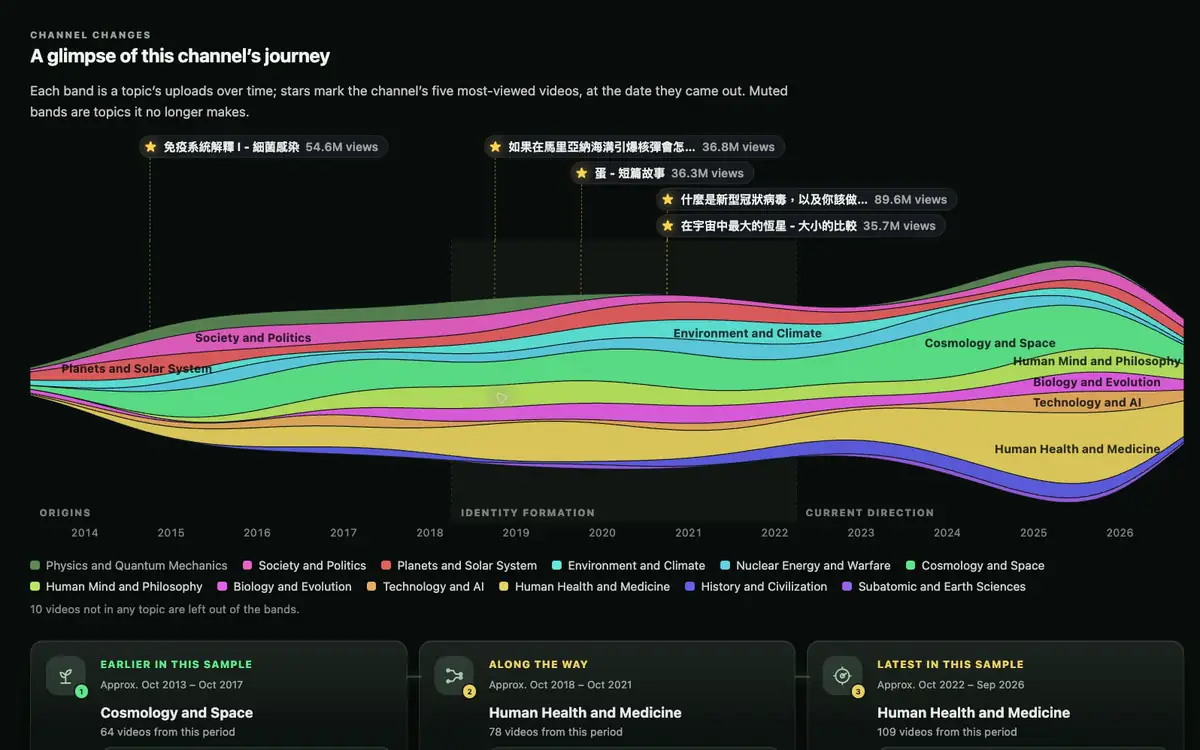
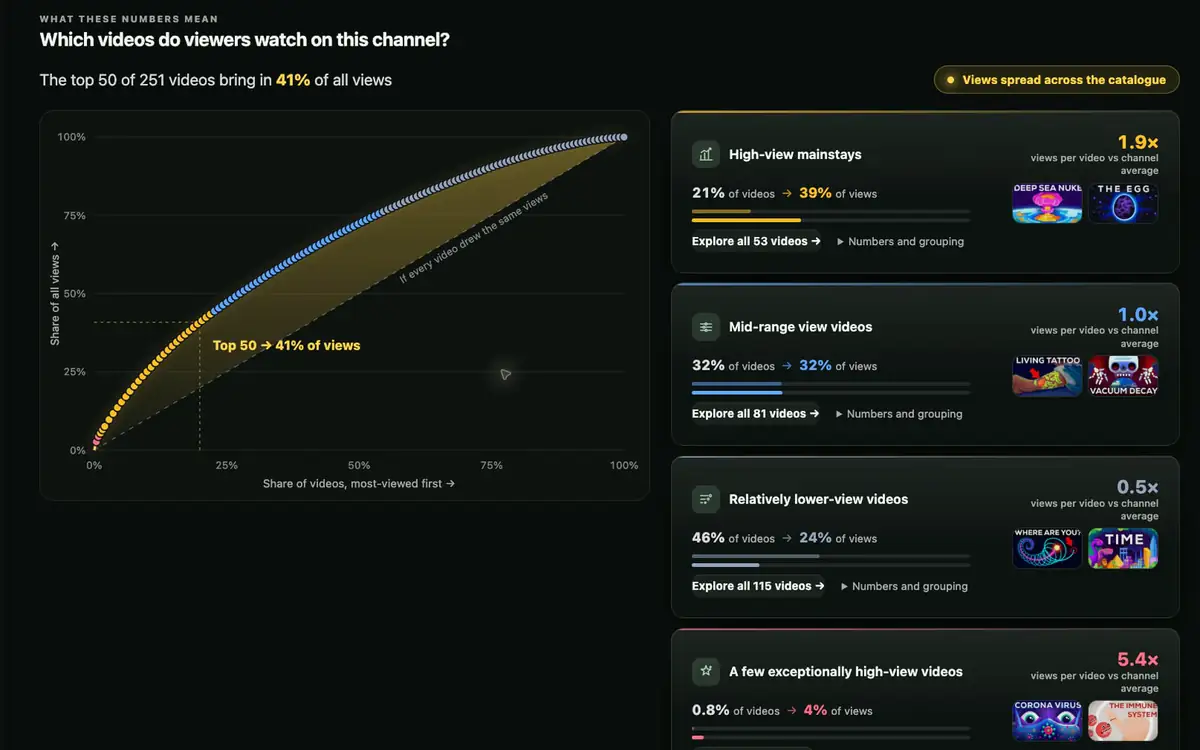
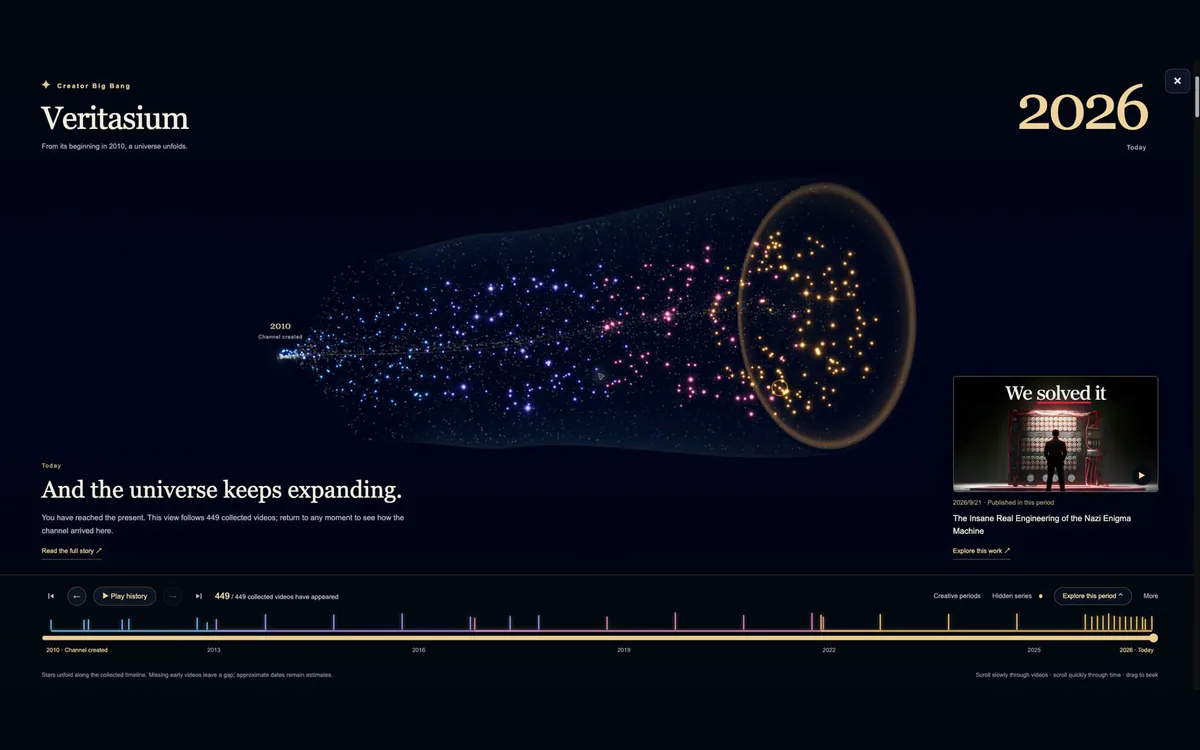
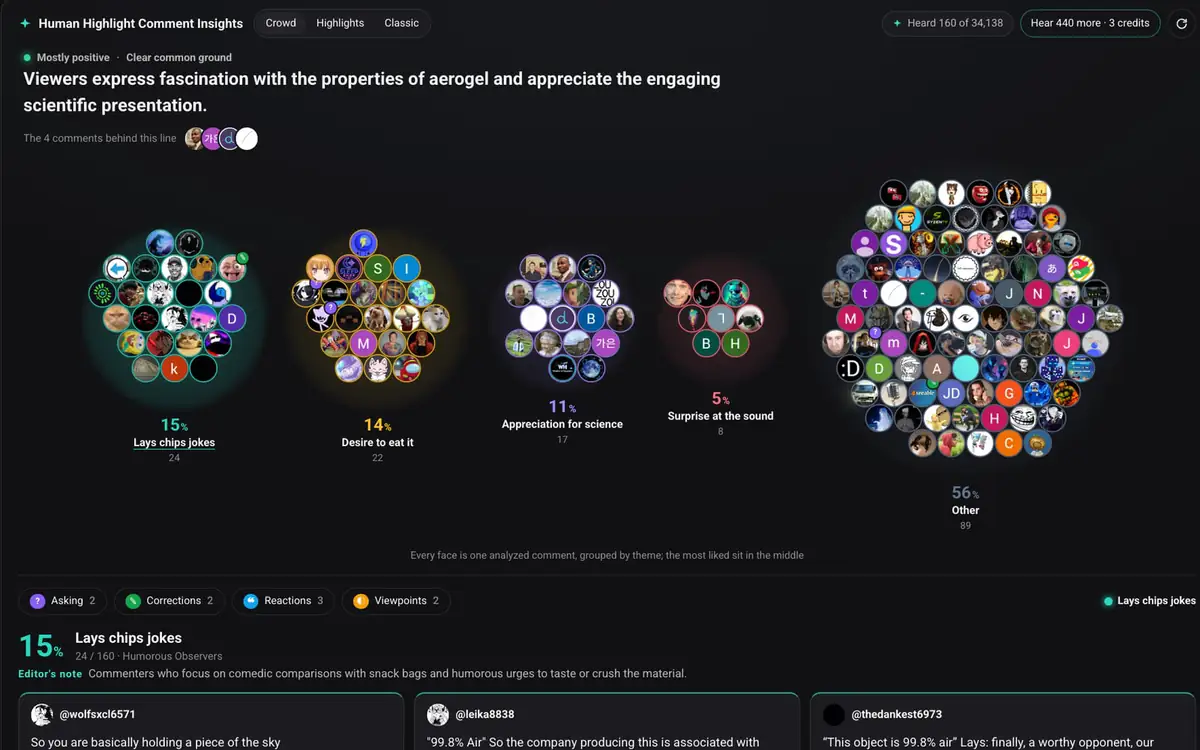
Instant knowledge summaries of great videos, real-time Q&A on what a video covers, deep dives into entire channels, lightning-fast discovery of the world's best videos on the same topic, distilled viewpoints from the comments, organized Shorts — all in a 3D big-bang interface that walks you through a creator's whole channel history.

04

Share the knowledge you've mapped

Eine der seltensten Ressourcen der Welt sind die Gedankengänge nach ersten Prinzipien in brillanten Köpfen. Teilen Sie Ihre wertvollsten Ideen mit Menschen auf der ganzen Welt. Der Kontext Ihrer Videos erzählt Ihre Geschichte.

Tour the gallery first, understand every topology

Not all knowledge has the same shape.

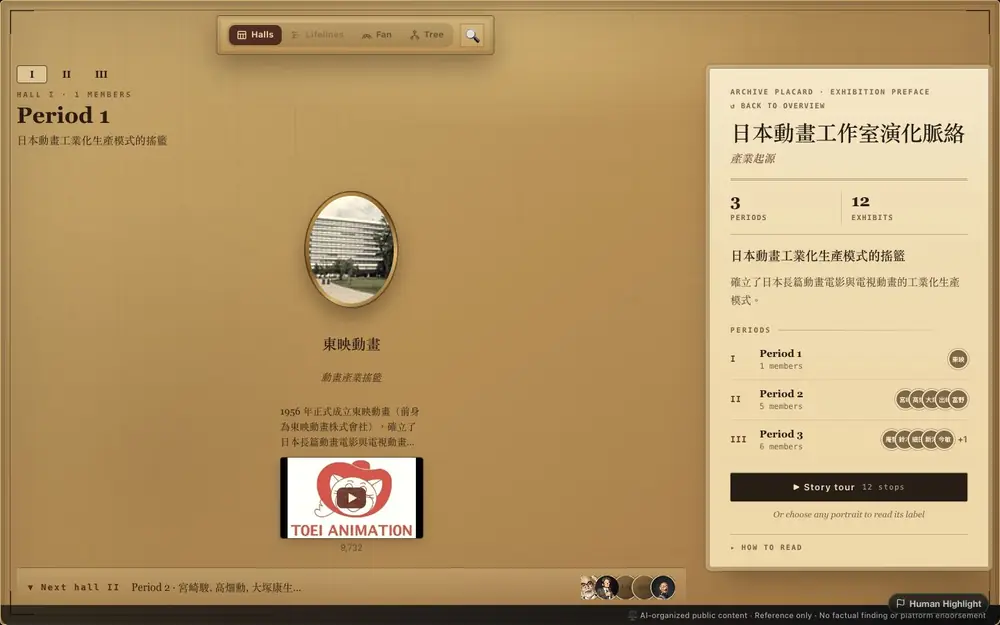
Berühmte Personen & historische Ereignisse
Timeline
Schrittweises Lernen
Pathfinder
Historische Ursprünge verfolgen
Origin Tree
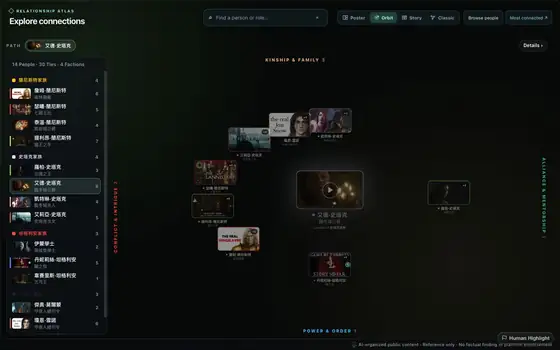
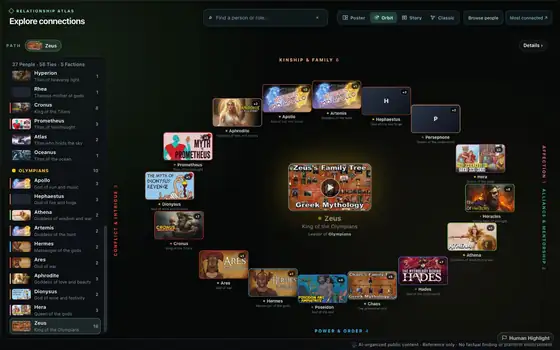
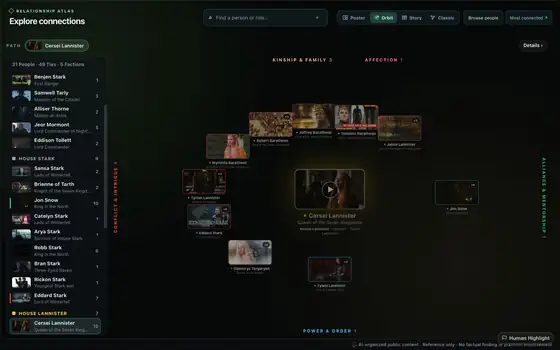
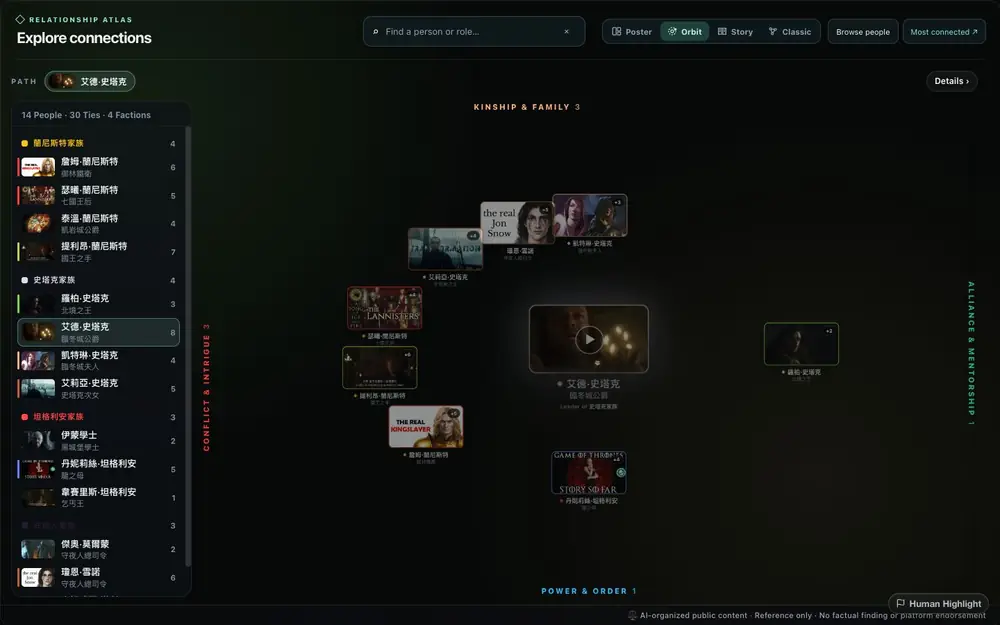
Beziehungen zwischen Menschen
Relationship Web
Heutige Gruppen & Erkennungsmerkmale
Classification Atlas
Einen historischen Wendepunkt ändern
What if?
Teamabläufe
Action Playbook
Entscheidungen nach mehreren Kriterien
Decision Lab
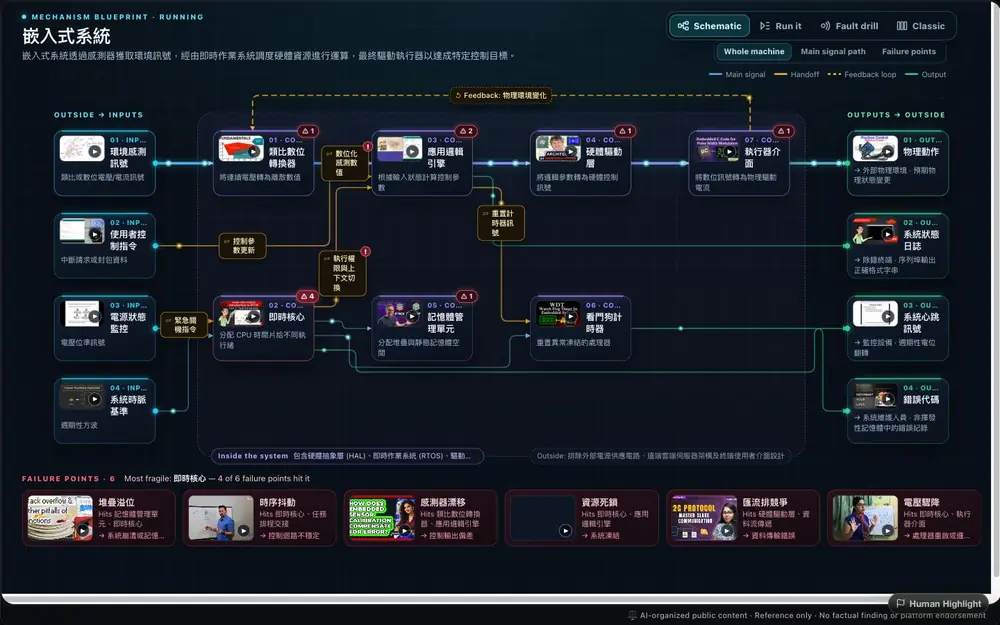
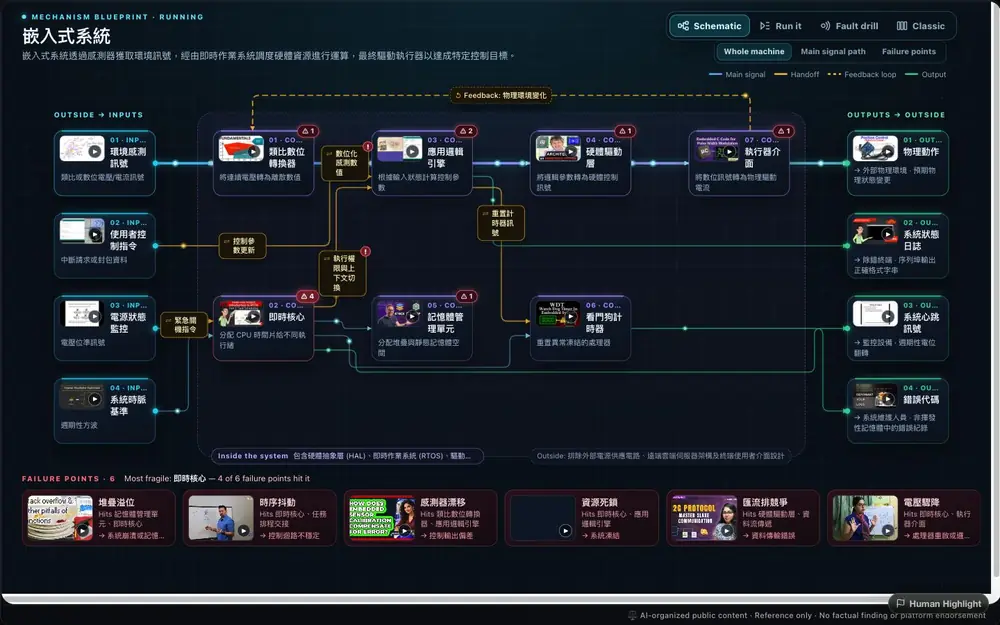
Innenleben von Systemen
Mechanism Blueprint
Schnelle Vergleiche
Tier List

Die Galerie macht alle 33 Topologien zu geführten Rundgängen, damit Sie sehen können, welche Struktur zu welcher Frage passt, bevor Sie Ihre Videos organisieren.

Take the gallery tour Browse public topology examples →
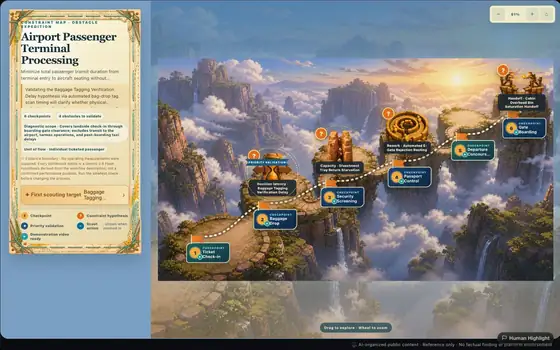
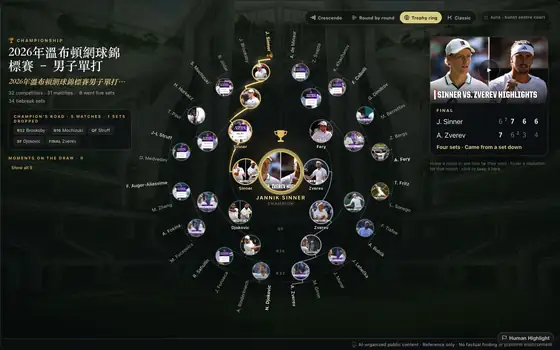
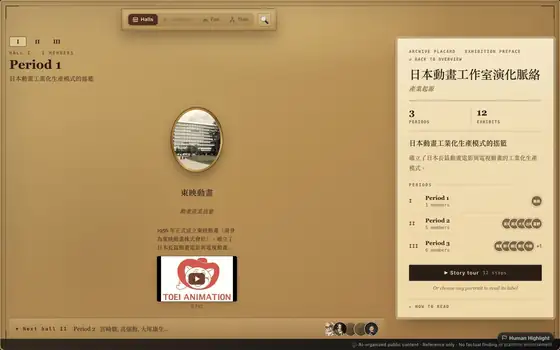
Timeline 拓樸實際渲染
Timeline · 歷史時間軸
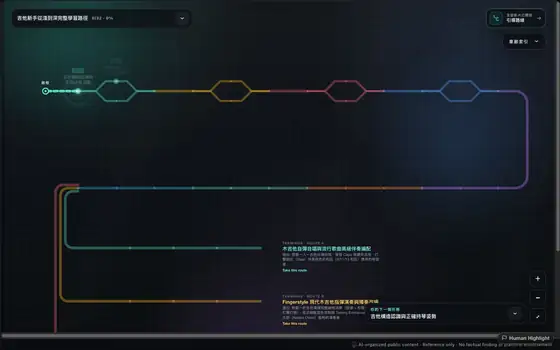
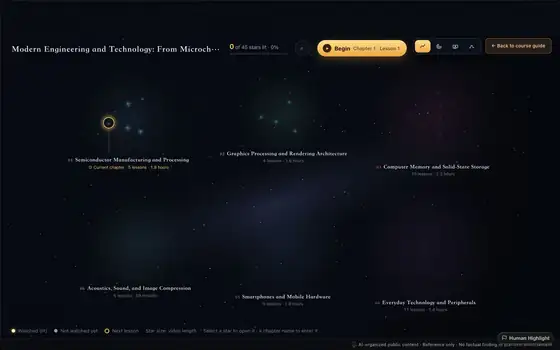
Pathfinder 拓樸實際渲染
Pathfinder · 學習路徑
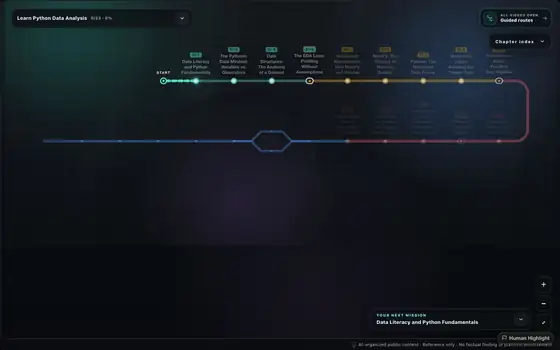
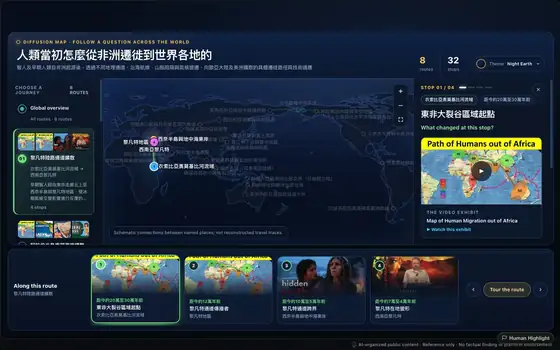
Origin Tree 拓樸實際渲染
Origin Tree · 起源追溯
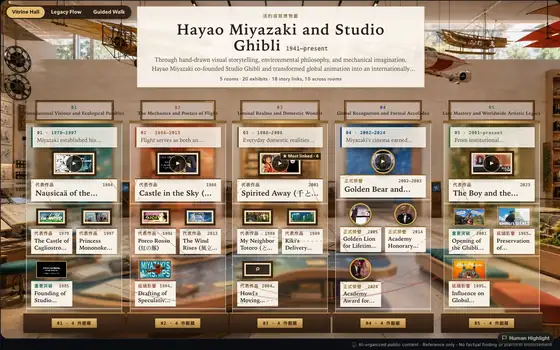
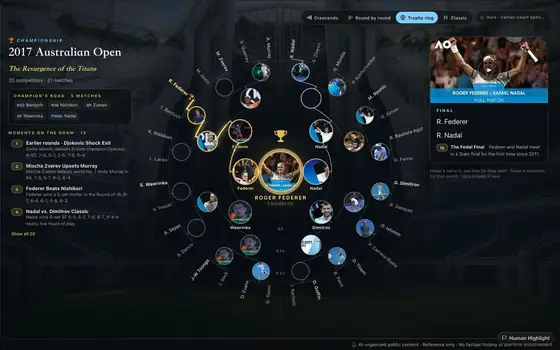
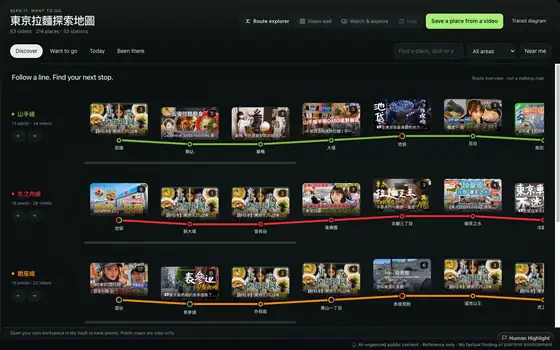
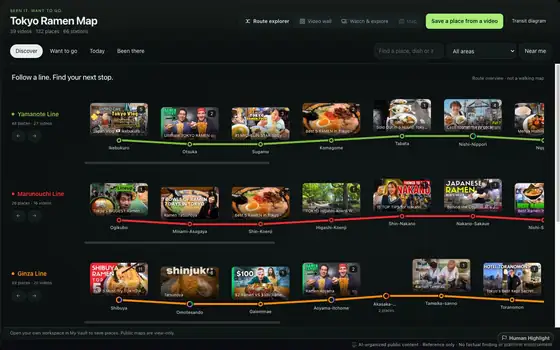
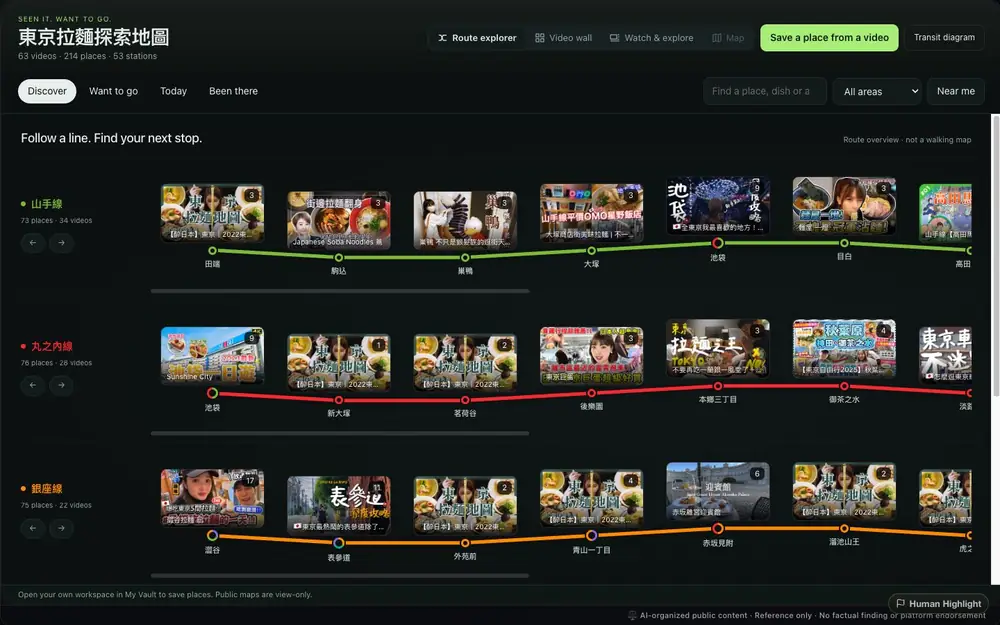
Stream Map 拓樸實際渲染
Stream Map · 串流地圖
Preise

Wähle nach deinem Nutzungsumfang

Starte kostenlos mit 50 KI-Credits pro Monat und einem Launch Boost mit 200 KI-Credits für 14 Tage.

Free
$0dauerhaft
  • 50 KI-Credits pro Monat
  • Launch Boost mit 200 KI-Credits (14 Tage)
  • Local-First-Exploration
Plus
$10.90USD / mo
  • 500 KI-Credits / Monat
  • Cloud-Sync und Veröffentlichung
  • Für regelmäßige persönliche Projekte
Empfohlen
Pro
$19.90USD / mo
  • 1.000 KI-Credits / Monat
  • Für regelmäßige Recherche und Produktion
  • Alles aus Plus
Ultra
$36.90USD / mo
  • 2.000 KI-Credits / Monat
  • Für intensive Recherche und hohe Produktion
  • Alles aus Pro

Jahrespläne werden im Voraus berechnet; KI-Credits werden monatlich zurückgesetzt. Gekaufte KI-Credits-Pakete verfallen nicht.

FAQ

Before you decide

Can I export my topology data?
Not yet. The product is platform-first (you use it inside the extension and Portal), but ownership of your data is always yours. If this matters to you, let us know and we'll consider adding it.
Will my YouTube watch history be read?
No. The Chrome extension only reads the content of a YouTube video page (chapters, comments, description) when you open it, to build the topology. We don't store your watch history, don't track which videos you've seen, and don't upload anything to any analytics service.
Ist Human Highlight mit Gemini, ChatGPT oder anderen KI-Anbietern verbunden?
Nein. Human Highlight ist ein unabhängiges Produkt. Anbieter- und Modellnamen können nur zur Kennzeichnung der vom Produkt genutzten Dienste oder zu Vergleichszwecken genannt werden. Human Highlight ist nicht mit Google, OpenAI, Anthropic, YouTube oder anderen Modellanbietern verbunden, von ihnen empfohlen oder gesponsert.
What if the AI structure is wrong?
Every topology node links back to a real YouTube video, so you can verify it any time. If the AI places something in the wrong spot, you can regenerate, change the topology type, or edit it by hand. On the rare occasion the AI can't find the most fitting video, use the video-replace feature to refine your structure.
Can I use it without the Chrome Extension?
Yes, but for the full experience we recommend the Chrome Extension. It reads a YouTube page's chapters, comments, and description so you can build and organize topologies more completely. All Portal features — browsing community topologies, interacting, commenting, saving — work without the extension, and Portal runs in mobile browsers too.
How is this different from using ChatGPT to summarize YouTube?
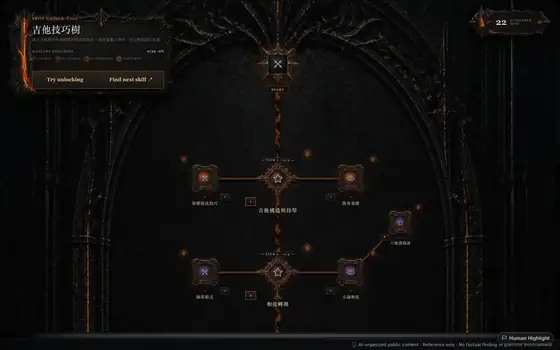
Summary tools hand you a block of text, and you forget it as soon as you finish reading. Human Highlight gives you 33 visual structures (Classification Atlas, Cycle, Pattern Atlas, opportunity map, decision lab, mechanism blueprint, action playbook, timeline, skill unlock tree, causal web, tournament bracket, relationship web...) and lets you choose which topology best fits the content. Every node links back to the original clip — nothing the AI made up. It's a visual thinking tool, not just a text summarizer. The Chrome Extension goes further with full video summaries and context-capture tools, storing the videos you've watched as a knowledge star map so you can always return and collect from your YouTube memory.
What about note apps like Notion AI or Obsidian?
Those are blank canvases waiting for your input. Human Highlight is a pipeline: YouTube goes in, a structured topology comes out. It doesn't replace your notes — it complements them. You can drop a screenshot of a topology you found on Portal into Obsidian as an entry point into your study material.

The smartest people learn from YouTube.
Now you can too.