

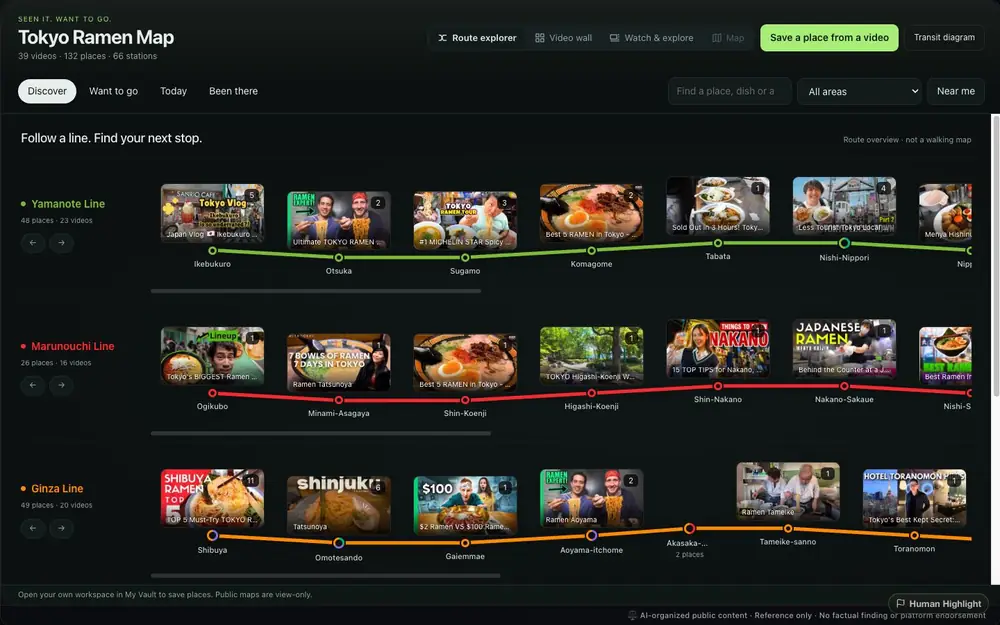
 Behind the Counter at a Japanese Fish Ramen Shop
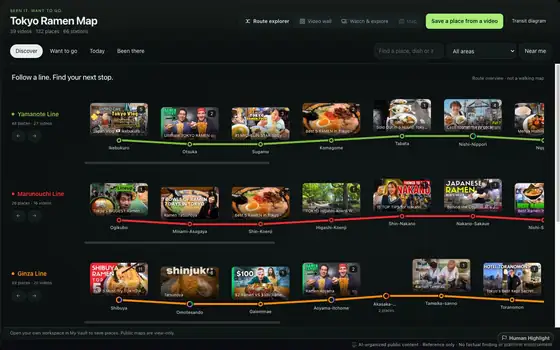
 PERFECT Ramen Noodles in Osaka Japan: Ichiran Ramen
 THE SPICIEST RAMEN in Tokyo at Karashibi Kikanbo - DEVIL LEVEL Japanese Food!
 TOP 5 Must-Try TOKYO RAMEN | Shibuya
 TOP 7 RAMEN in TOKYO, JAPAN
 #1 MICHELIN STAR Spicy Japanese Ramen & Best HIDDEN GEM Ramen in Tokyo Japan
 Tokyo Ramen Top 5 Must Eat at Shinjuku | Japanese Food Guide
 Sold Out in 3 Hours! Tokyo Ramen Master Handles 5am Queue All Alone!
 MICHELIN Star RAMEN & SOBA Noodle Tour of Tokyo Japan
 Tokyo Ramen Tour - 3 Unique Bowls of JAPANESE NOODLES | Best of Tokyo Food Tour!
 Ultimate TOKYO RAMEN Tour! RAMEN EXPERT Reveals the Best Noodle Spots in Town!
 Tokyo's BIGGEST Ramen Neighborhood - Ogikubo!







 Published
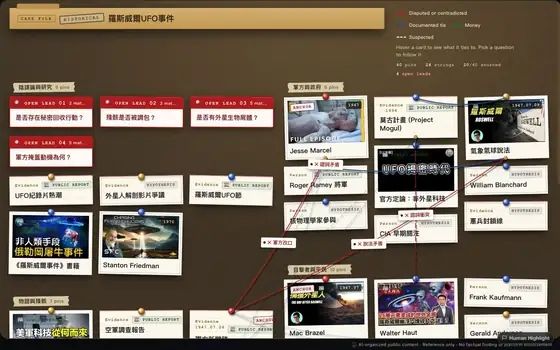
Share how you connect the dots.
How experts connect ideas is the scarcest knowledge there is. Publish your map, climb the leaderboard, and let others learn along your route.
See the leaderboard
Scrolled the whole homepage and still nothing to watch?
Step outside the algorithm and see YouTube from an angle you’ve never tried.
Bring your curiosity and give me five minutes.
Create maps in the Chrome extension

You watched one ramen video. Now your whole homepage is ramen.
The more the algorithm learns about you, the smaller the pool gets.
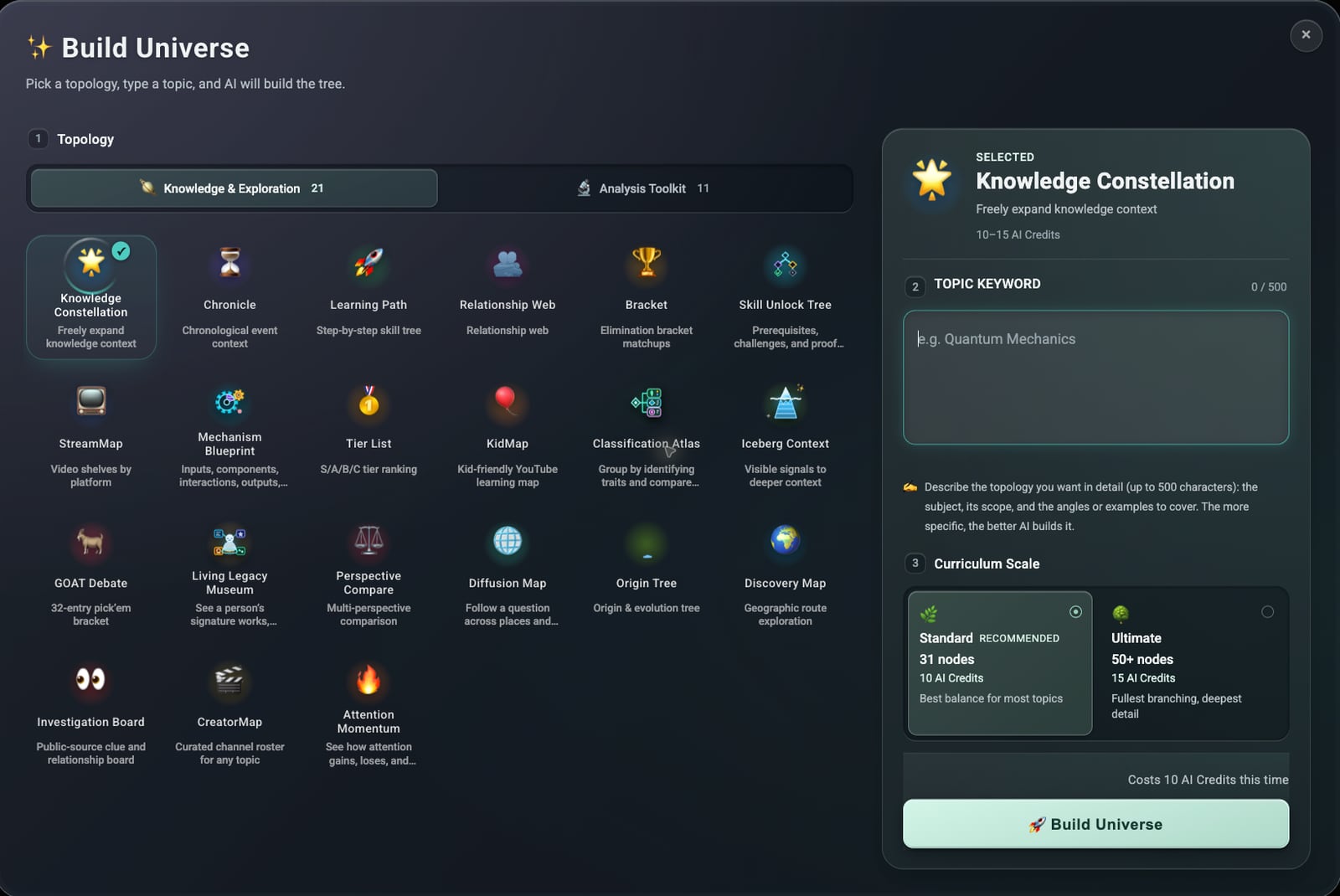
So we built a hammer to break it open.
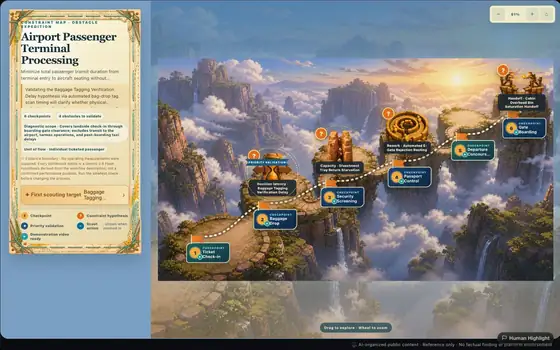
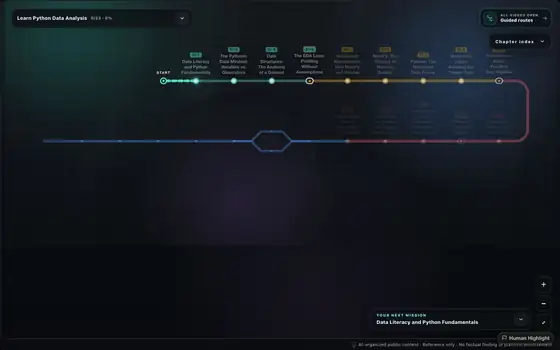
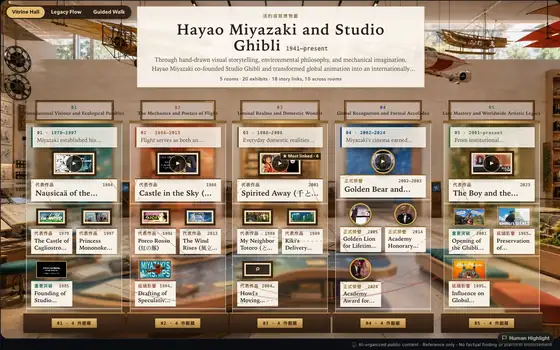
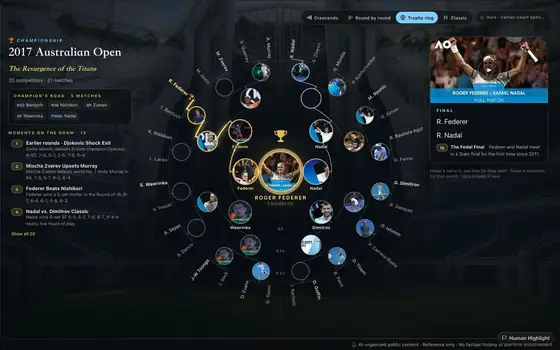
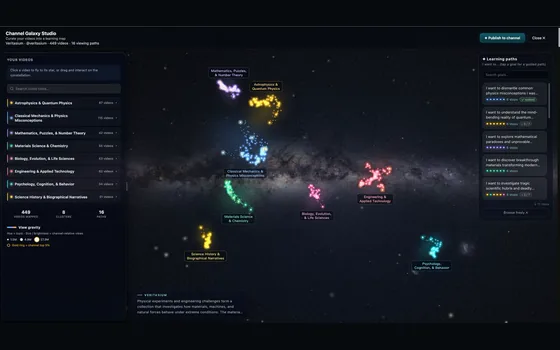
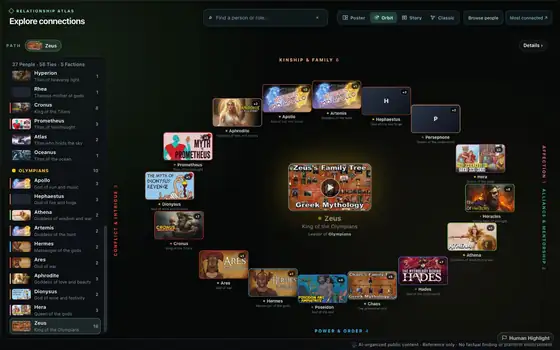
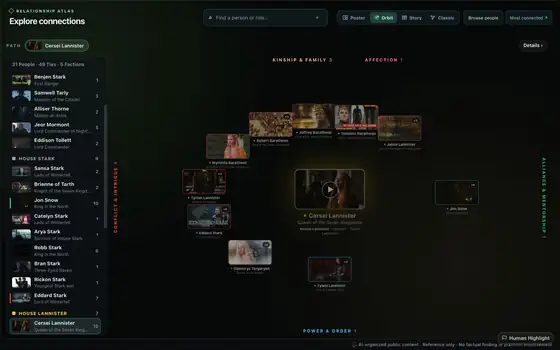
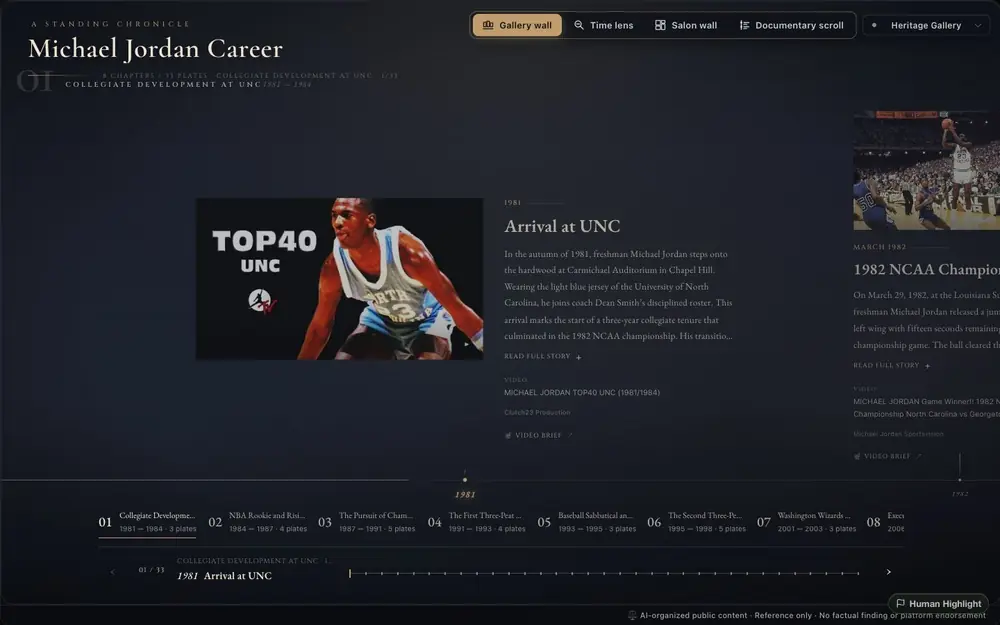
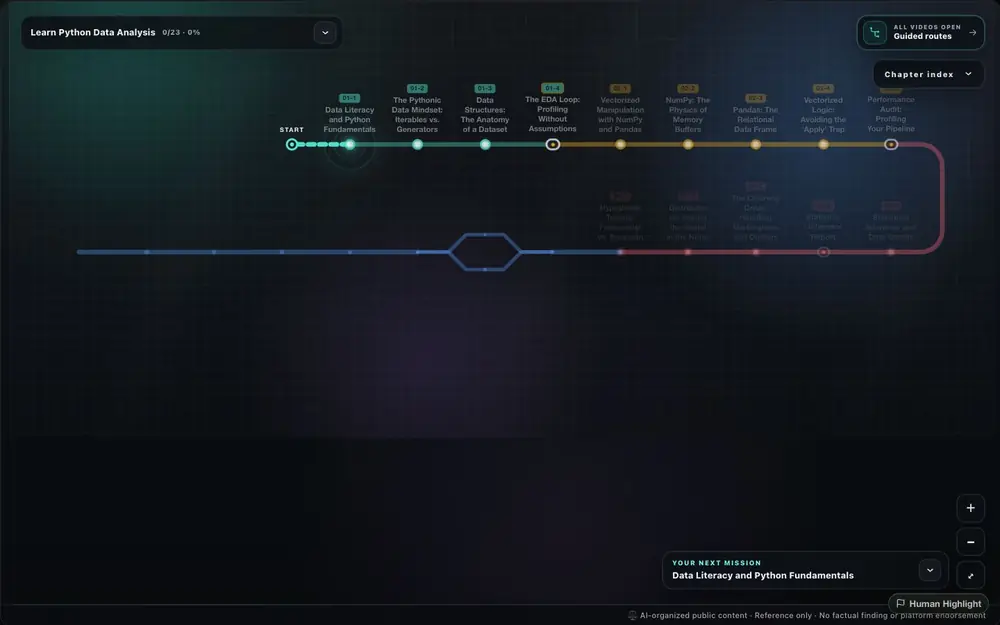
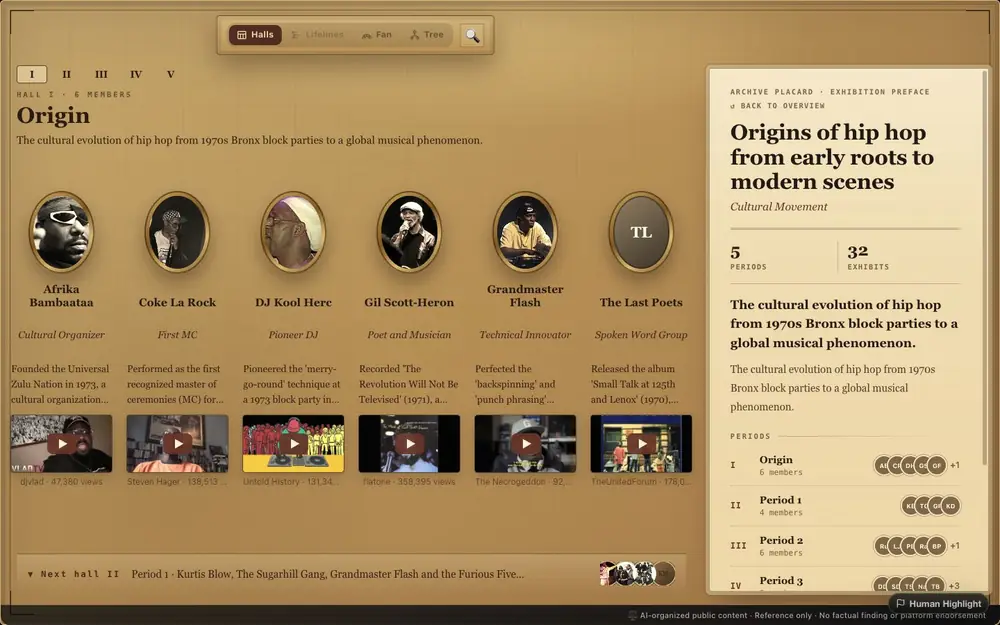
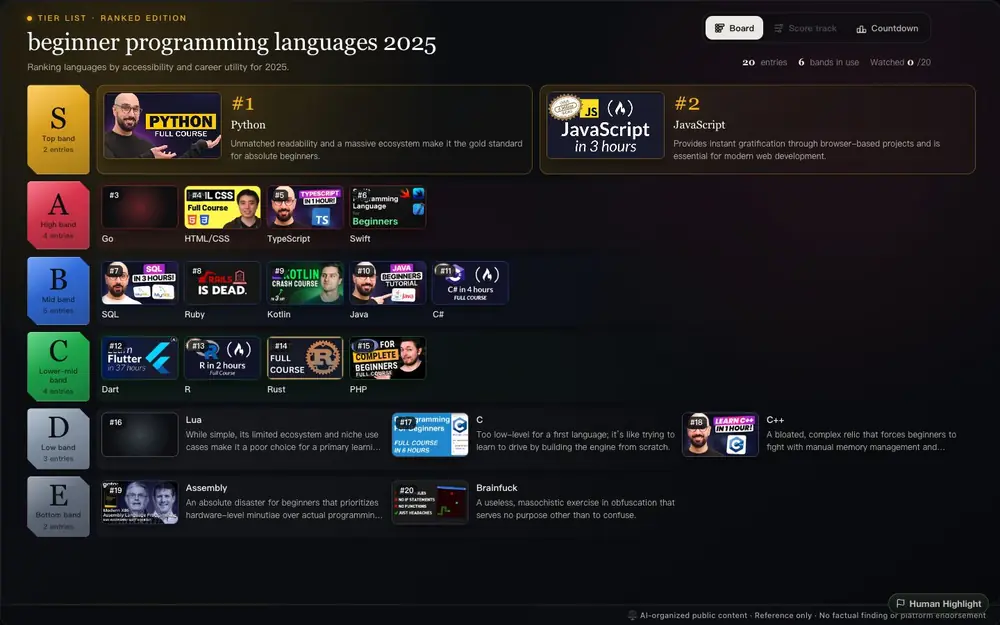
We take the best videos in the ocean and lay them out as a map you can read.
Click one and you’re watching the original, made by a real creator. AI finds and arranges; real people do the talking.
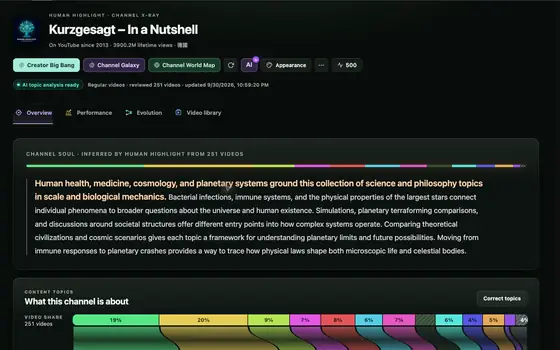
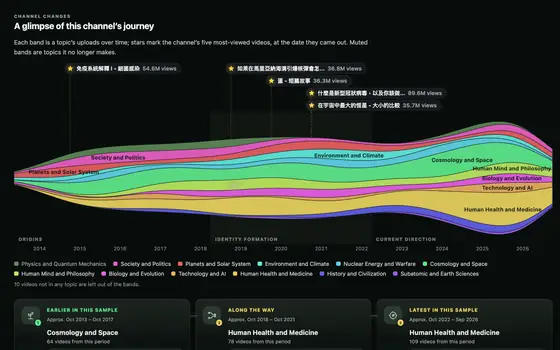
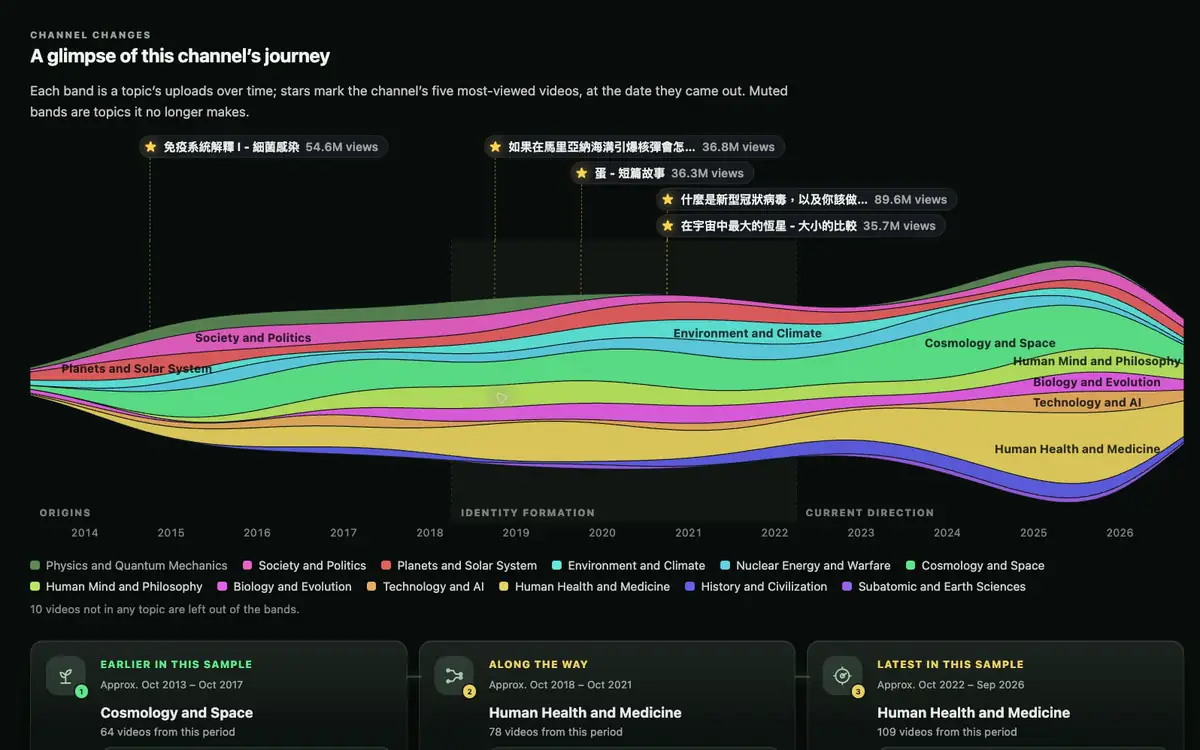
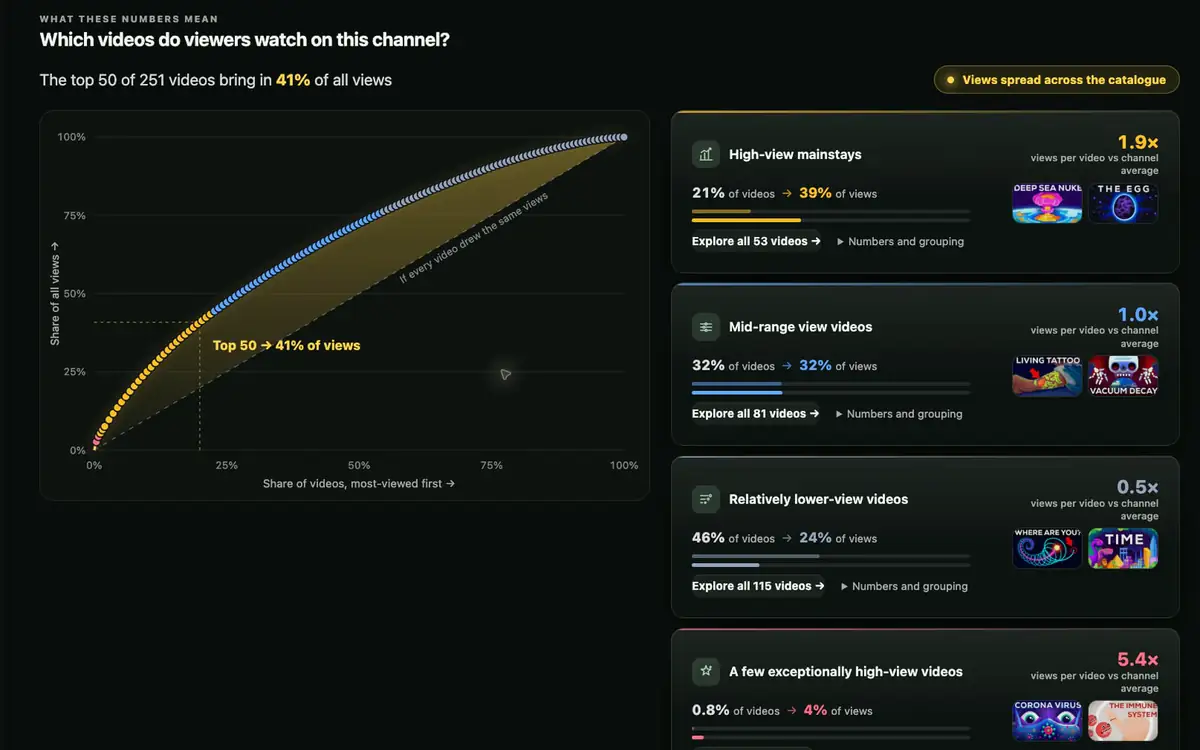
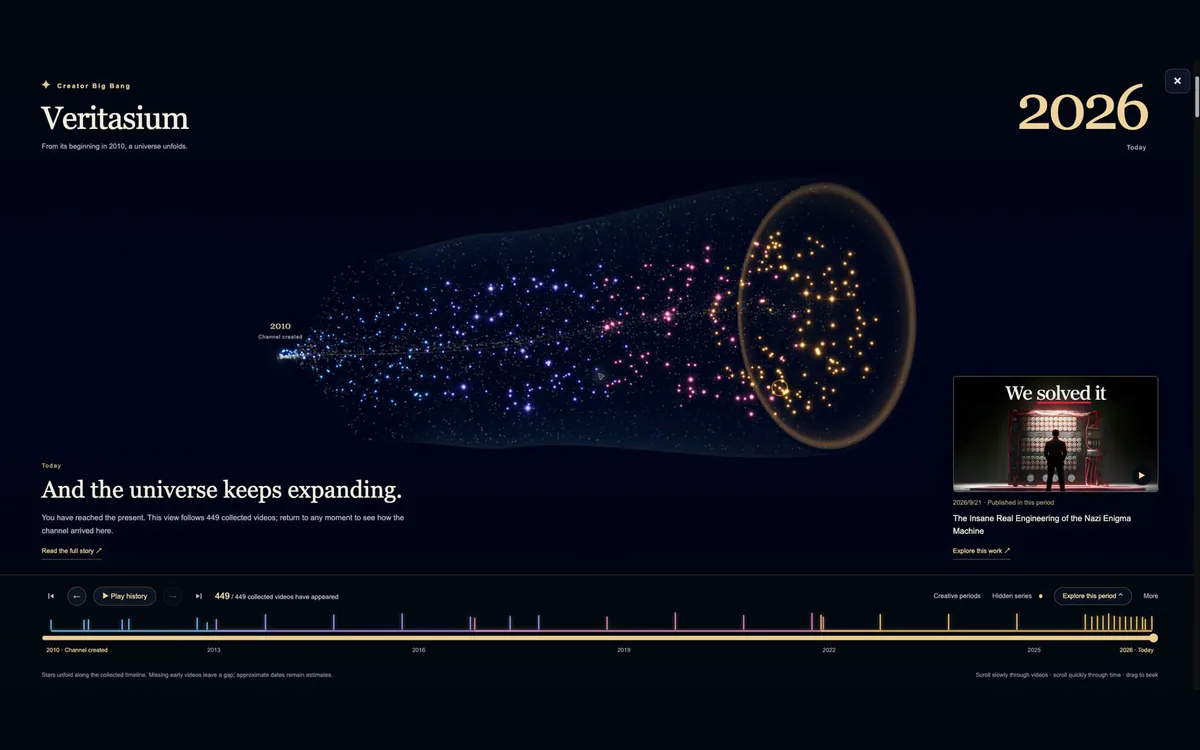
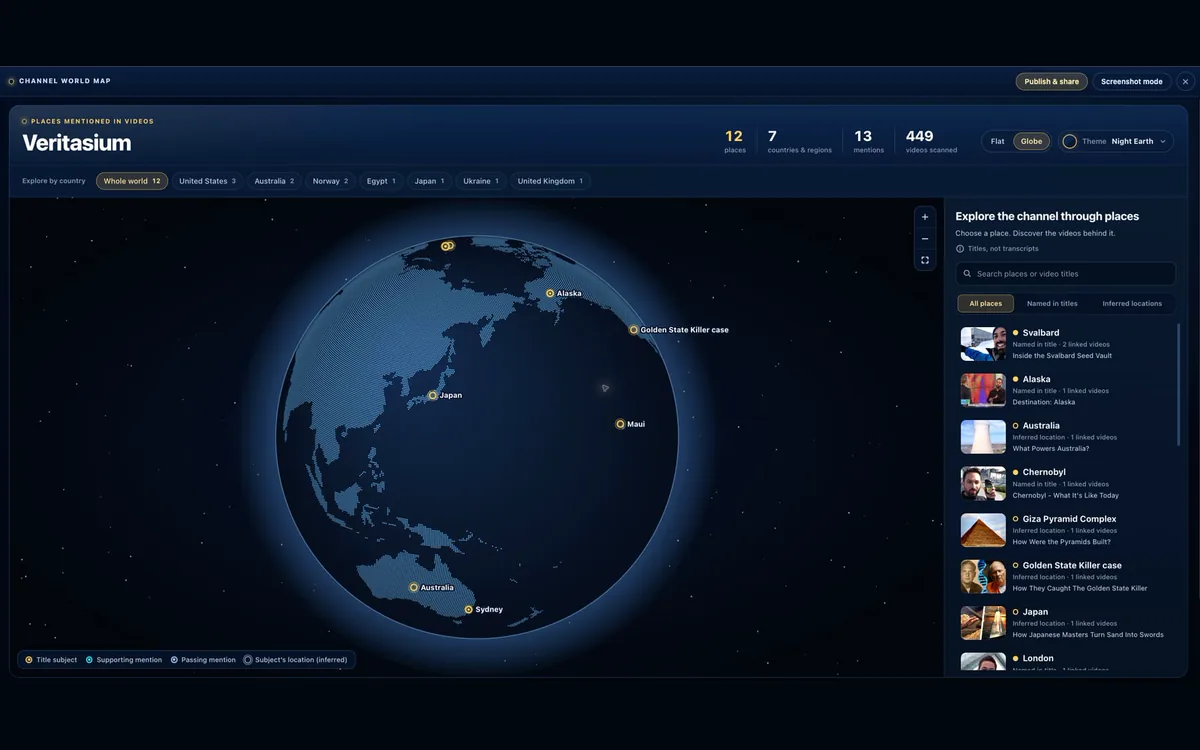
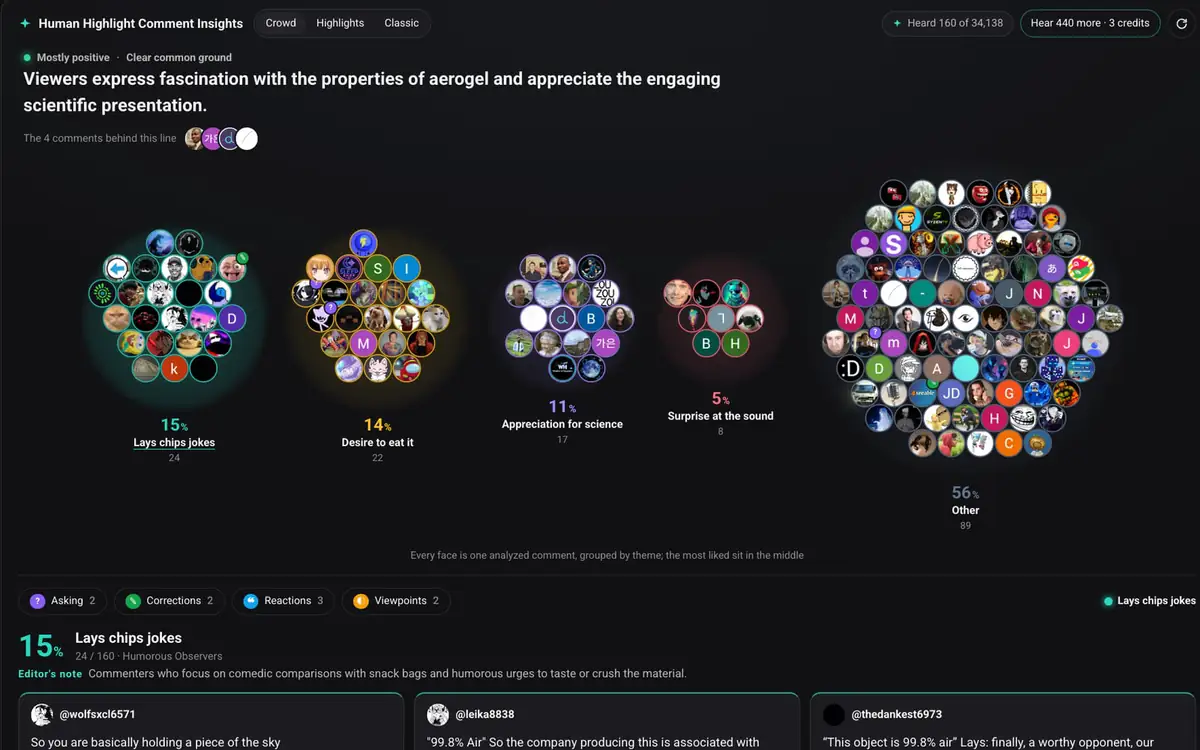
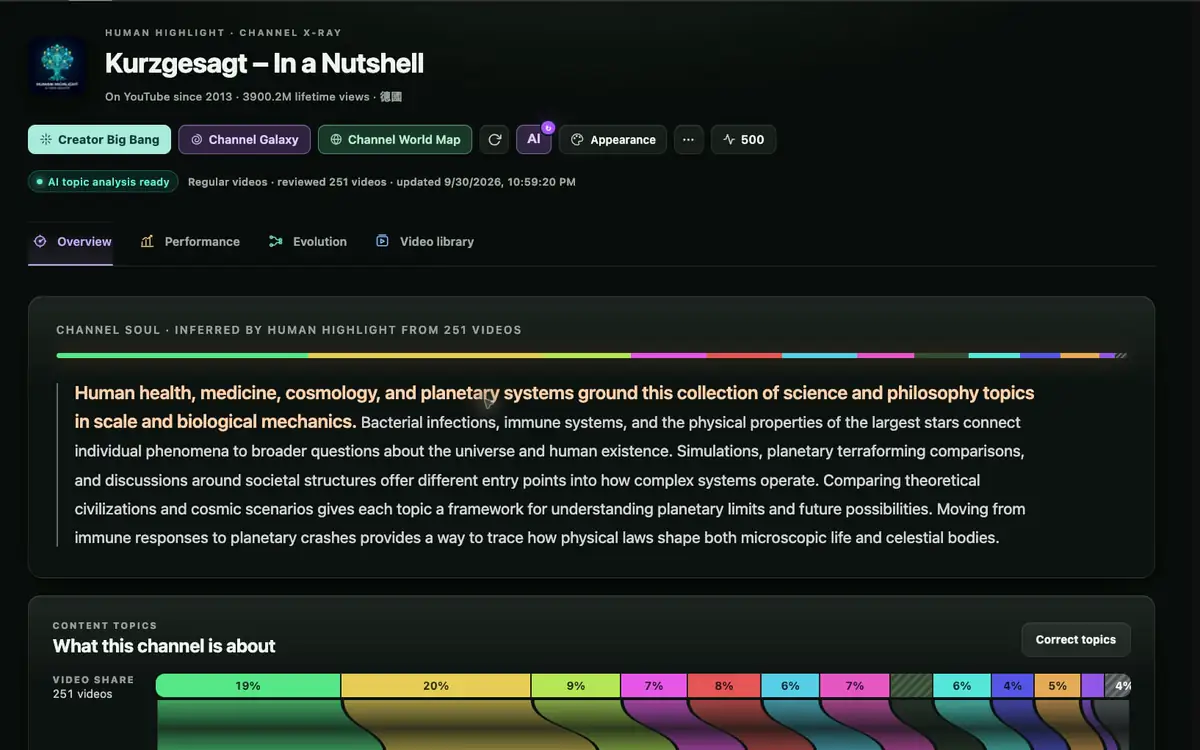
Open any channel on YouTube and see, in one click, what it covers, how it has changed and which videos to watch first. Free, right inside YouTube.
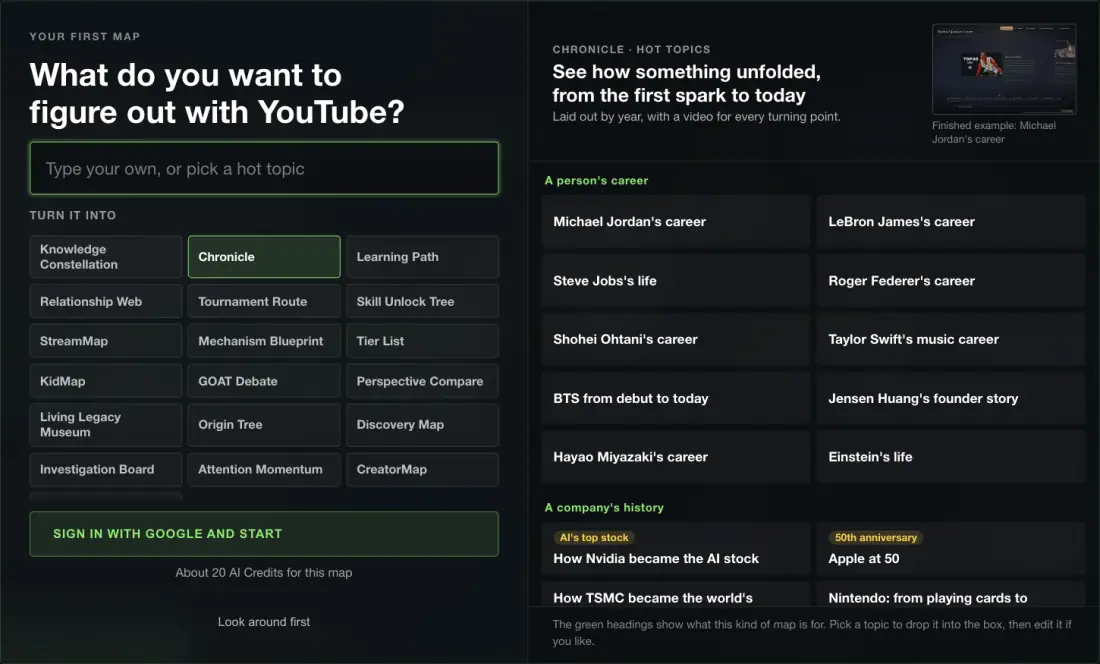
Or start from
 Published
How experts connect ideas is the scarcest knowledge there is. Publish your map, climb the leaderboard, and let others learn along your route.
See the leaderboard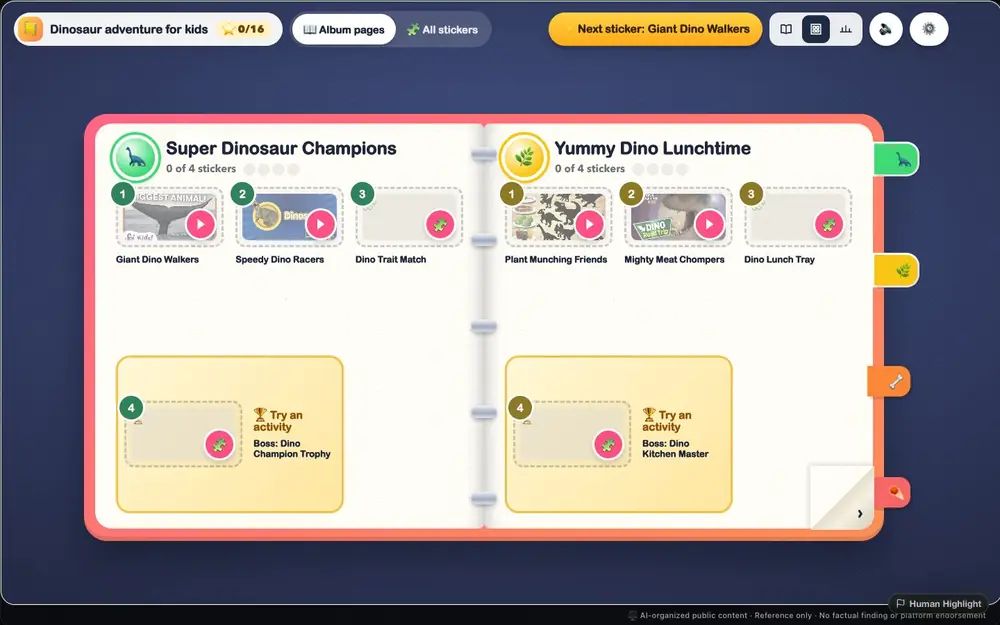
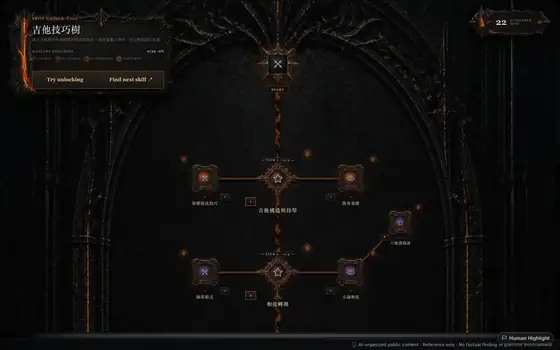
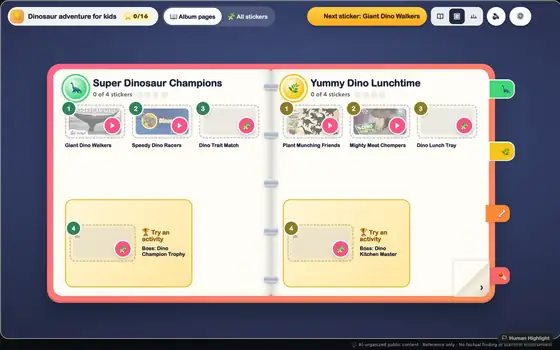
Choose a topic and age to create a colorful YouTube learning path. An adult reviews the worlds, stages, and videos before handing it to a child.
Create a KidMap50 AI Credits every month, plus a 200-credit Launch Boost for your first 14 days.
Annual plans are billed upfront; AI Credits still reset monthly. Purchased AI Credit packs are available to every account, Free included, and do not expire.
Prices are in USD. Applicable taxes are calculated and added at checkout. Subscriptions renew automatically until cancelled; cancel any time from Settings → Billing. Payments are processed by Polar as merchant of record. Refund policy
Trust will come from real evidence.
Usage metrics and creator highlights appear only when backed by verified product activity; Human Highlight does not show placeholder numbers.