AI-structured · Human-verified

YouTube is the world's
largest expert knowledge base.
We create immersive experiences for you.

Have you ever scrolled through the YouTube homepage and still had no idea what to watch?
Let's step outside the algorithm and explore YouTube from an angle you've never tried.
Give me a little curiosity and five minutes, and let's go exploring.

See real examples
First map starter

YouTube is really a vast ocean of knowledge Yet the area we can explore keeps getting smaller

Yes—we are missing a hammer: one big enough to smash the lock that limits your view.

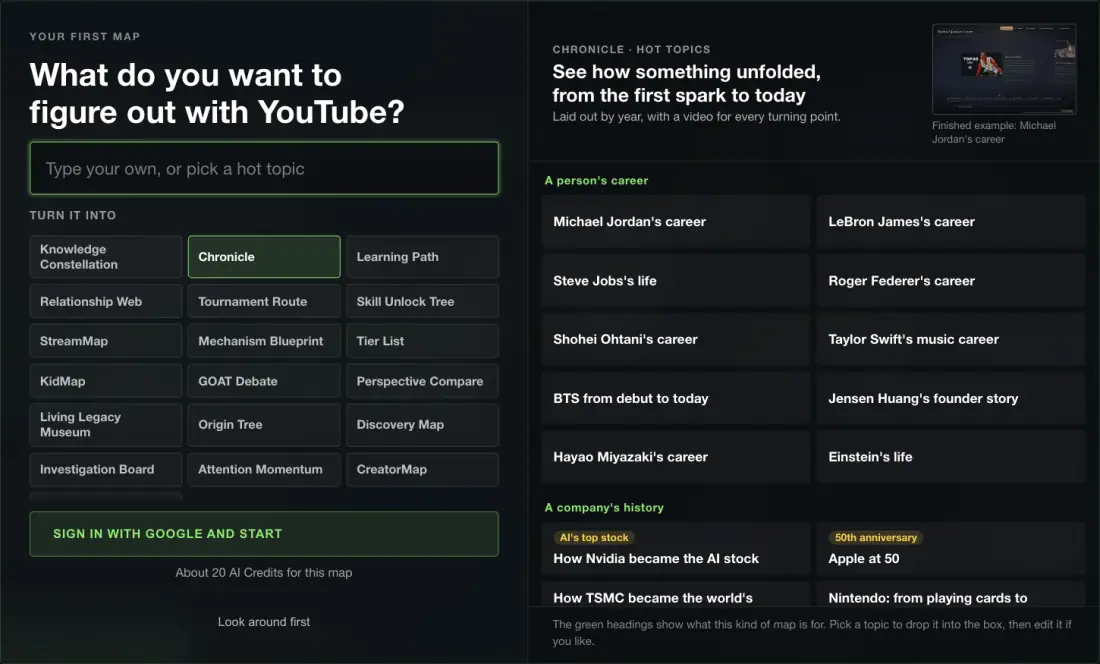
01 Choose a tool
02 Think of a question
03 Build the topology
Learn a skill

Choose a learning path

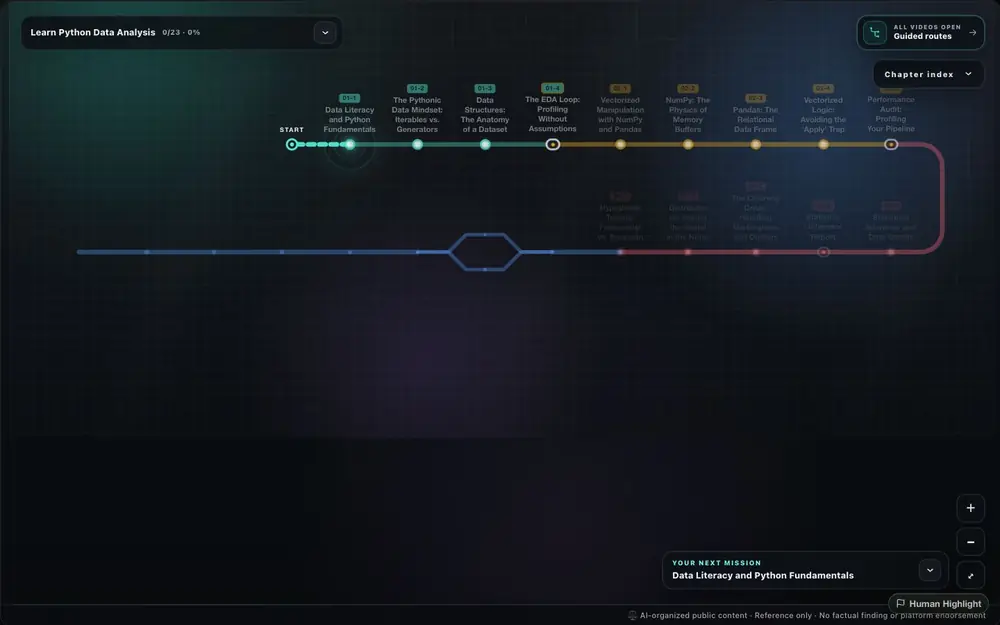
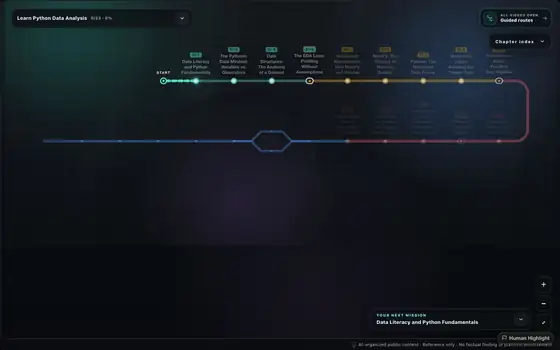
Turn any subject you want to learn into a step-by-step roadmap. Every field of knowledge is now within reach.

Trace the source

Trace an origin tree

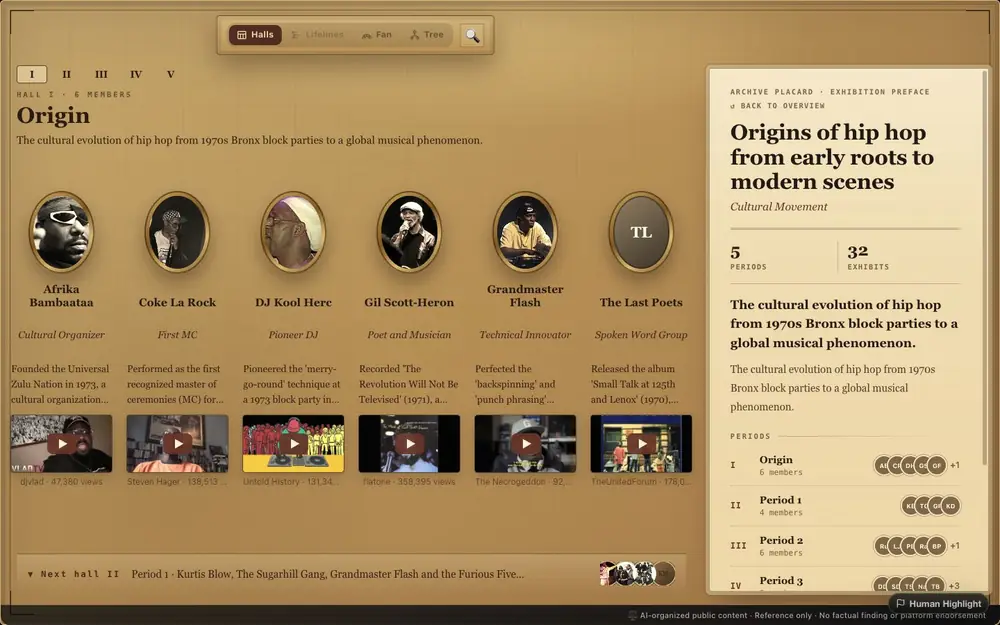
Start with a concept, a school of thought, or history, and see clearly where it began, how it branched, and where it turned.

Rank choices

Build a tier list

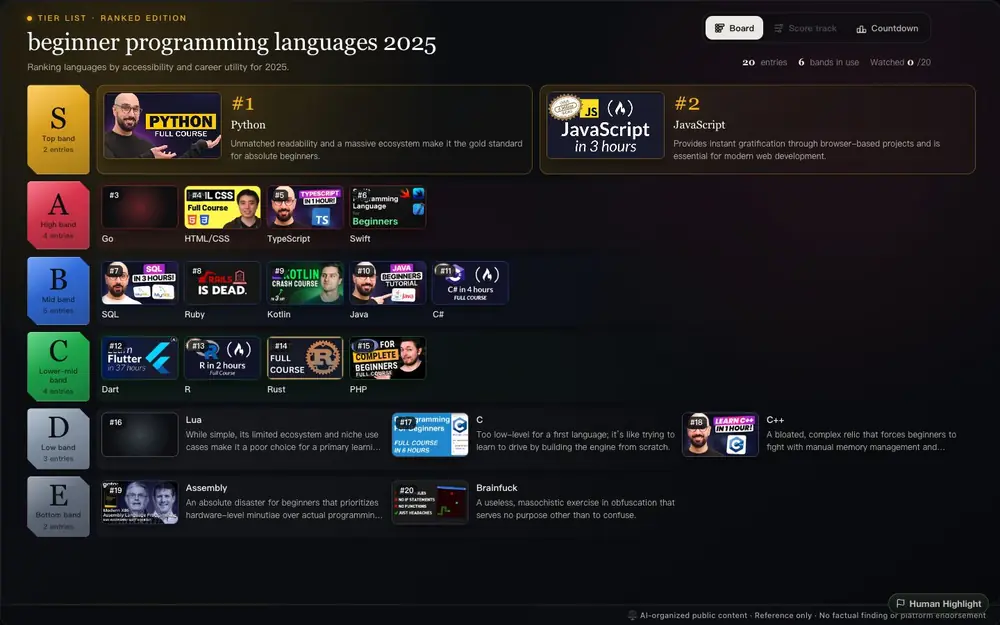
Turn tools, channels, ideas, or examples into ranked tiers so the best picks stand out fast.

Explore the timeline of any event

Make a timeline

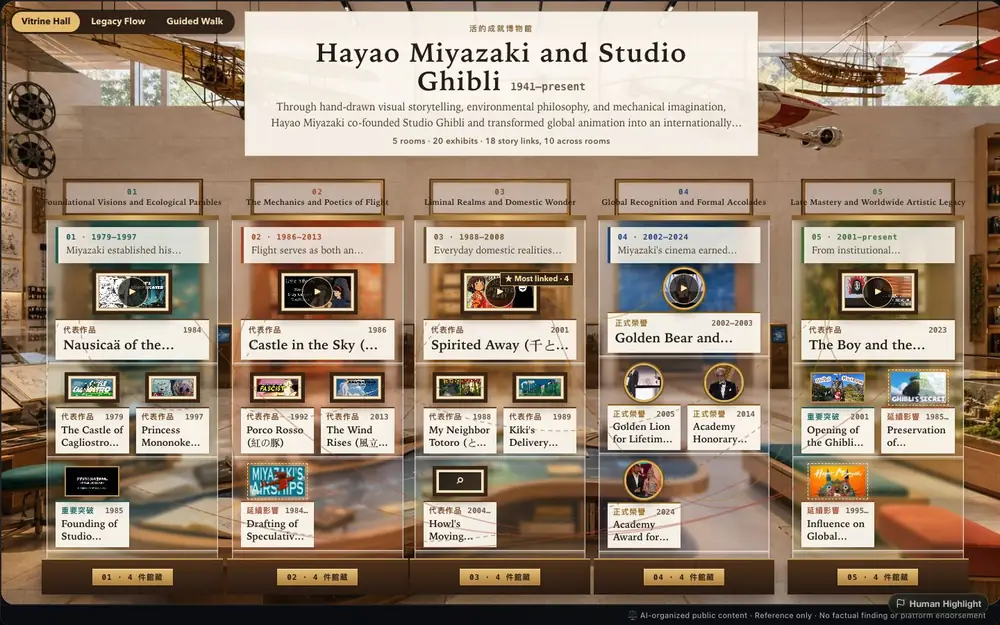
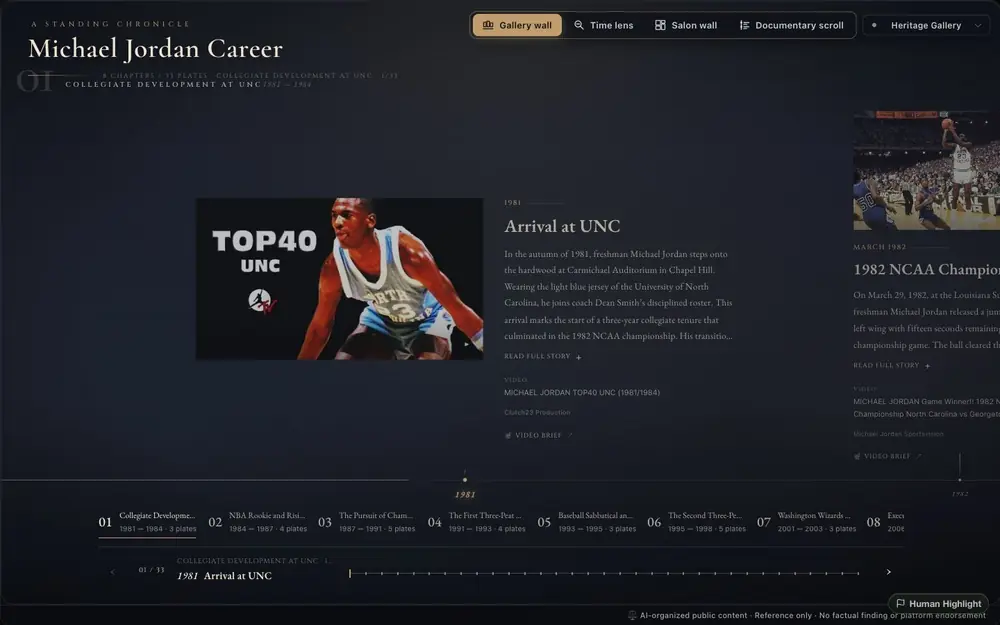
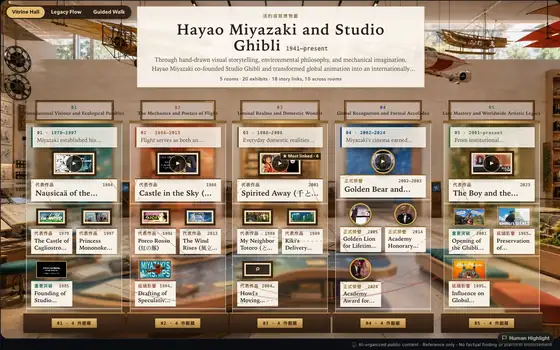
Lay out the lives of famous people and historical events in chronological order, so you can see the context with museum-level clarity.

For parents and guardians

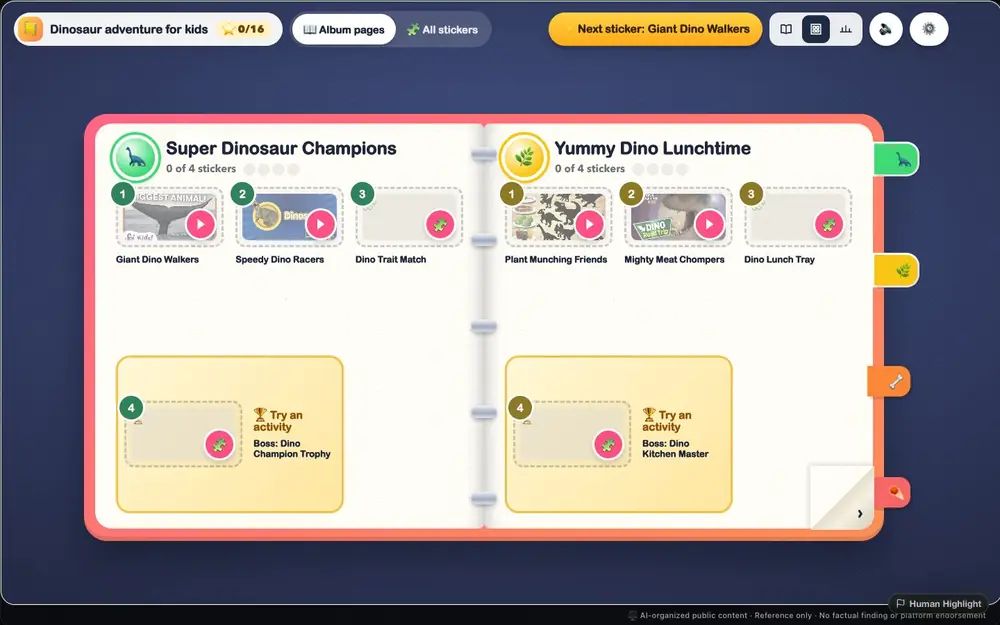
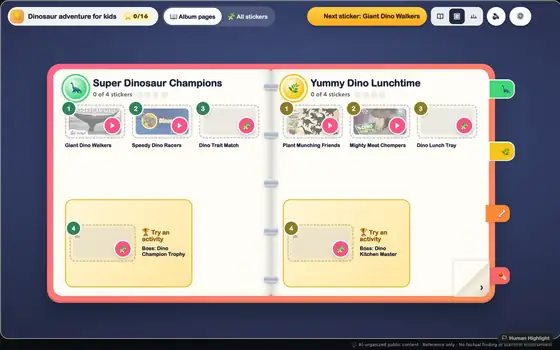
Create a KidMap for a child

Choose a topic and age to create a colorful YouTube learning path. An adult reviews the worlds, stages, and videos before handing it to a child.

Create a KidMap →
You probably remember this feeling

Scrolling up and down the homepageYet never finding the videos you want

YouTube holds more knowledge than any university library. But it is trapped inside an algorithm designed for passive consumption. The more it learns which channels you subscribe to, the more your recommendations narrow into a single pool—until, over time, you can no longer break out. The knowledge was there. The structure wasn't.

We built a complete set of visualization tools to organize knowledge into context.

Clarify the shape of the question

Scattered YouTube collections, neatly organized. Break out of the algorithm’s knowledge cocoon and use YouTube better.

01

Every node is a Highlight

Every node links back to the original YouTube video. AI organizes the knowledge, humans verify it. No fabricated citations. No made-up facts. You can always trace the source.

02

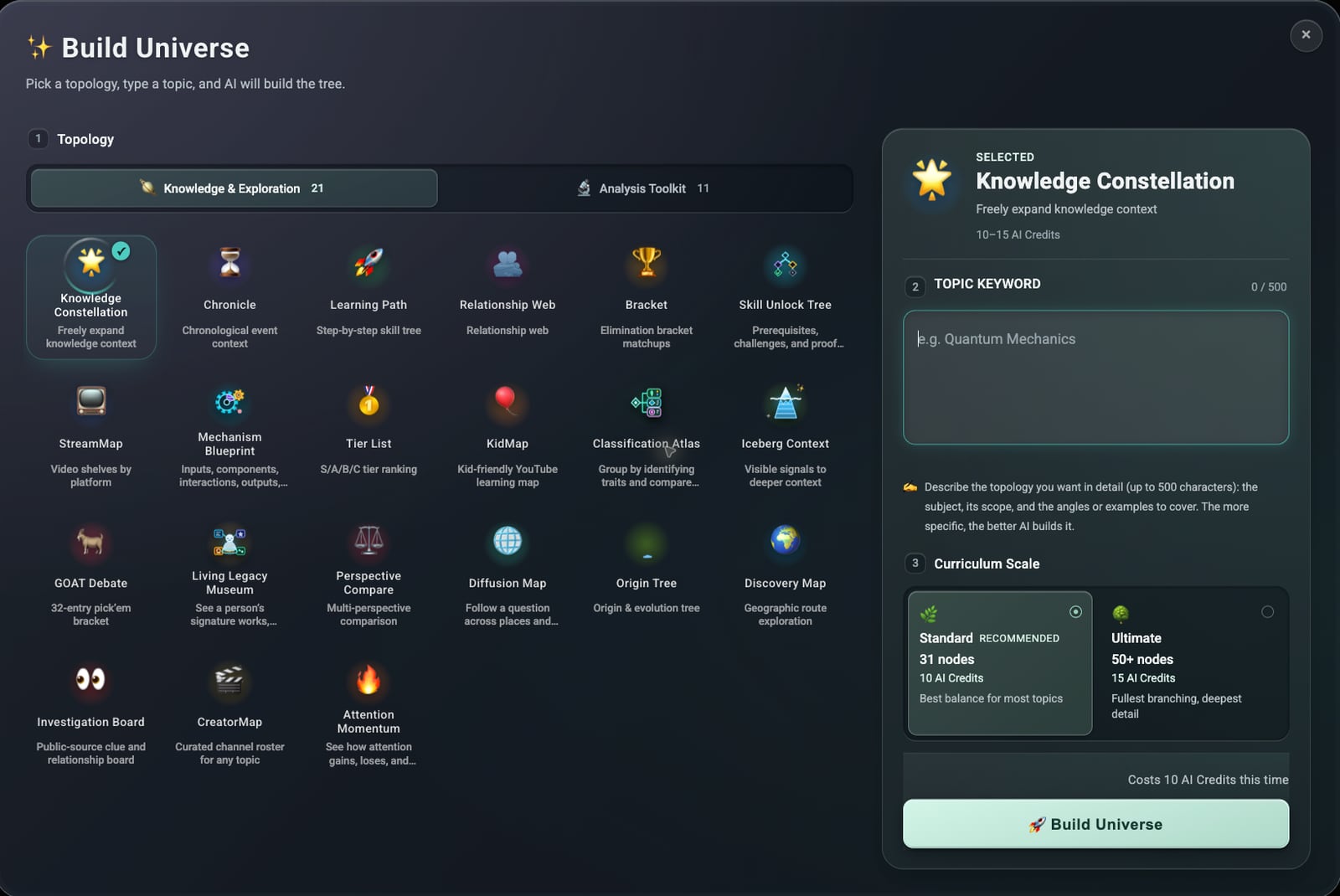
33 knowledge topologies

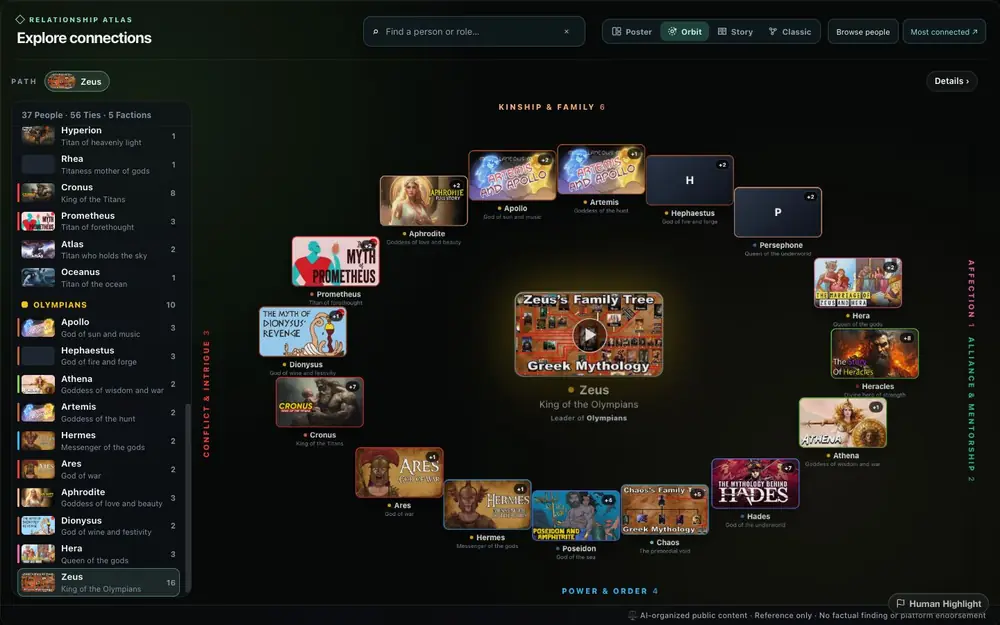
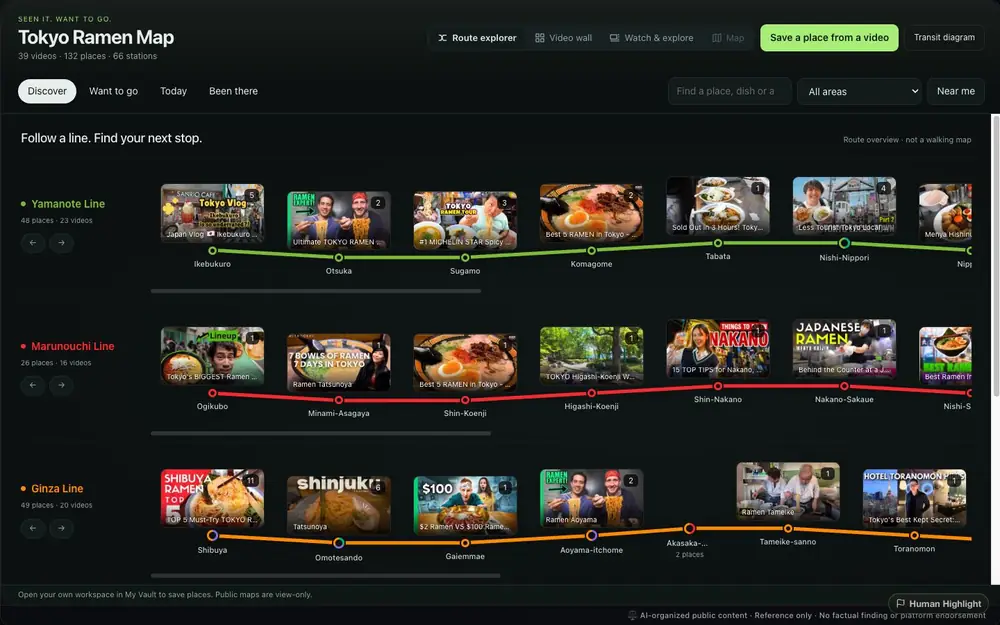
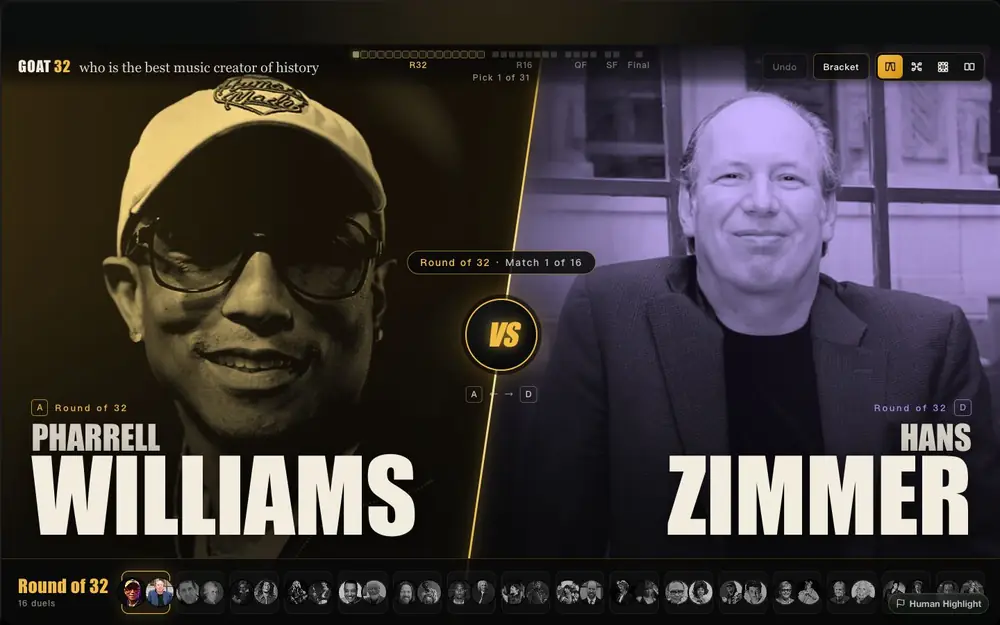
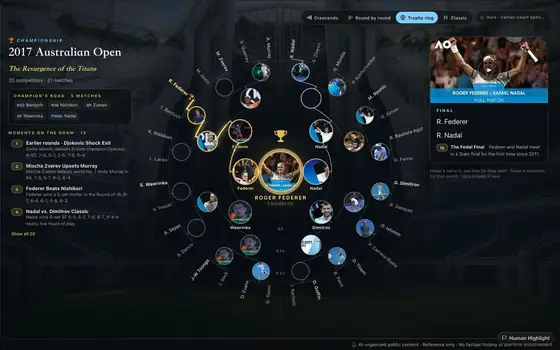
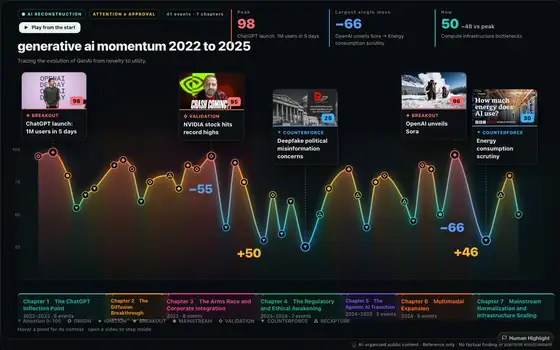
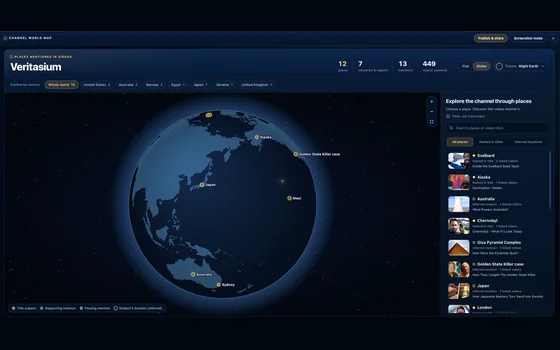
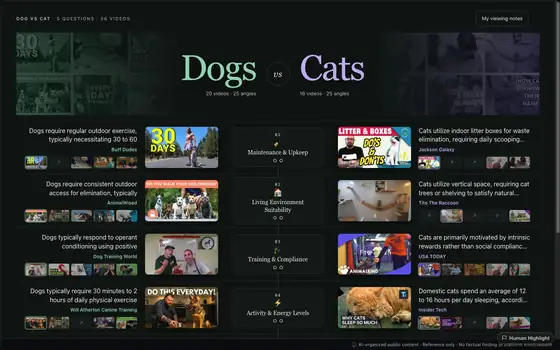
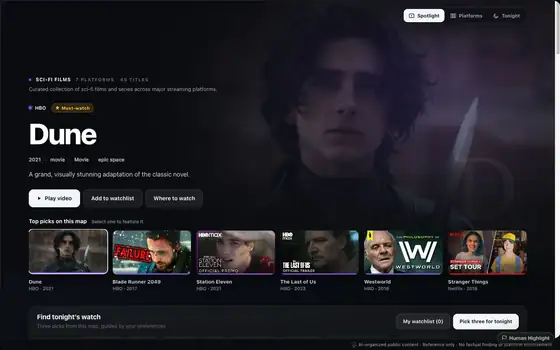
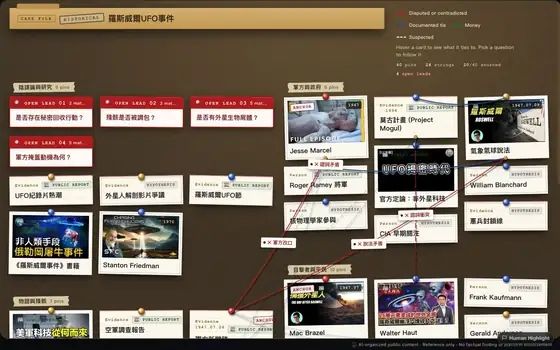
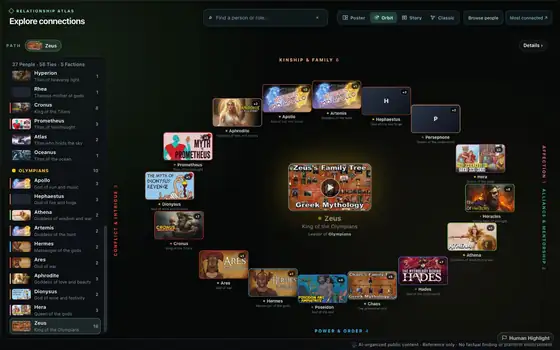
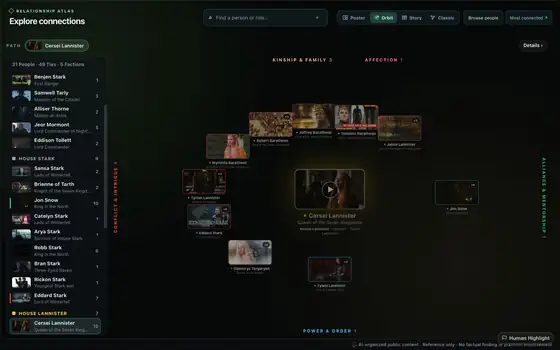
Timelines, tournament brackets, tier lists, character relationship webs, cycles, detective red-string walls... each reveals a different dimension of the content. Pick the structure that fits the story.

03

Get the full experience from the Chrome Extension

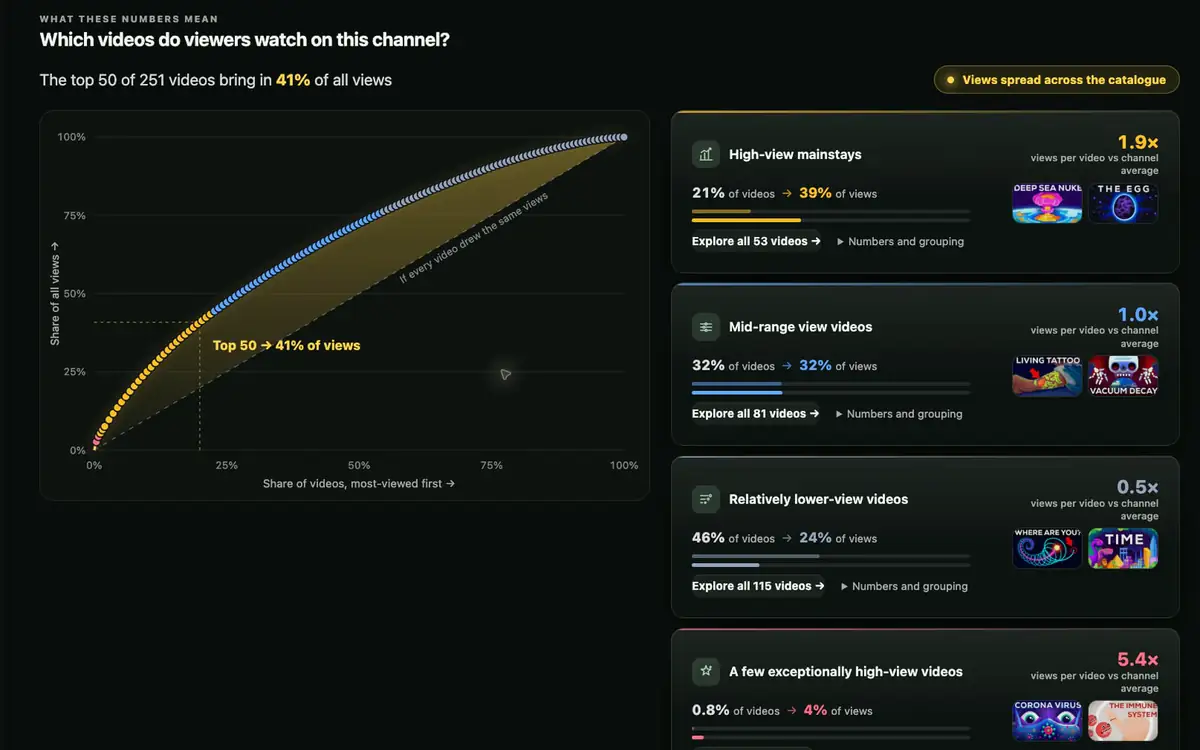
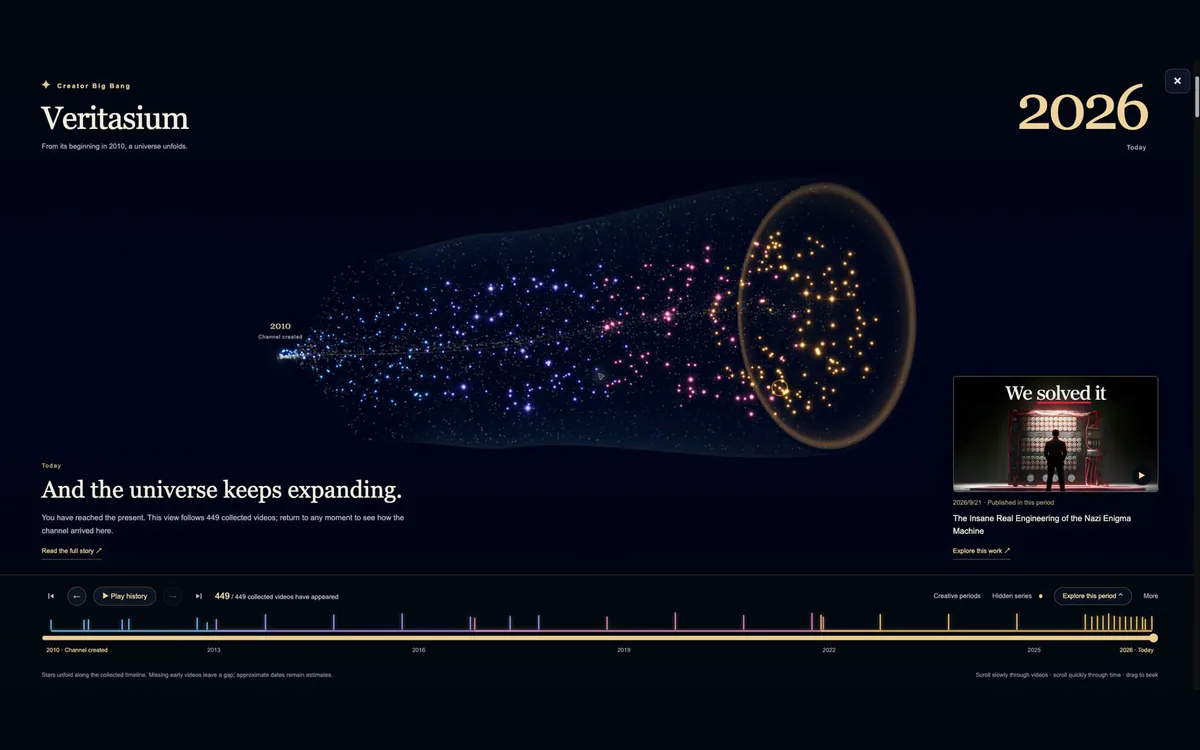
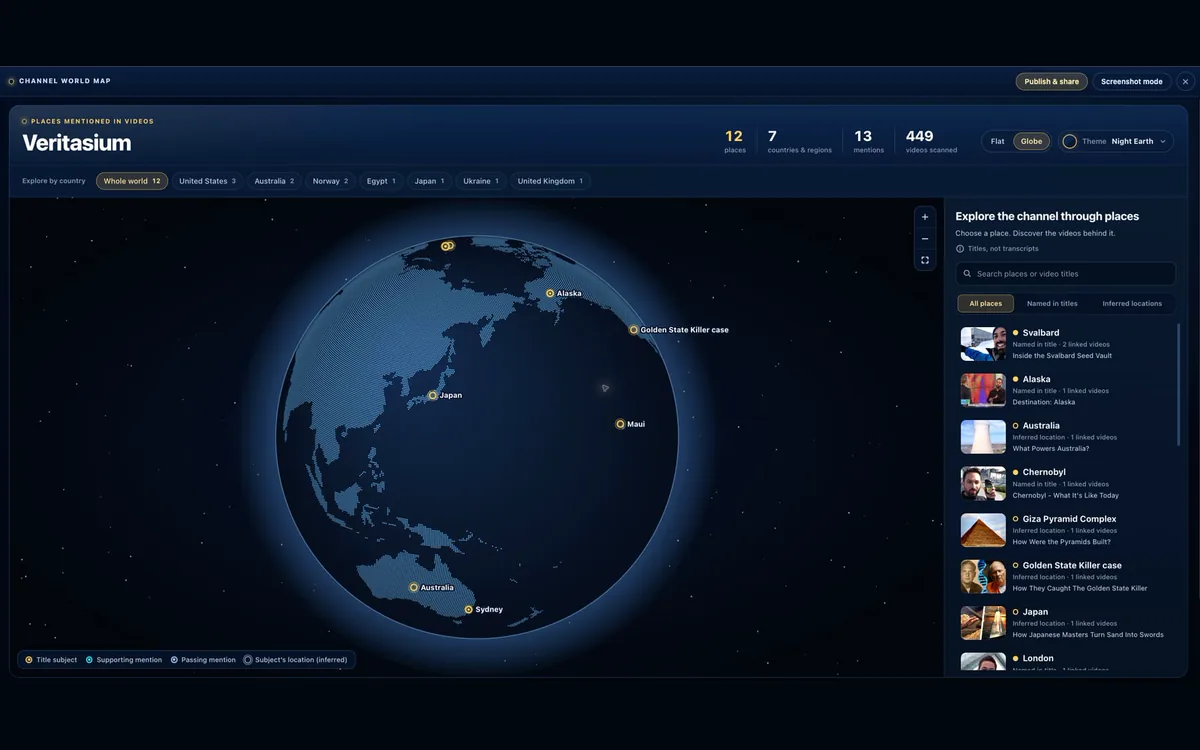
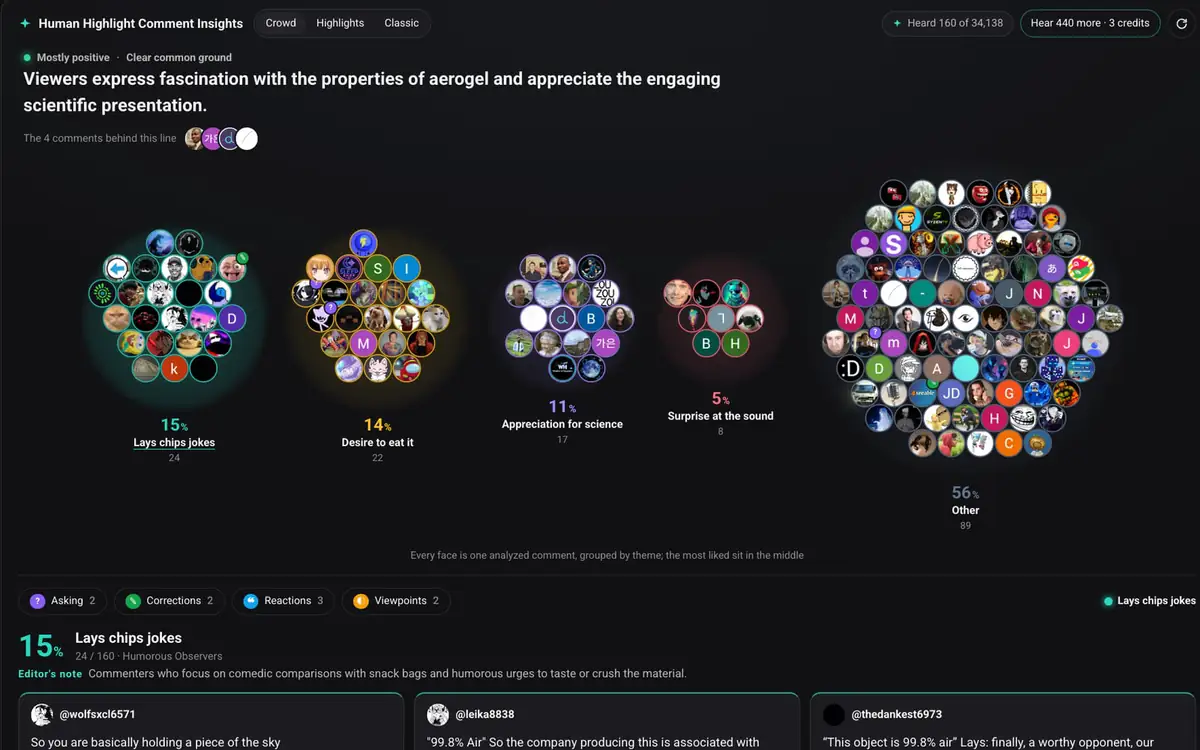
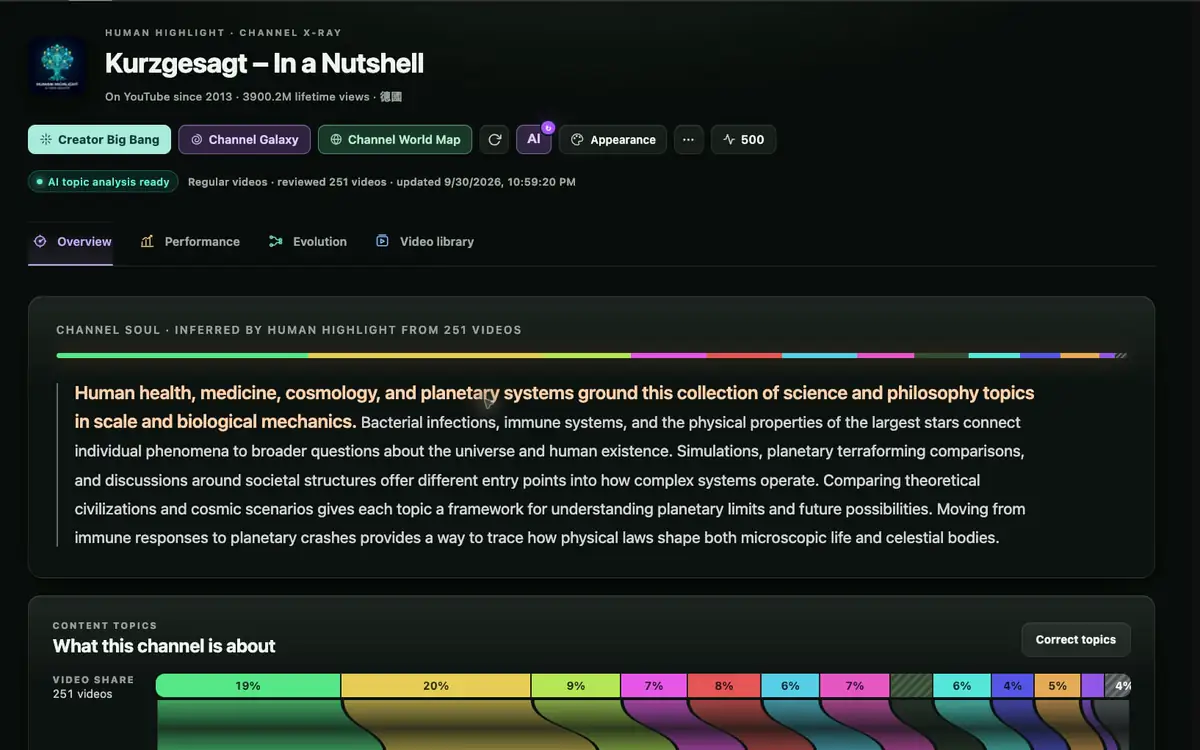
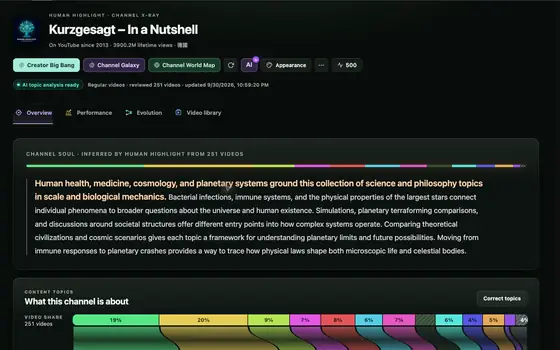
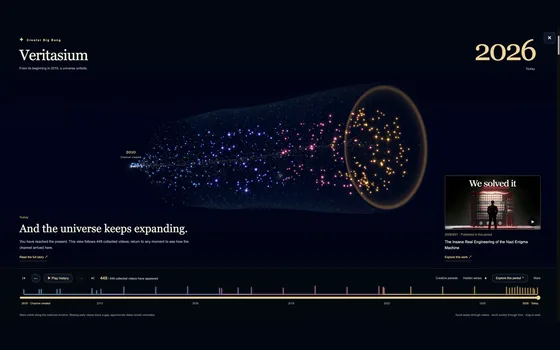
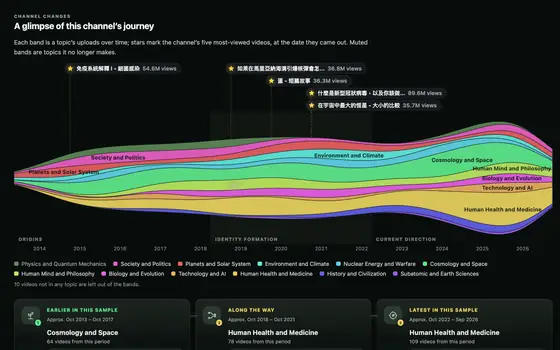
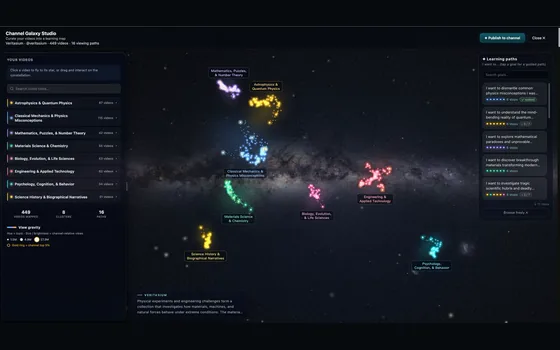
Instant knowledge snapshots for great videos, real-time Q&A about video content, deep channel organization, fast global recommendations for similar best-in-class videos, audience perspective summaries from comments, Shorts channel organization, and a 3D Big Bang universe interface that takes you through a creator's full channel history.

04

Share the knowledge contexts you build

One of the world’s scarcest resources is the first-principles thinking inside brilliant minds. Share your most valuable lines of thought with people everywhere. Let the context behind your videos tell everyone your story.

Start with the guided Gallery

Not all knowledge
looks the same.

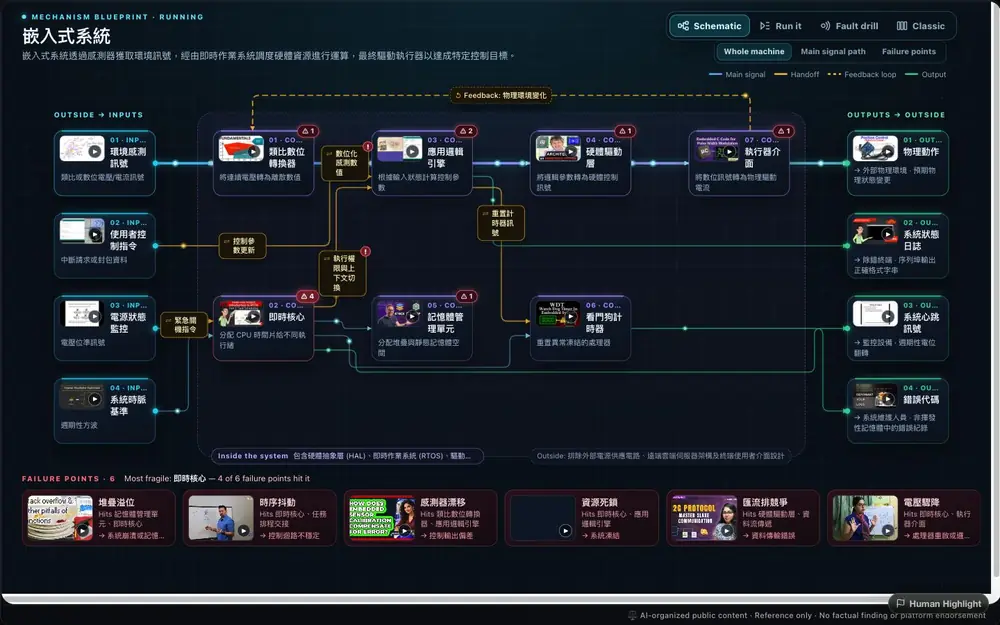
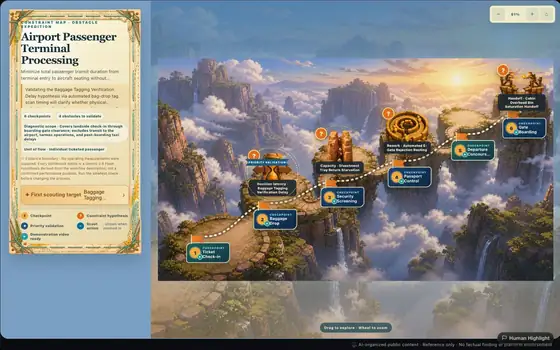
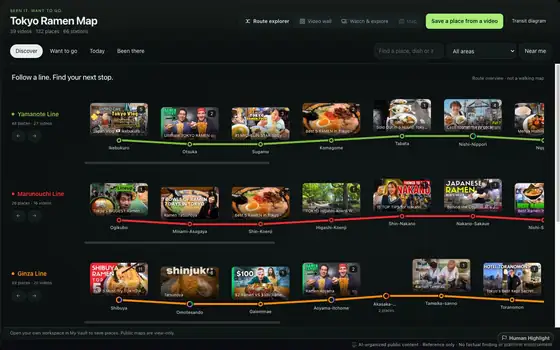
Timeline works for famous people and historical events; Pathfinder for step-by-step learning; Origin Tree for tracing history; Relationship Web for connections between people; Classification Atlas for current groups and their defining traits; What if? for questions that change a single historical turning point; Action Playbook for team workflows; Decision Lab for multi-criteria choices; Mechanism Blueprint for how systems work internally; and Tier List for quick comparisons. The gallery turns all 33 topologies into guided tours, so you can see which structure fits each kind of question before deciding how to organize your videos.

Open the guided Gallery Browse public examples →
Timeline topology, real render
Timeline · History
Pathfinder topology, real render
Pathfinder · Learning Paths
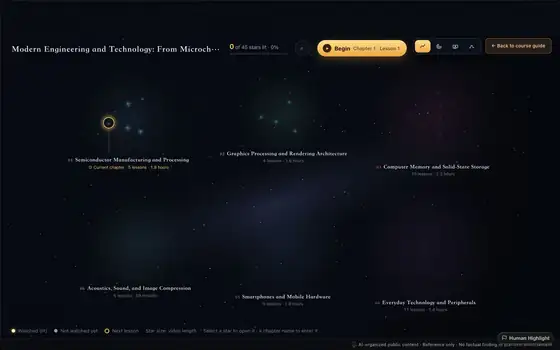
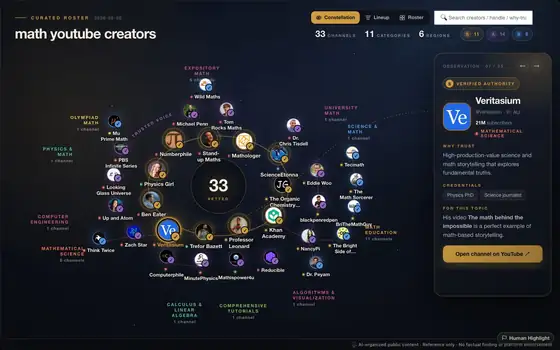
Knowledge Constellation topology, real render
Knowledge Constellation
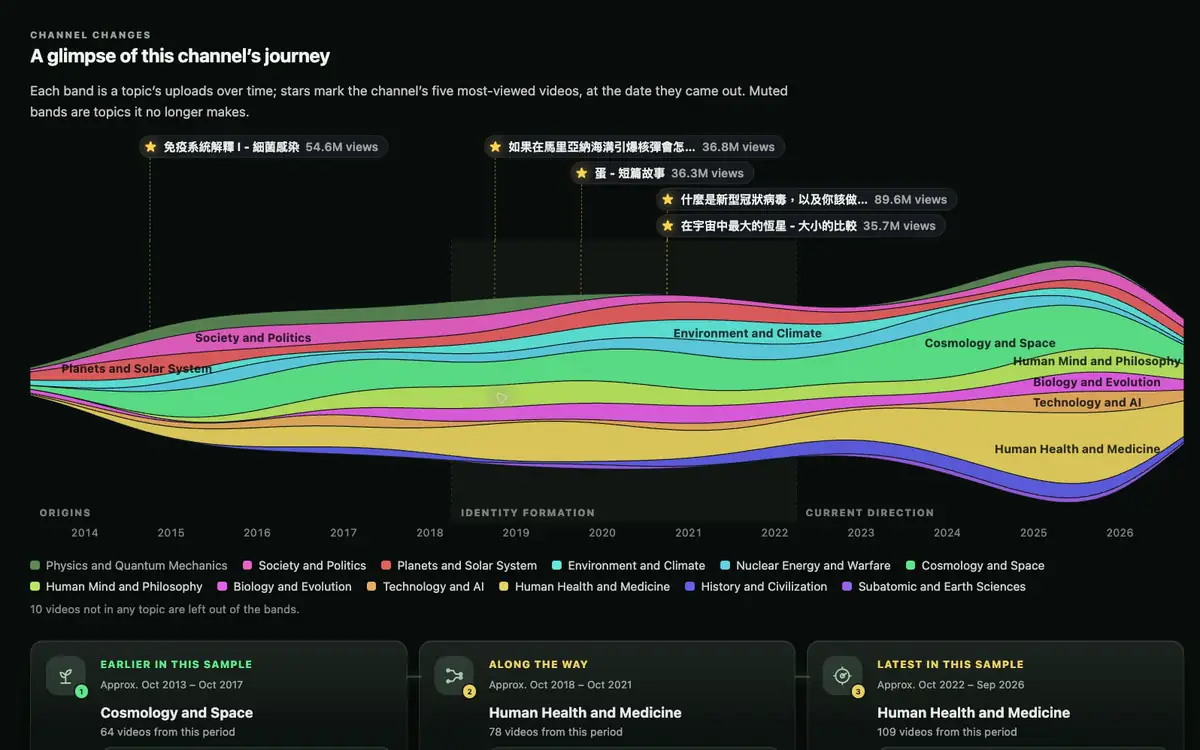
Stream Map topology, real render
Stream Map
Pricing

Choose by how much you create

Start free with 50 AI Credits every month and a 200-AI-Credit Launch Boost valid for 14 days. Upgrade only when your workload grows.

Free
$0forever
  • 50 AI Credits every month
  • 200-AI-Credit Launch Boost (14 days)
  • Local-first exploration
Plus
$10.90USD / mo
  • 500 AI Credits / month
  • Cloud sync and publishing
  • For steady personal projects
Recommended
Pro
$19.90USD / mo
  • 1,000 AI Credits / month
  • For regular research and production
  • Everything in Plus
Ultra
$36.90USD / mo
  • 2,000 AI Credits / month
  • For intensive research and high-volume creation
  • Everything in Pro

Annual plans are billed upfront; AI Credits still reset monthly. Purchased AI Credit packs are available to active paid subscribers and do not expire.

Common questions

Before you decide

Can I export my topologies?
Not yet. The product is designed to be used inside the extension and Portal — your data stays in your account, accessible across devices on paid plans or locally on Free. If export matters to you, let us know and we'll consider adding it.
Will my YouTube viewing history be read?
No. The Chrome extension only reads the YouTube page you're actively on (chapters, comments, description) when building a topology. We don't store your viewing history, don't track which videos you've watched, and don't ship anything to analytics.
Is Human Highlight affiliated with Gemini, ChatGPT, or other AI providers?
No. Human Highlight is an independent product. Provider and model names may be mentioned only to identify services used by the product or for comparison. Human Highlight is not affiliated with, endorsed by, or sponsored by Google, OpenAI, Anthropic, YouTube, or other model providers.
What if the AI structures something incorrectly?
Every topology node links back to a real YouTube video, so you can always verify it. If the AI places a quote or segment in the wrong place, you can regenerate, change the topology type, or edit manually. In rare cases, AI may miss the best matching video description; when that happens, use video replacement to improve your context.
Can I use it without the Chrome Extension?
Yes, but the full experience is best through the Chrome Extension. It reads YouTube page chapters, comments, and descriptions so you can build and organize richer topologies. Portal features — browsing community topologies, interacting, commenting, and bookmarking — do not require the Extension. Mobile browsers can use Portal too.
How is this different from a ChatGPT YouTube summarizer?
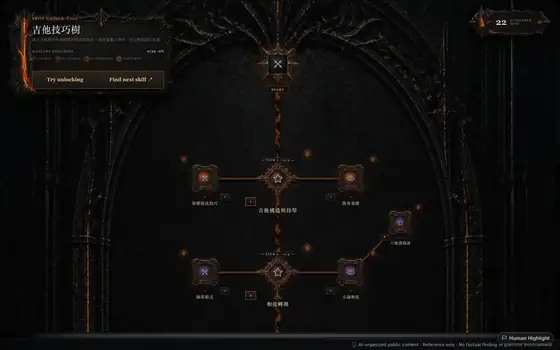
Summarizers give you a block of text — you read it once and forget. Human Highlight gives you 21 visual structures (timeline, skill unlock tree, causal web, tournament bracket, relationship web, cycle...) so you actively choose which topology best fits the content. Every node links back to the original clip; nothing is fabricated. It is a visual thinking tool, not just a text summarizer. The Chrome Extension also gives you a fuller video-summary and context-capture workflow, then saves the context of videos you have watched into your knowledge star map so your YouTube memory is always available to revisit.
What about Notion AI / Obsidian?
Those are blank canvases waiting for your input. Human Highlight is a YouTube-in, structured-topology-out pipeline. Not a replacement for note-taking — a complement. You can drop topology screenshots from the portal into Obsidian as a launchpad for your study material.

The smartest people you know learn from YouTube.
Now you can learn like them.