Saltar al contenido principal
Estructurado por IA · verificado por expertos humanos

YouTube es la mayor
base experta del mundo.
Creamos experiencias contextualizadas.

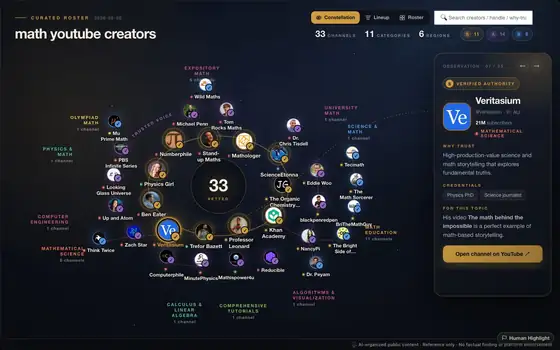
Integra y reorganiza libremente fragmentos de conocimiento dispersos en YouTube para convertirlos en estructuras topológicas contextualizadas.
Cada nodo vuelve a un video real creado por un creator dedicado en algún lugar del mundo.
No a una alucinación generada por IA.

Por qué
Primer mapa para empezar

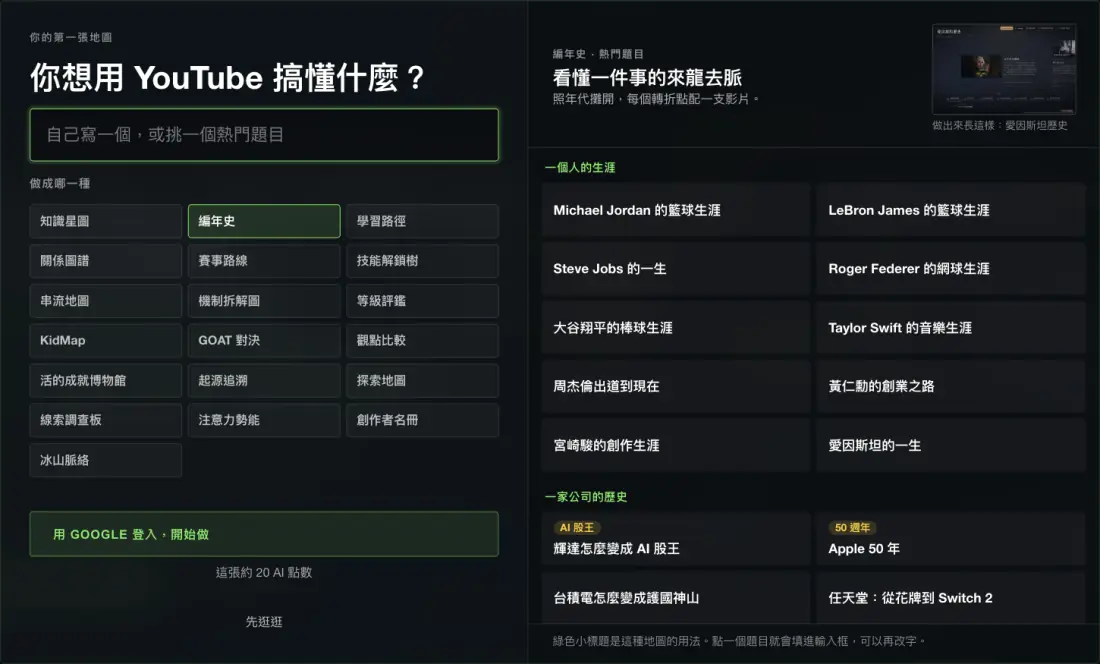
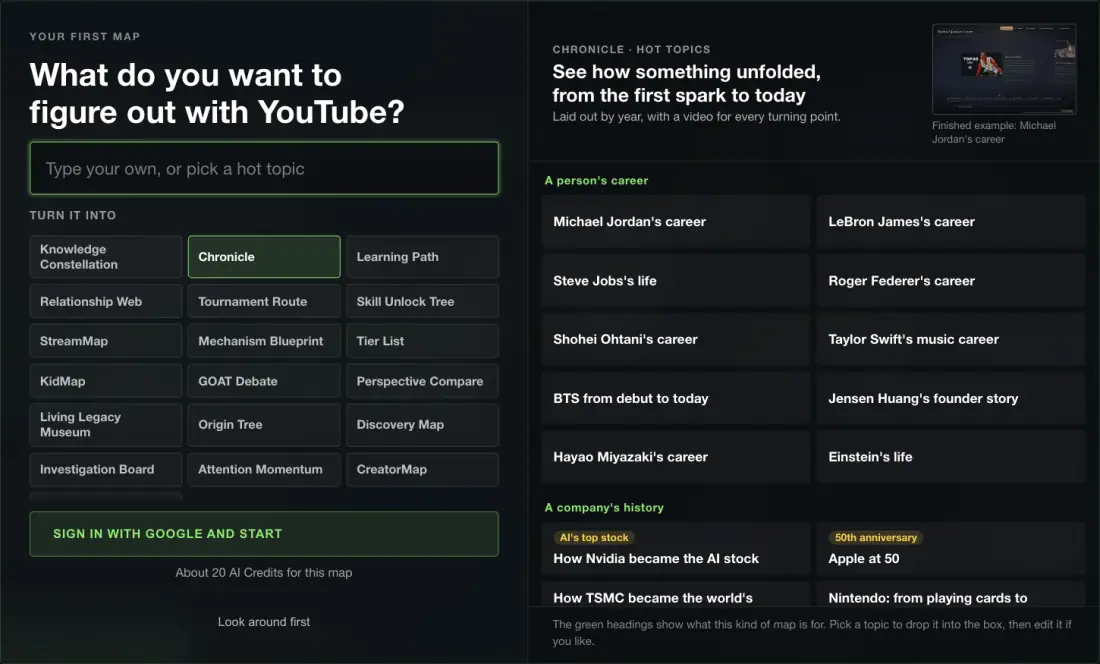
¿No sabes qué escribir? Empieza con una situación real.

Elige una tarjeta inicial y rellenaremos la topología, el tema y la escala de tu primer mapa con IA.

01 Elige una situación
02 Ajusta el tema
03 Crea el mapa
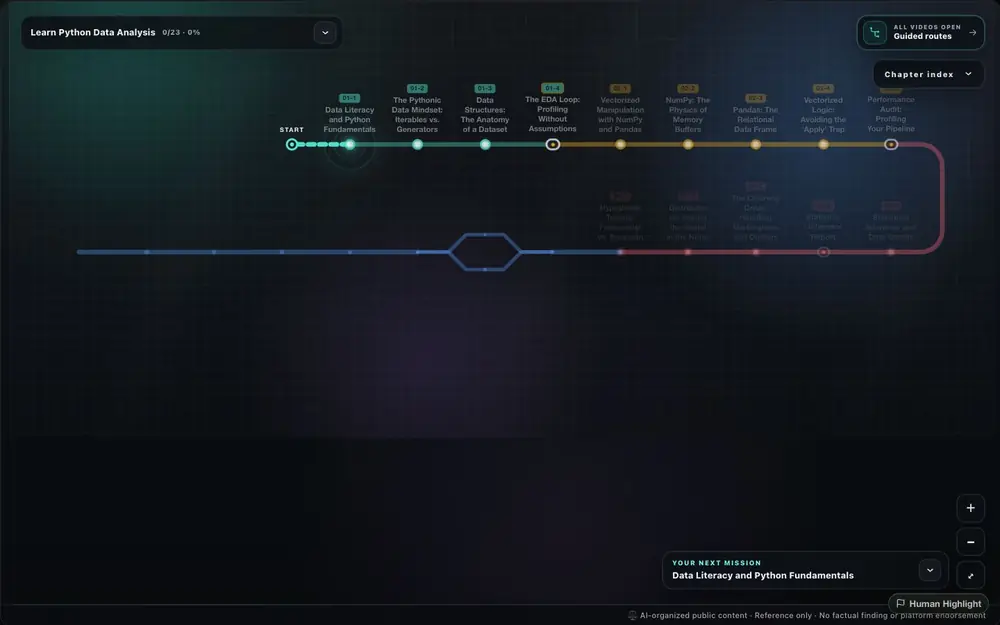
Aprender una habilidad

Crear una ruta

Convierte un tema amplio de principiante en una ruta paso a paso con videos por hito.

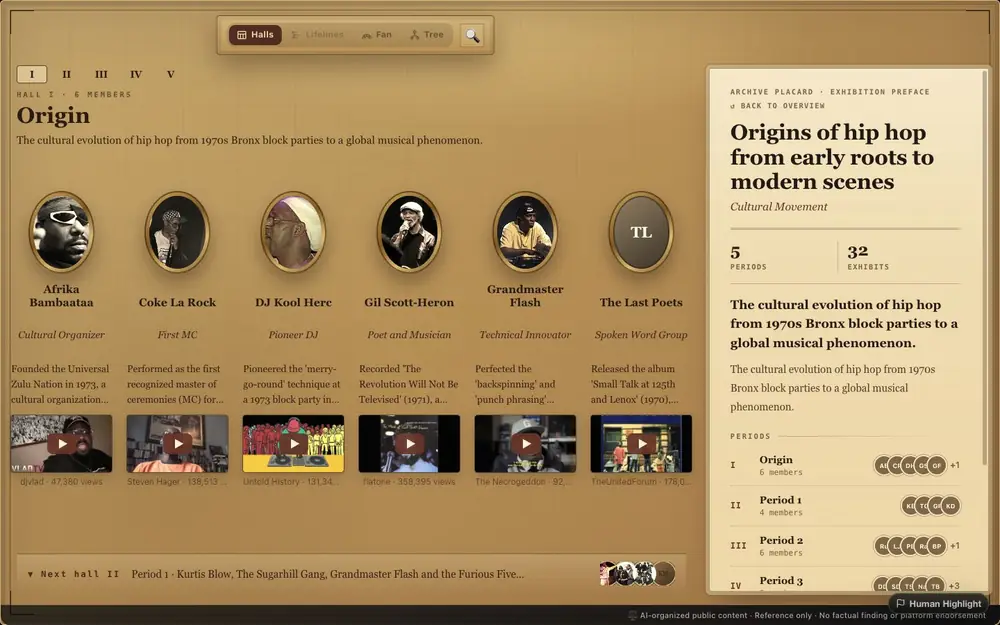
Rastrear el origen

Crear un árbol de origen

Parte de un concepto, género o movimiento y mira sus raíces, ramas y puntos de giro.

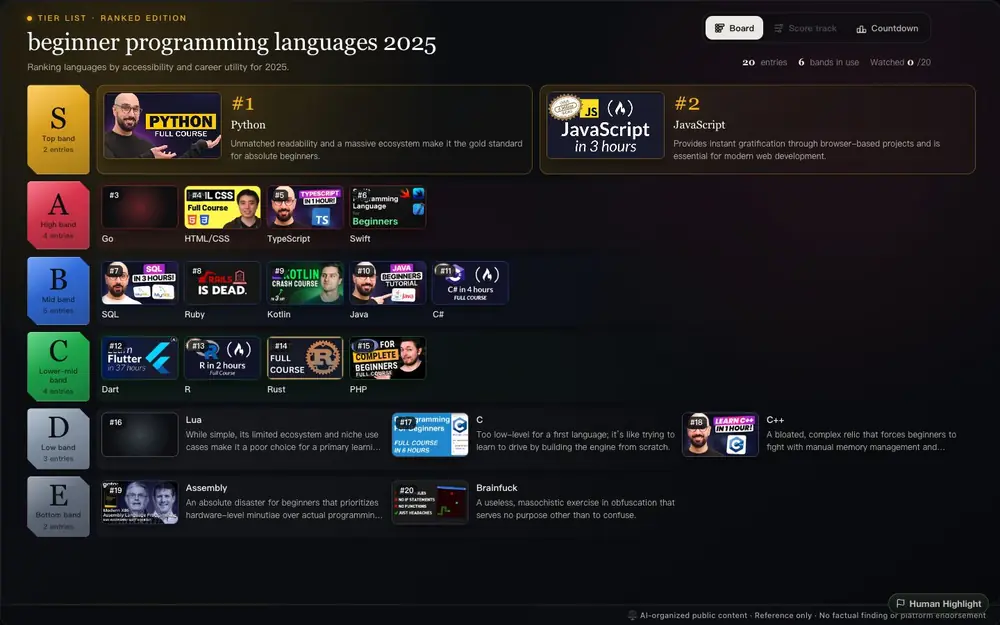
Ordenar opciones

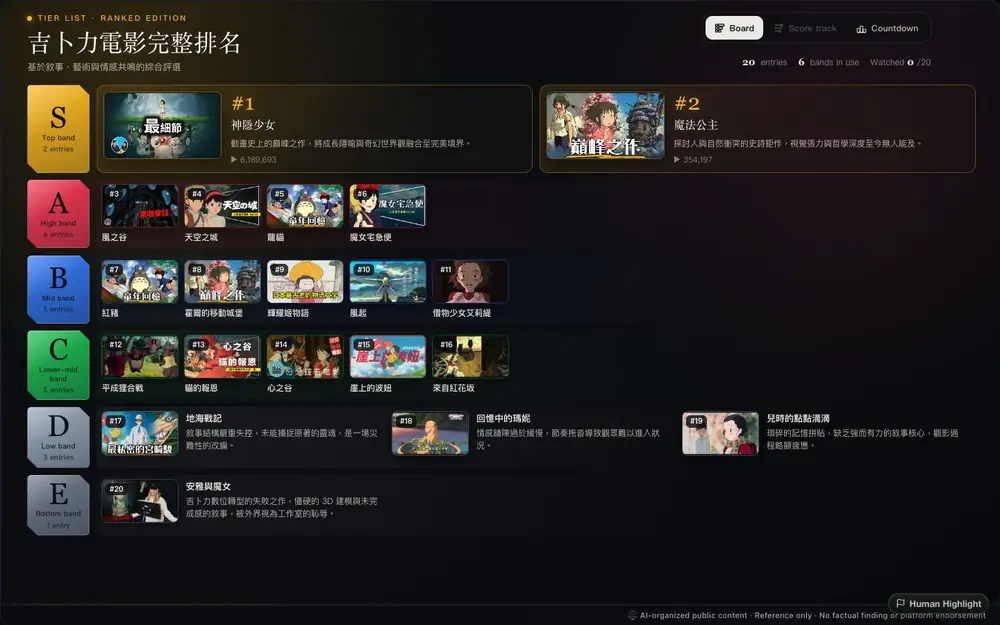
Crear una tier list

Convierte herramientas, canales, ideas o ejemplos en tiers para ver rápido las mejores opciones.

Entender historia

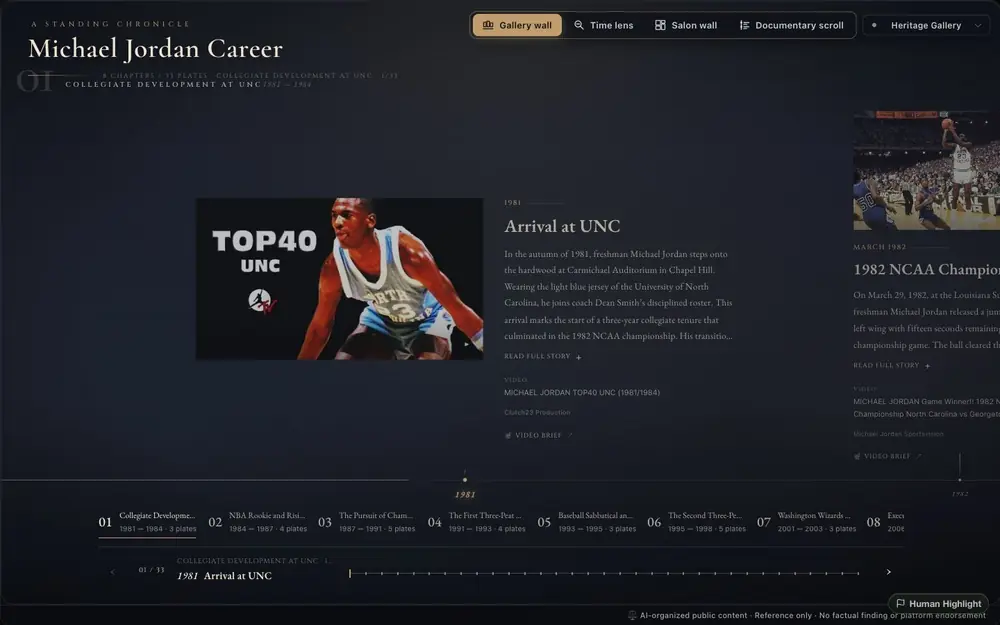
Crear una cronología

Cuando importan los eventos, Timeline convierte explicaciones dispersas en una secuencia fácil de revisar.

You already know this feeling

You watched it. You forgot it.
It just won't stick.

There's more expert knowledge on YouTube than in any university library. But it's trapped in a format designed for passive consumption. You watch a 2-hour masterclass and remember three things. You bookmark 50 videos and never go back.

The knowledge is there. The structure isn't.

Knowledge you can see, insight you can trust

Bring forgotten context back and rediscover the highlights

Your scattered YouTube saves, finally neatly organized. Break out of the algorithm's bubble and see all of YouTube.

01

Every node is a Highlight

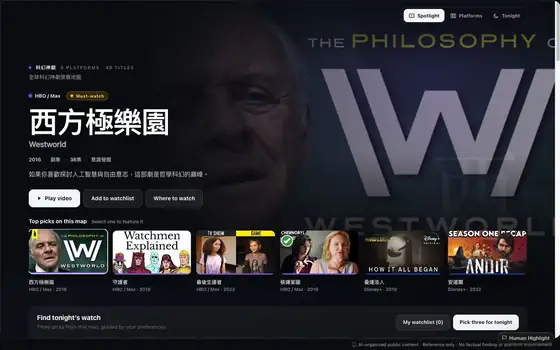
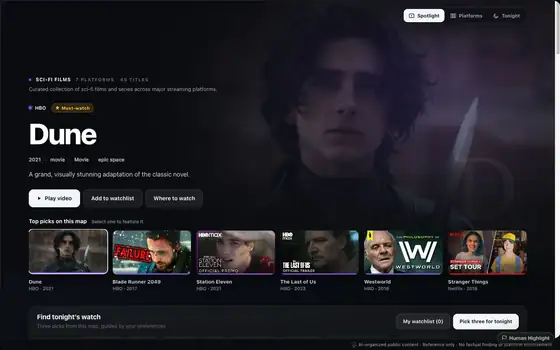
Every node links back to the original YouTube video. AI organizes the knowledge; humans verify it. No fabricated citations, no facts that don't exist. You can always trace the source.

02

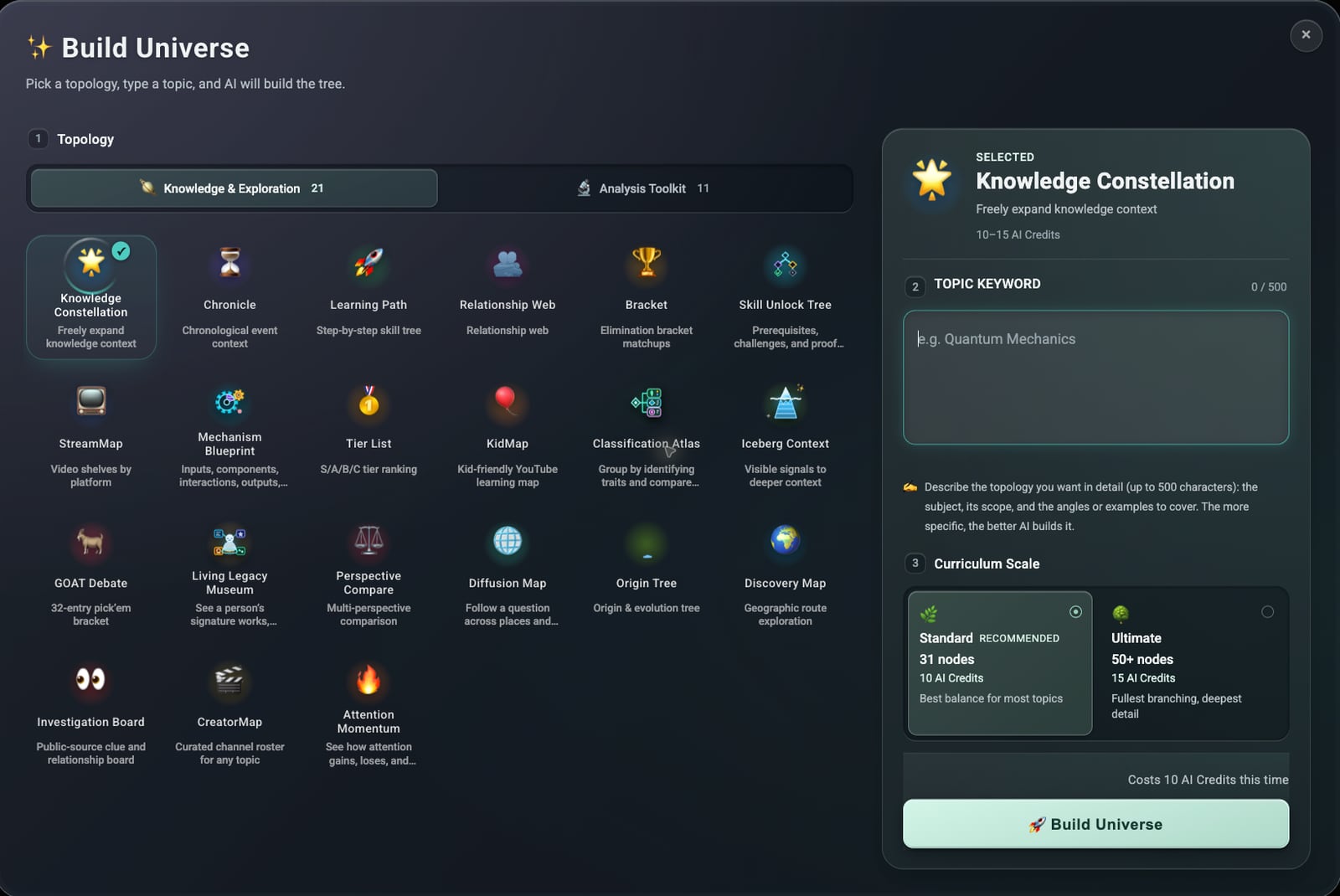
17 knowledge topologies

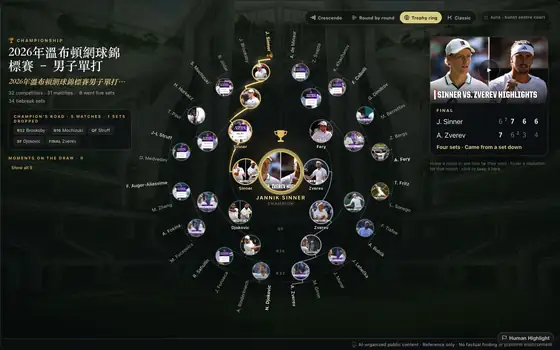
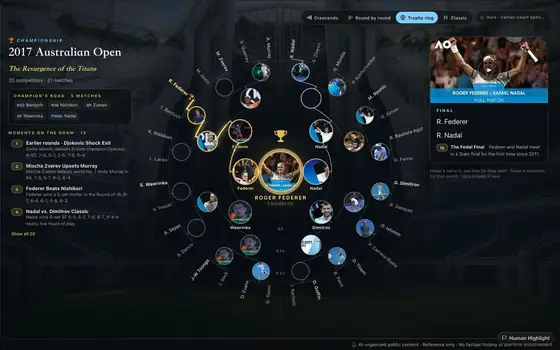
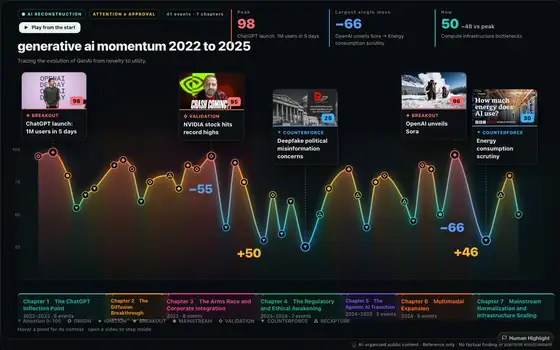
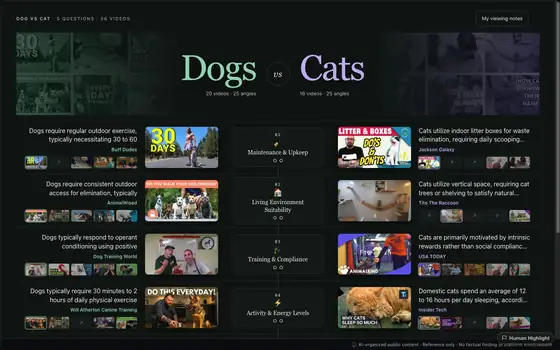
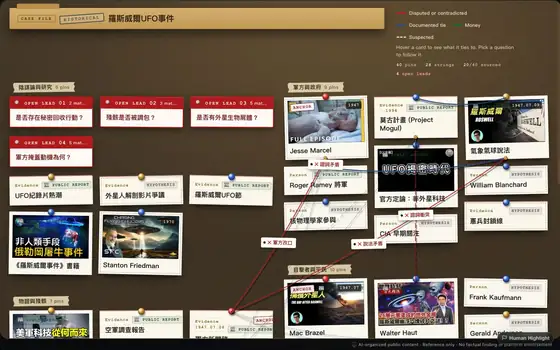
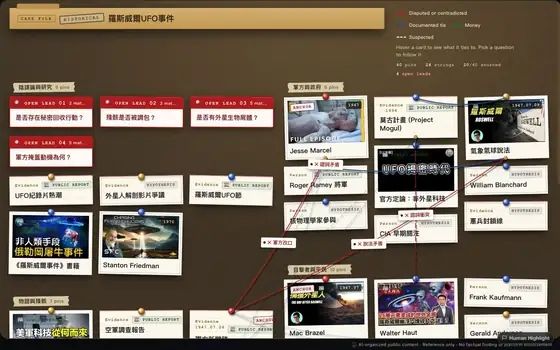
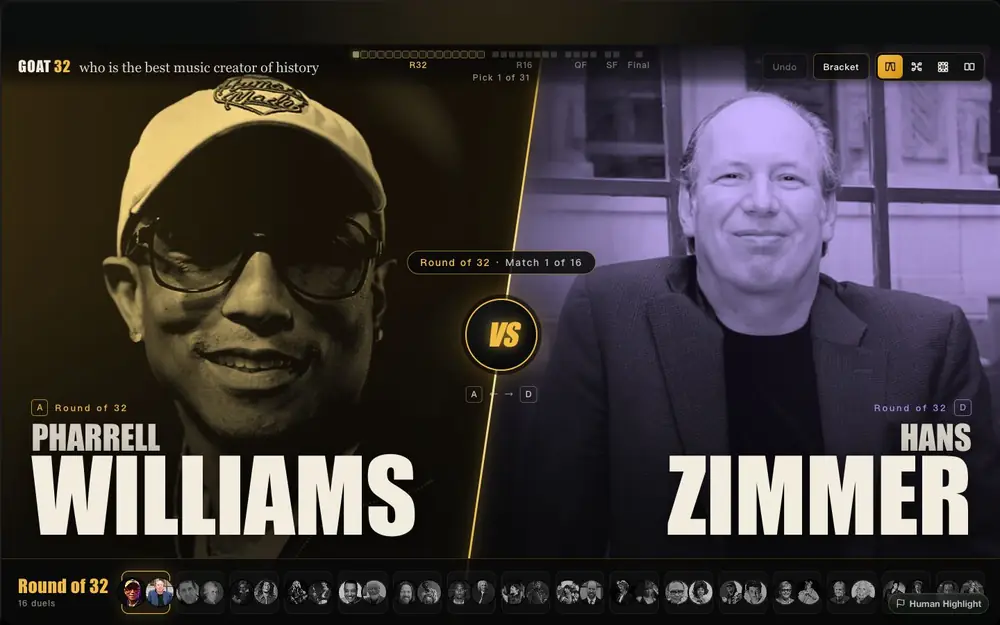
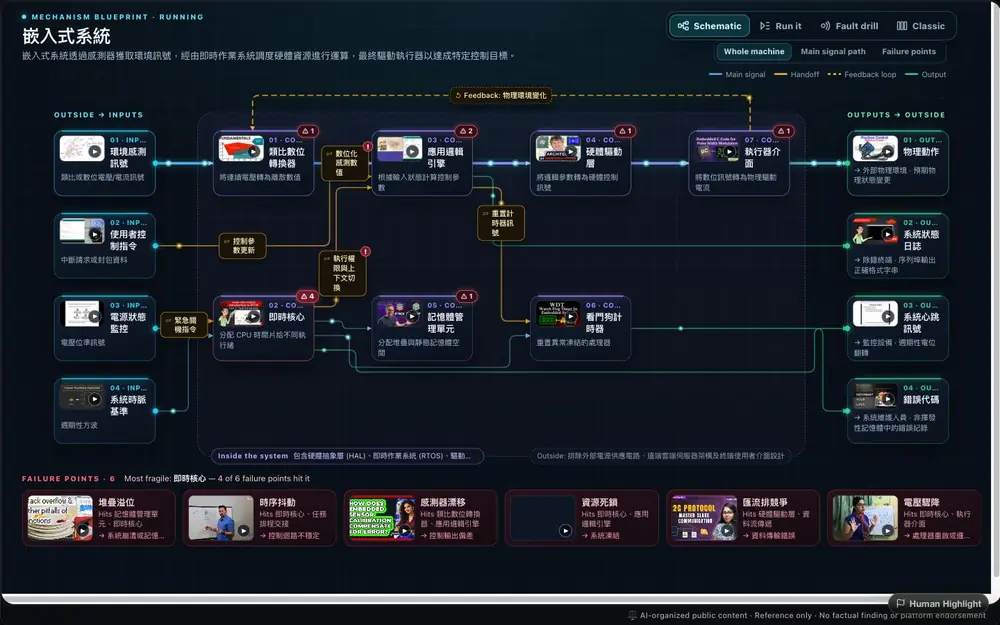
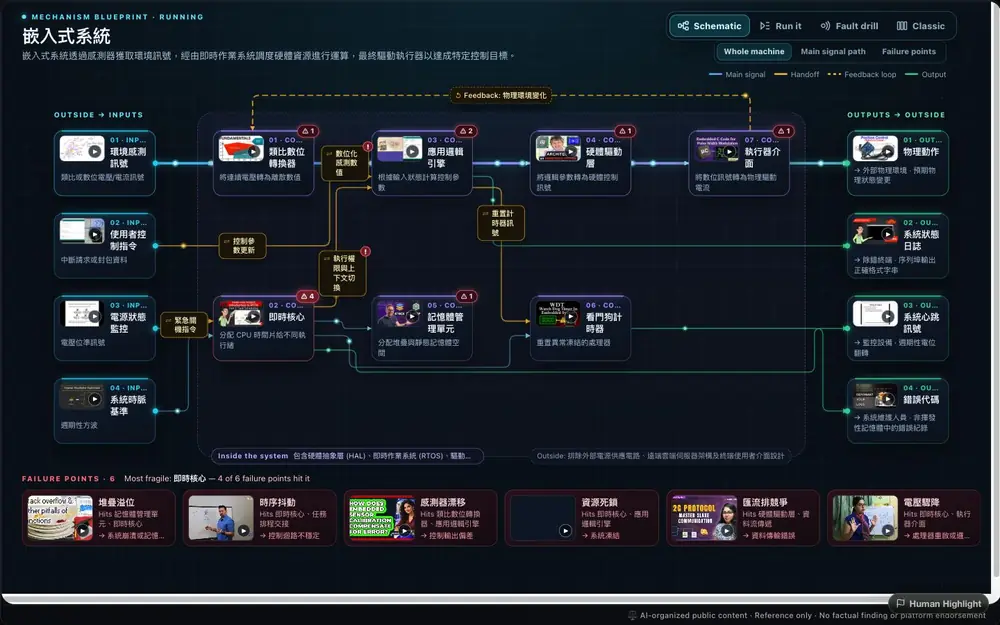
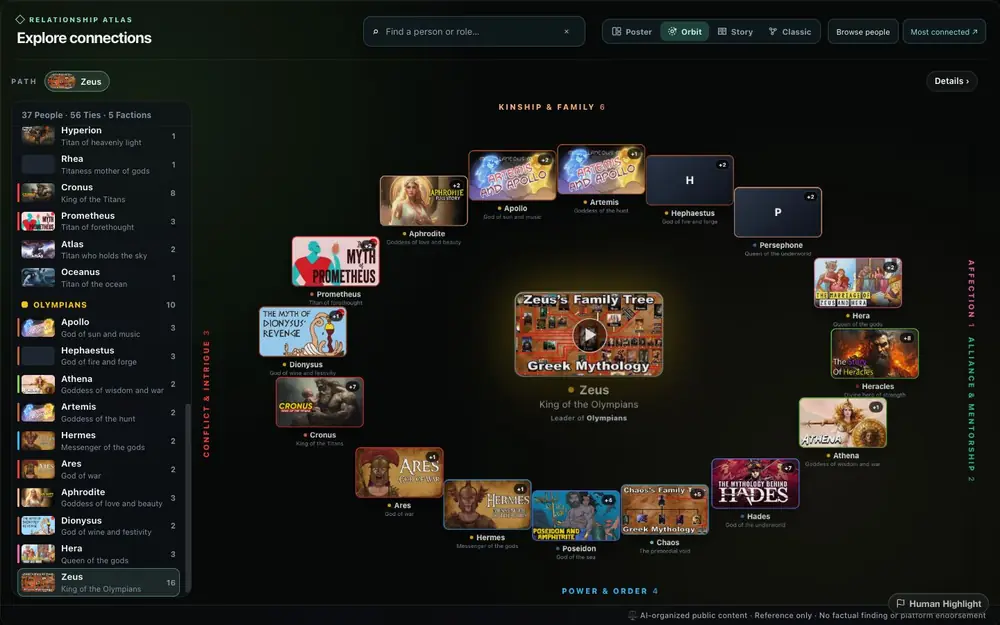
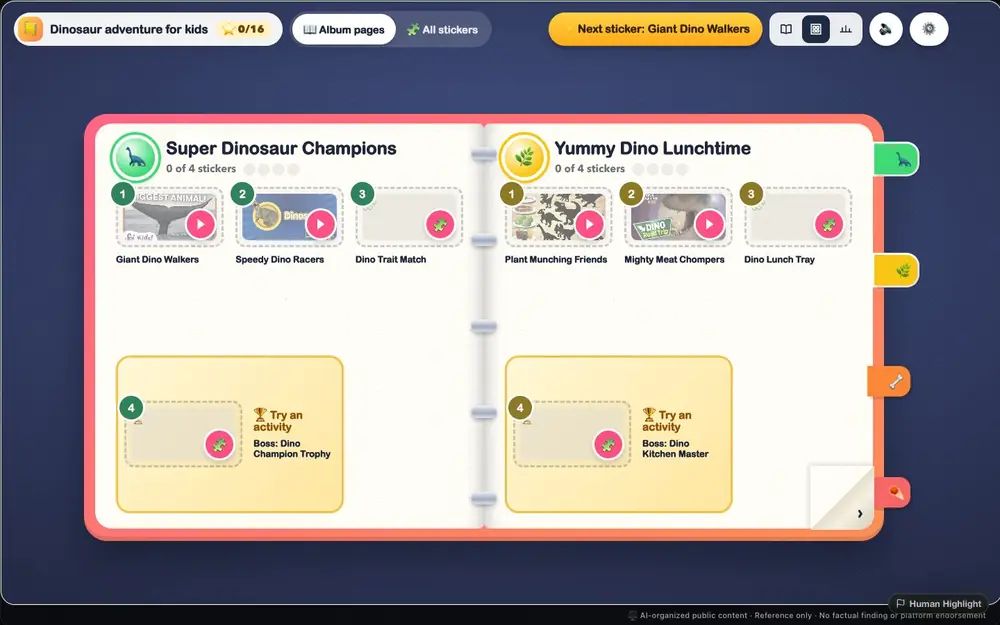
Timeline, tournament bracket, tier list, relationship web, cycle diagram, investigation board... each reveals a different facet of your content. Pick the structure that fits your story and give it a try.

03

A richer experience with the Chrome Extension

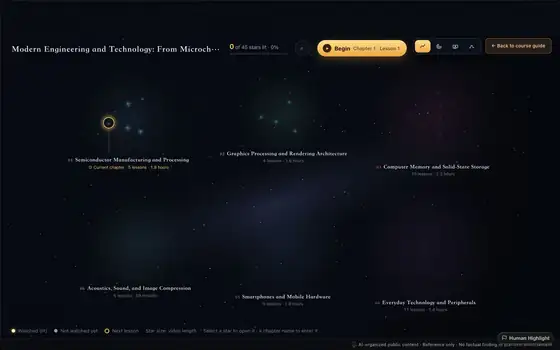
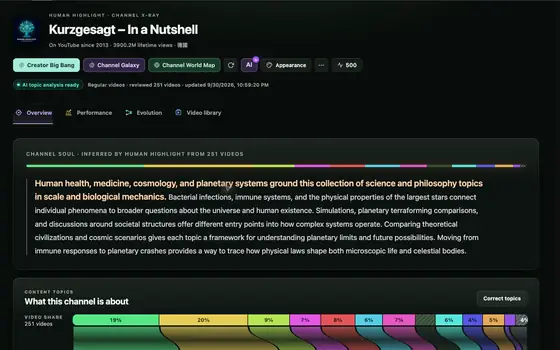
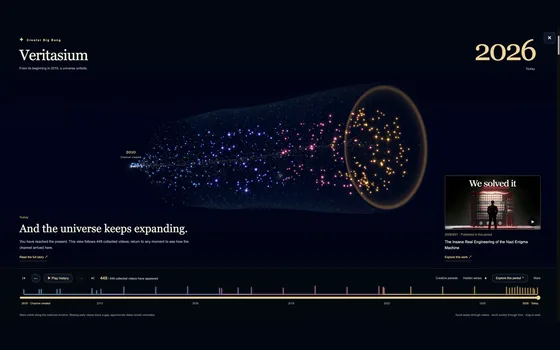
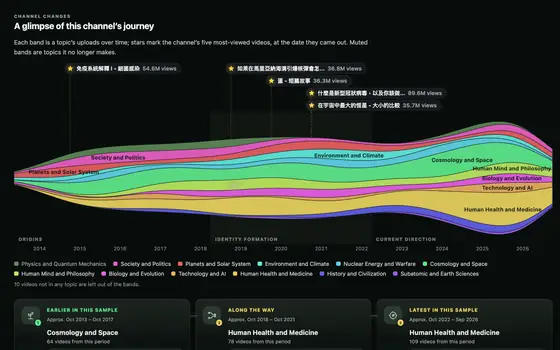
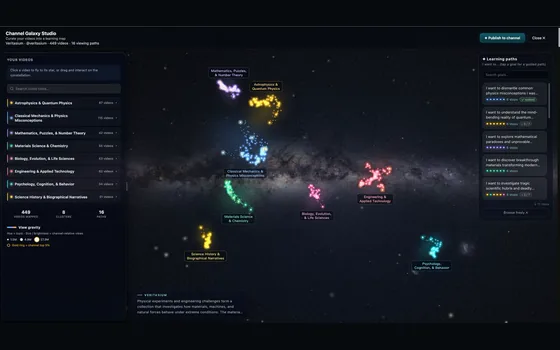
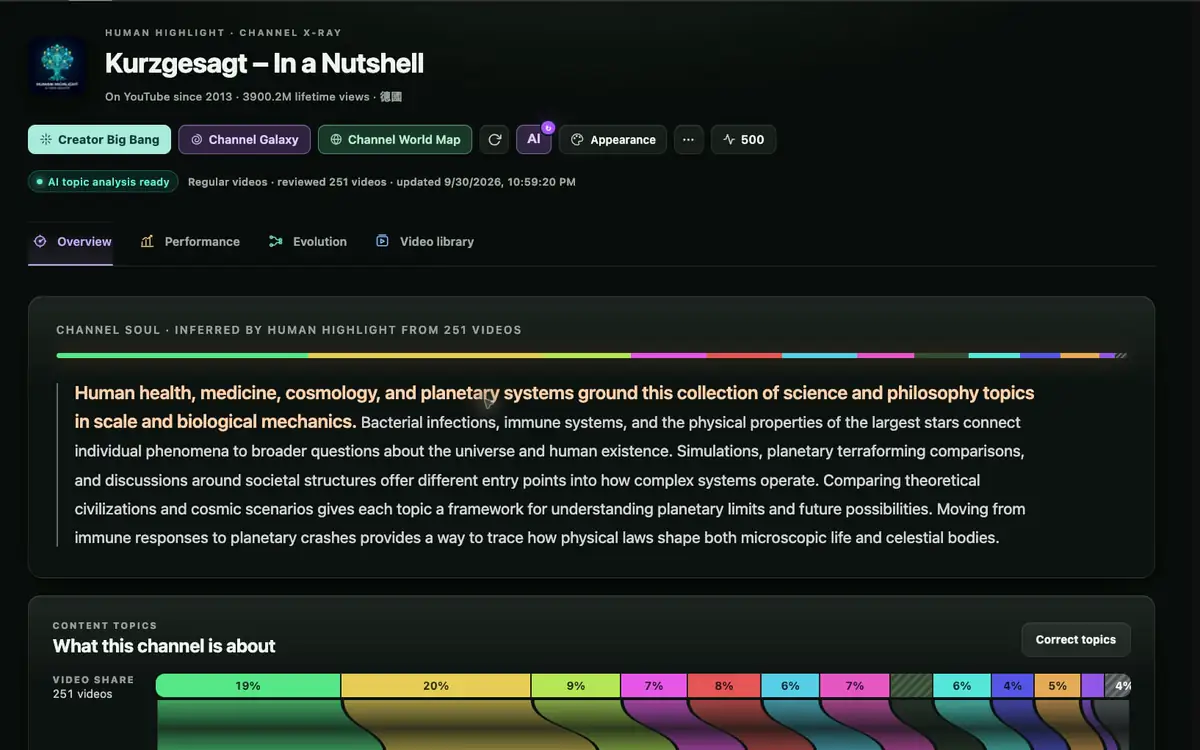
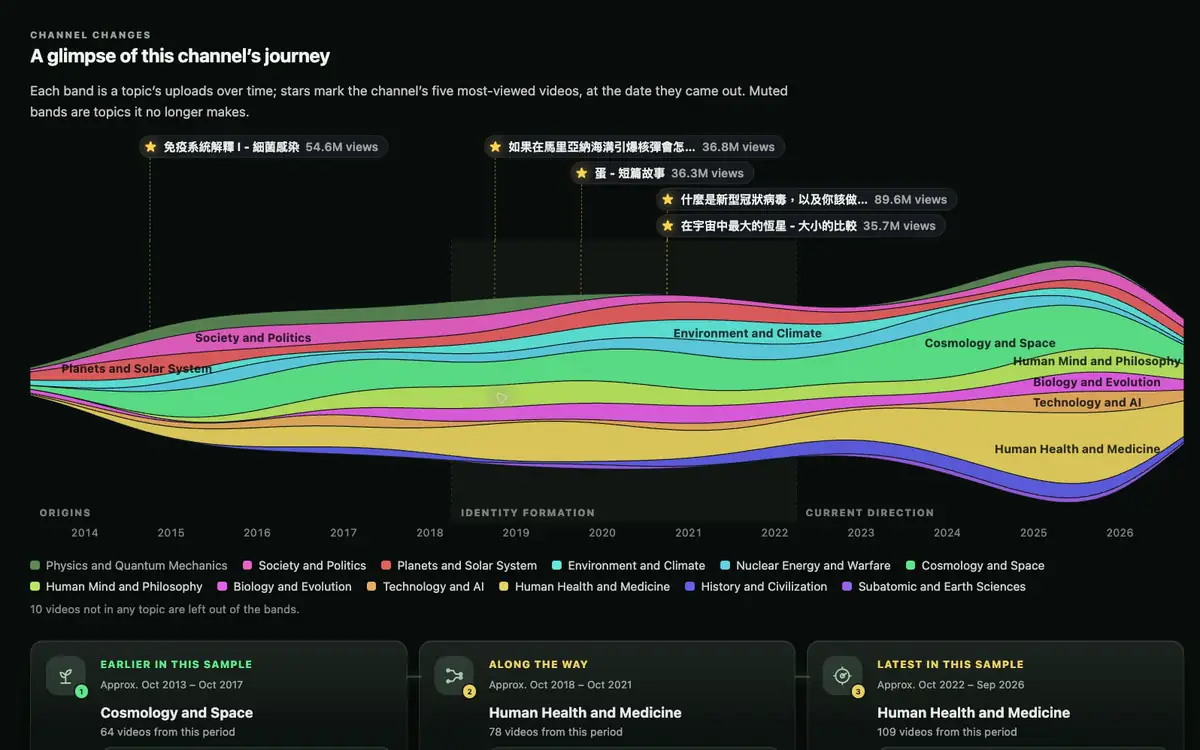
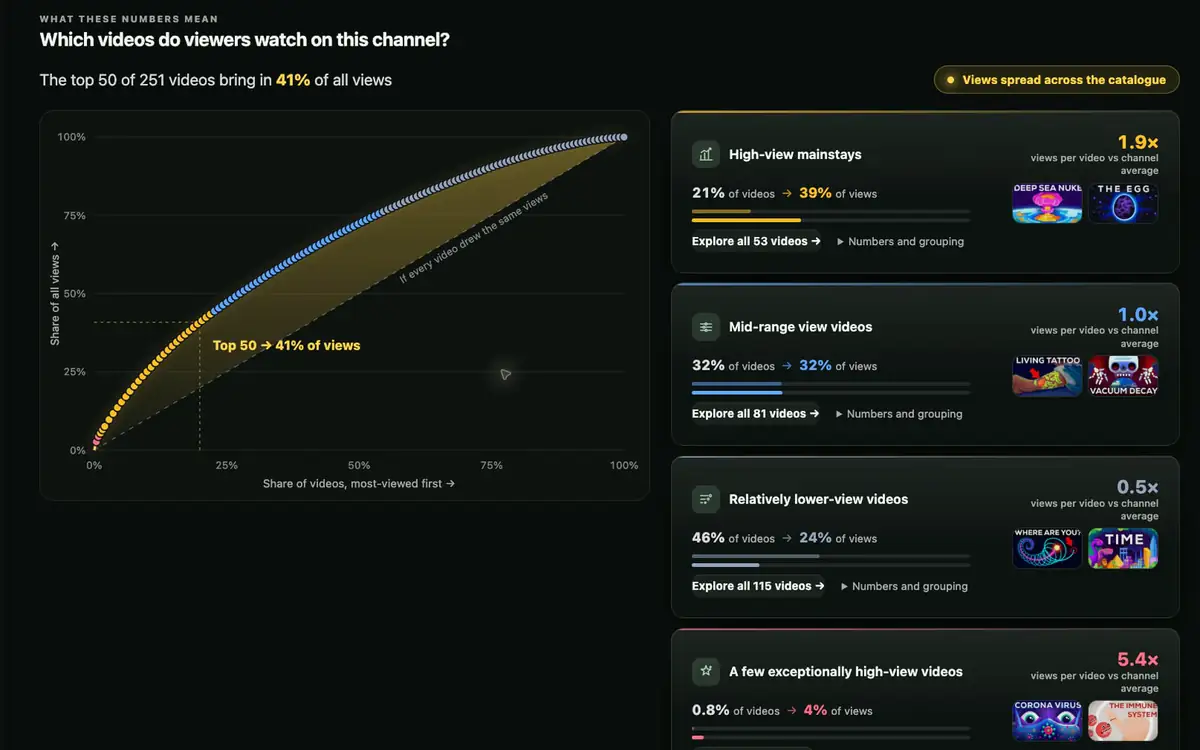
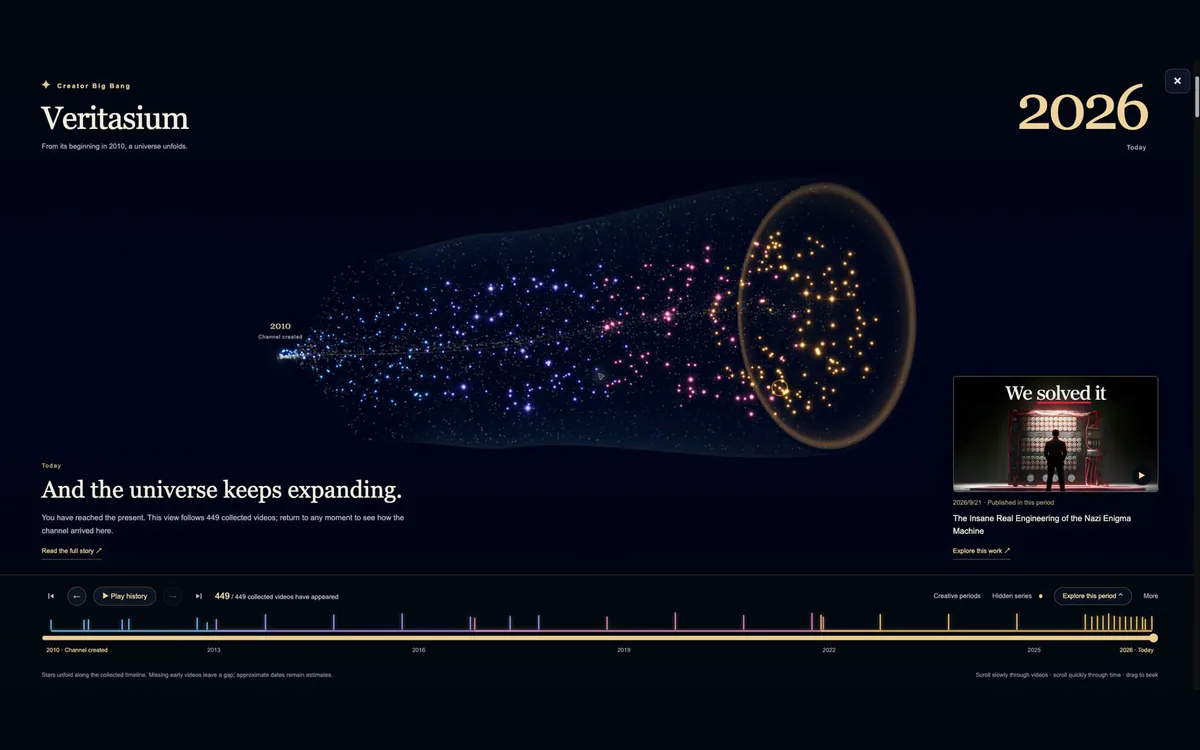
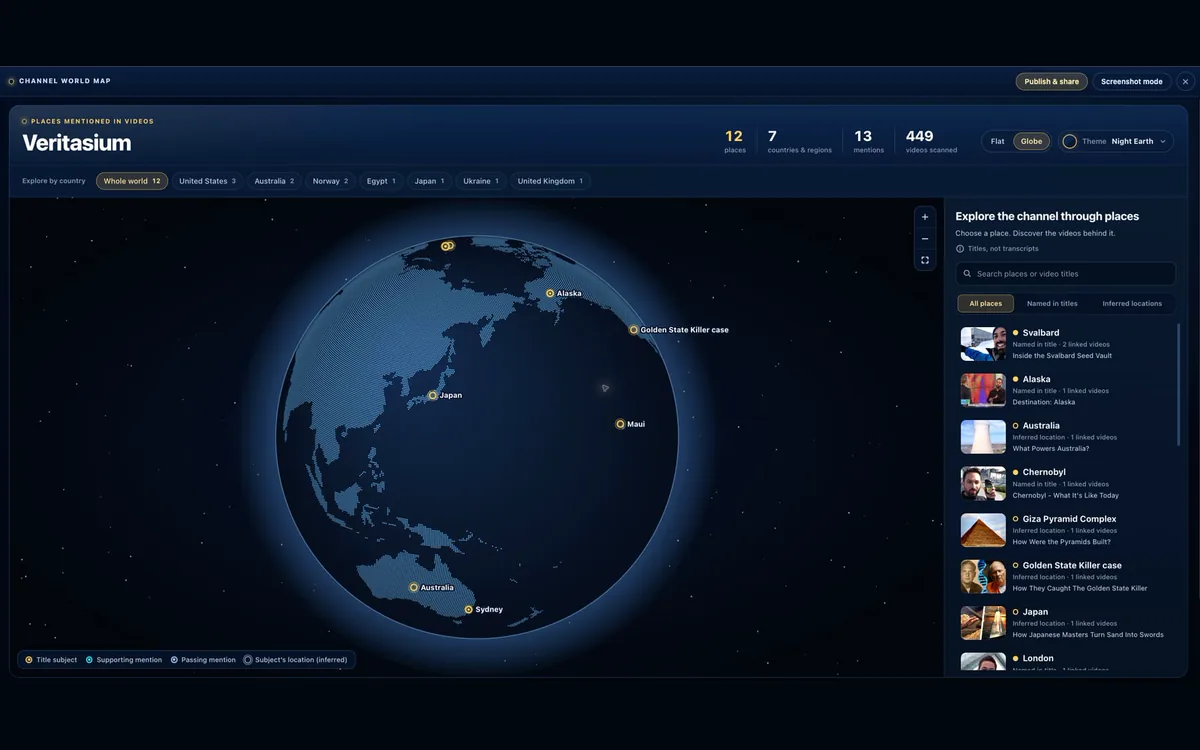
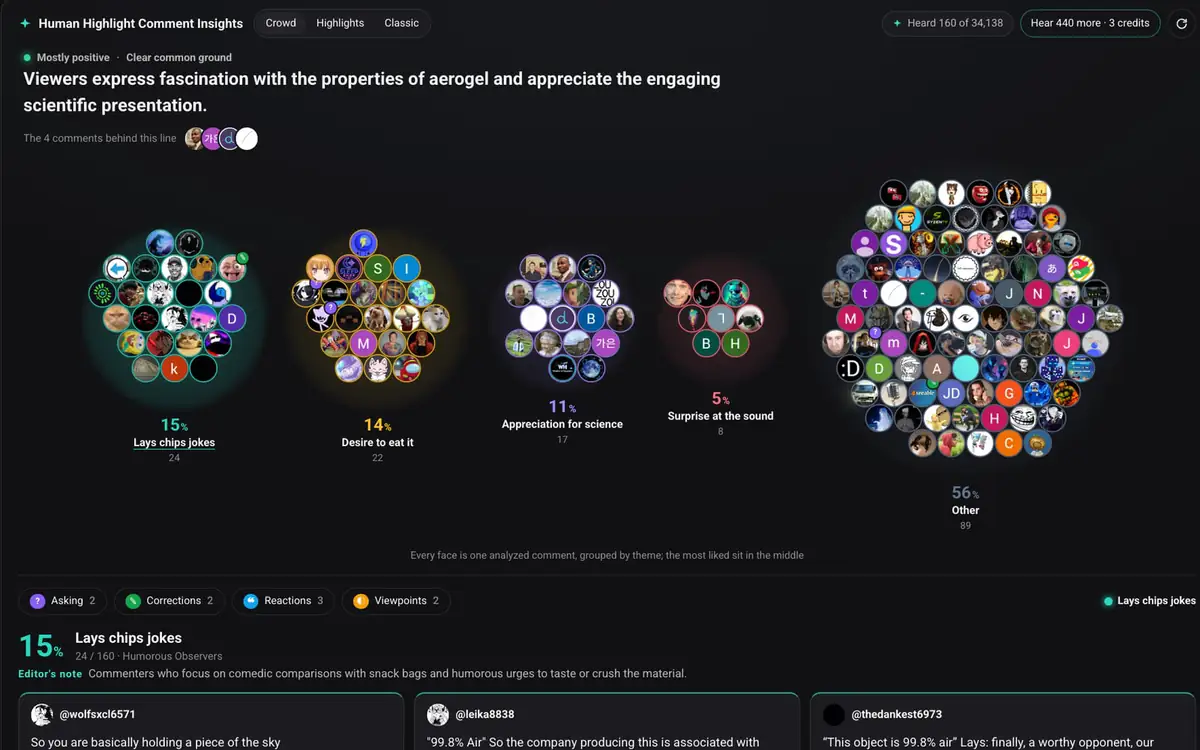
Instant knowledge summaries of great videos, real-time Q&A on what a video covers, deep dives into entire channels, lightning-fast discovery of the world's best videos on the same topic, distilled viewpoints from the comments, organized Shorts — all in a 3D big-bang interface that walks you through a creator's whole channel history.

04

Share the knowledge you've mapped

The scarcest resource today is the first-principles thinking inside brilliant minds. Where can people who are willing to share their most valuable lines of thought offer them to the world? We hope to build a tool worthy of that purpose.

Tour the gallery first, understand every topology

Not all knowledge has the same shape.

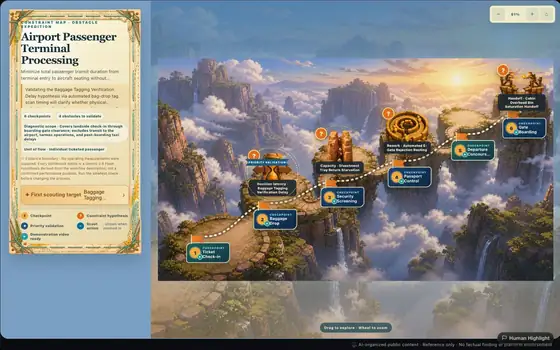
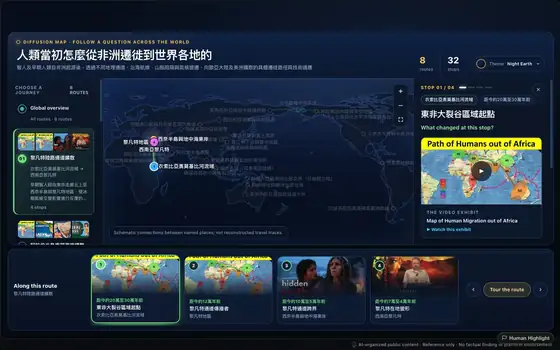
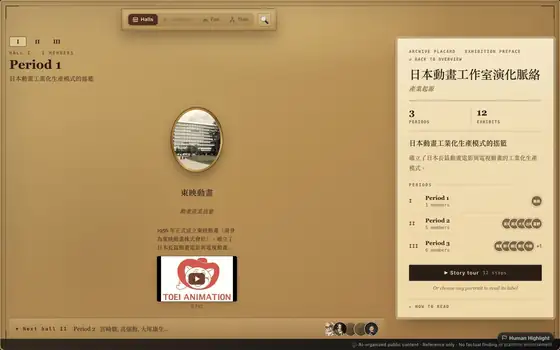
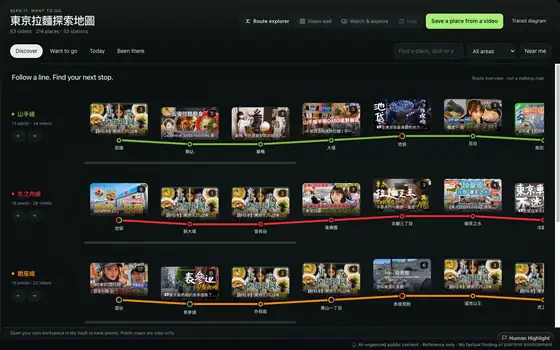
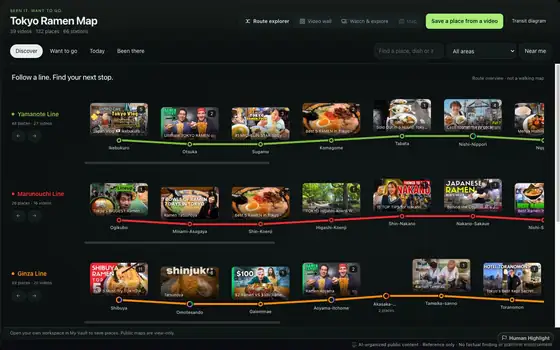
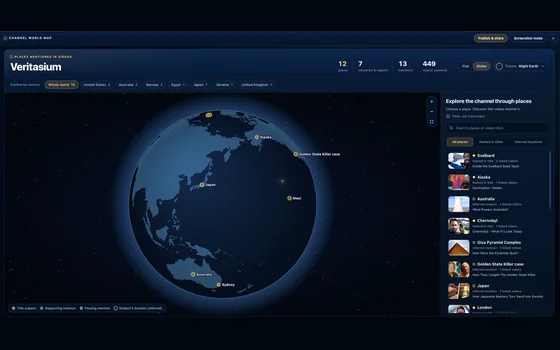
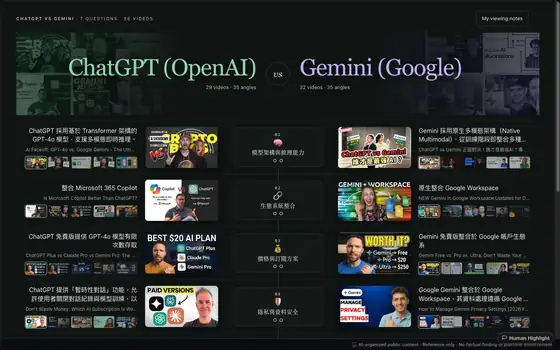
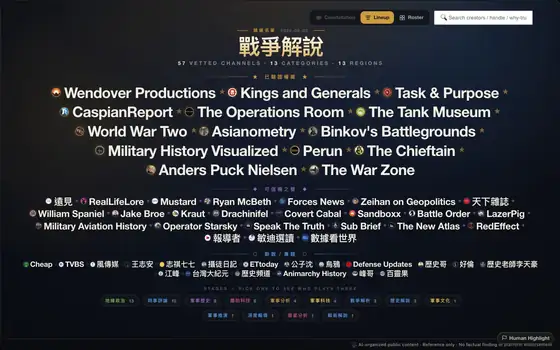
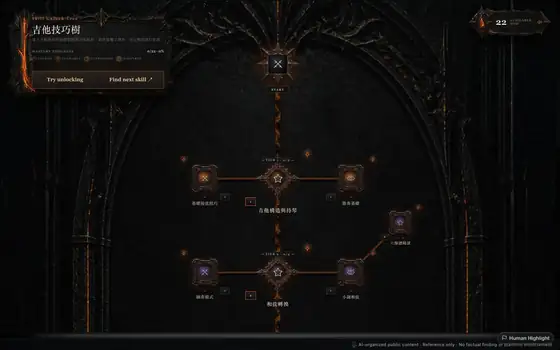
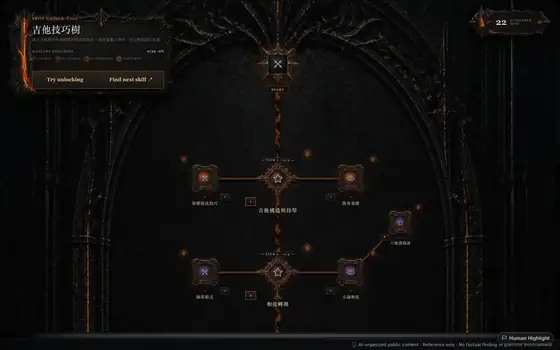
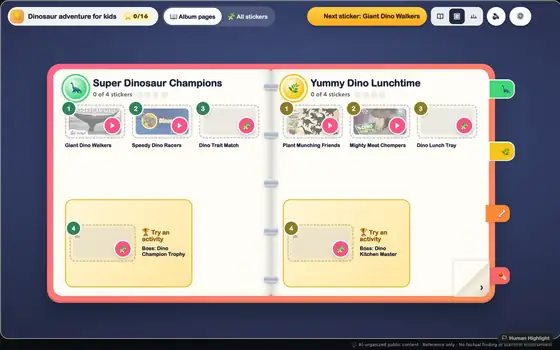
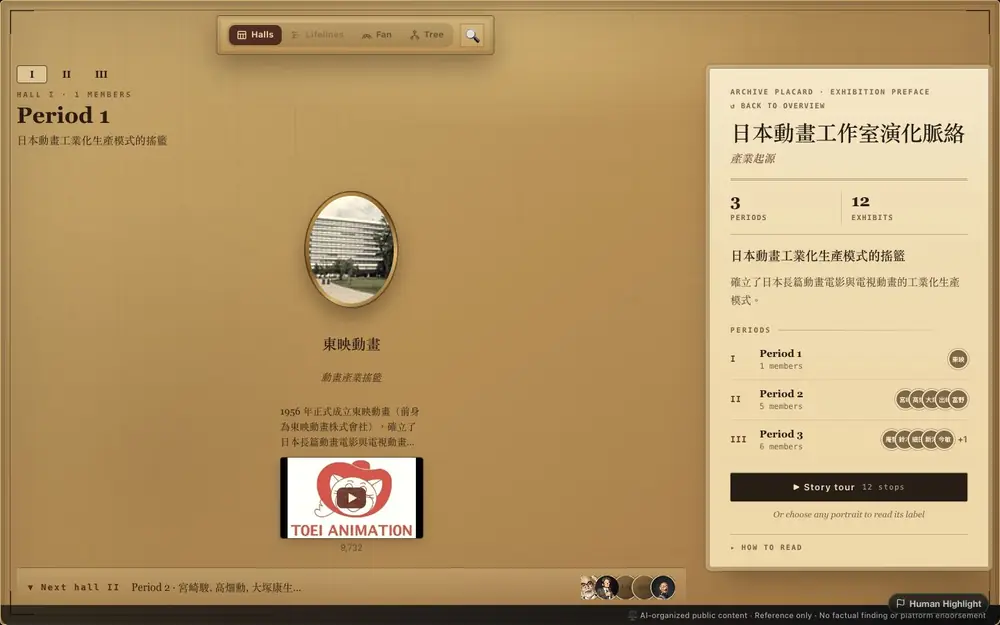
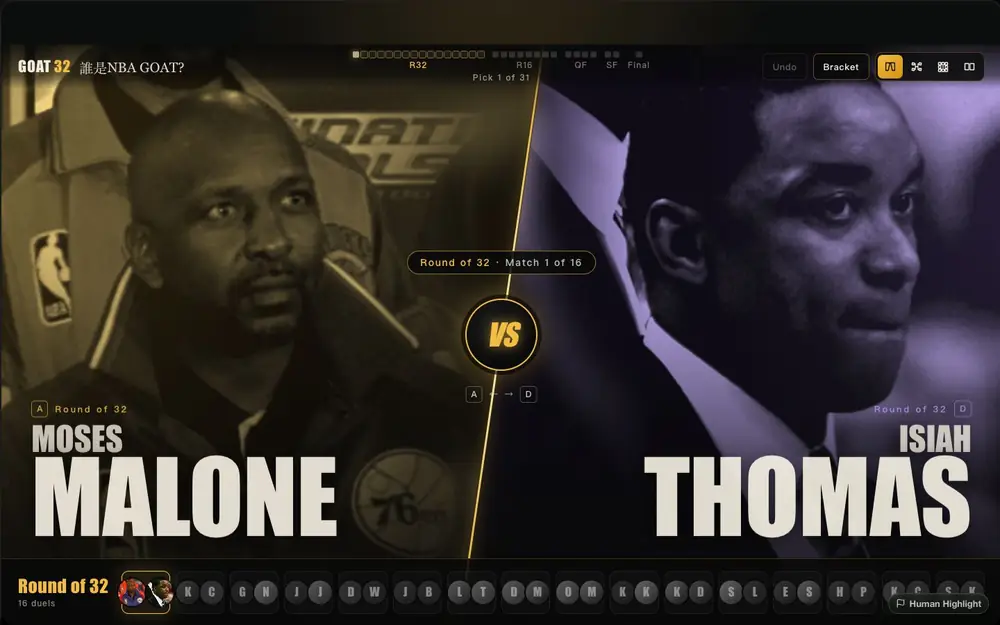
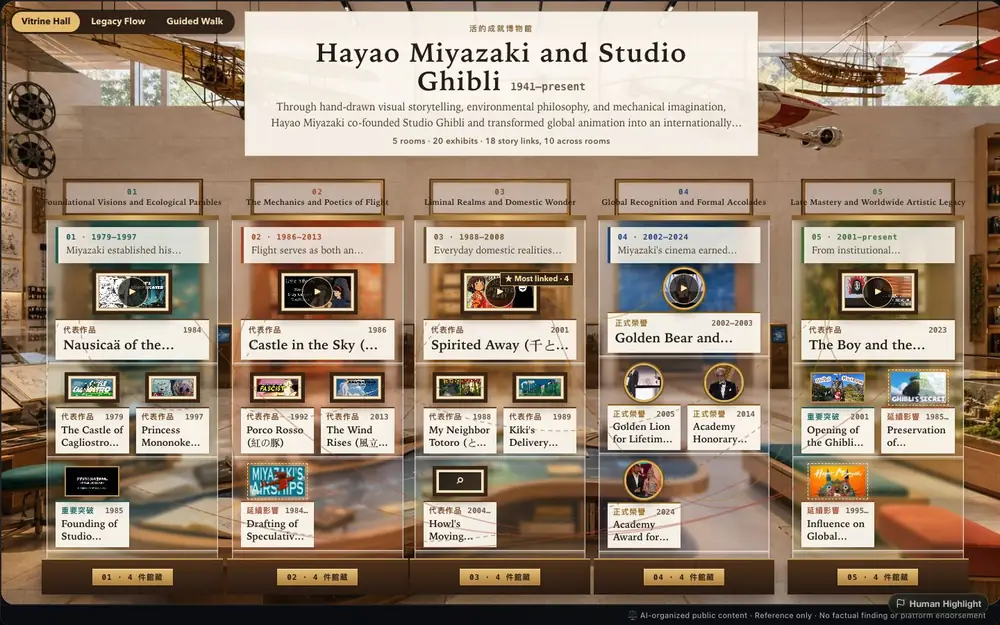
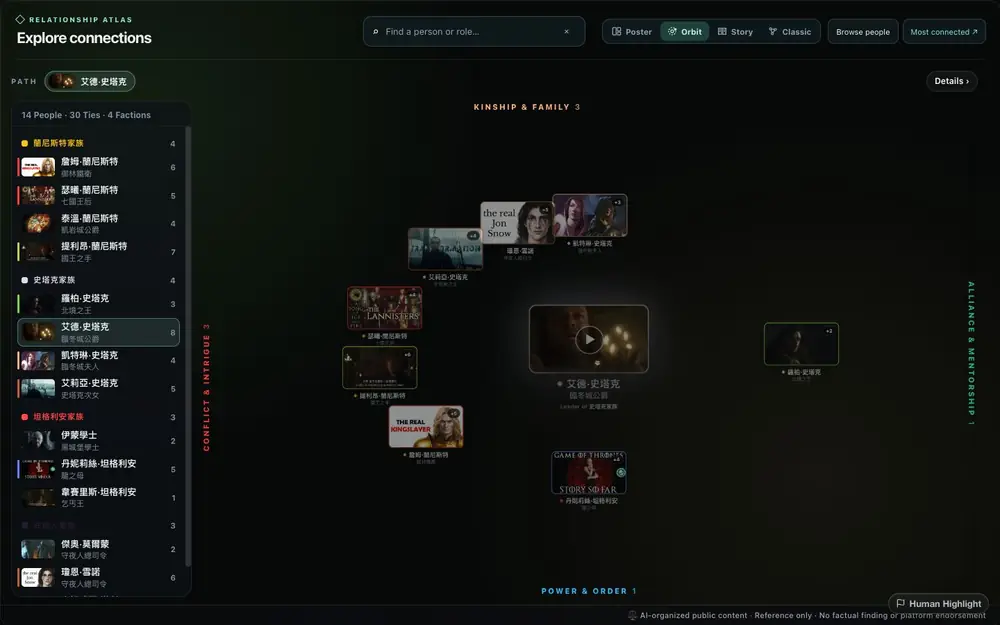
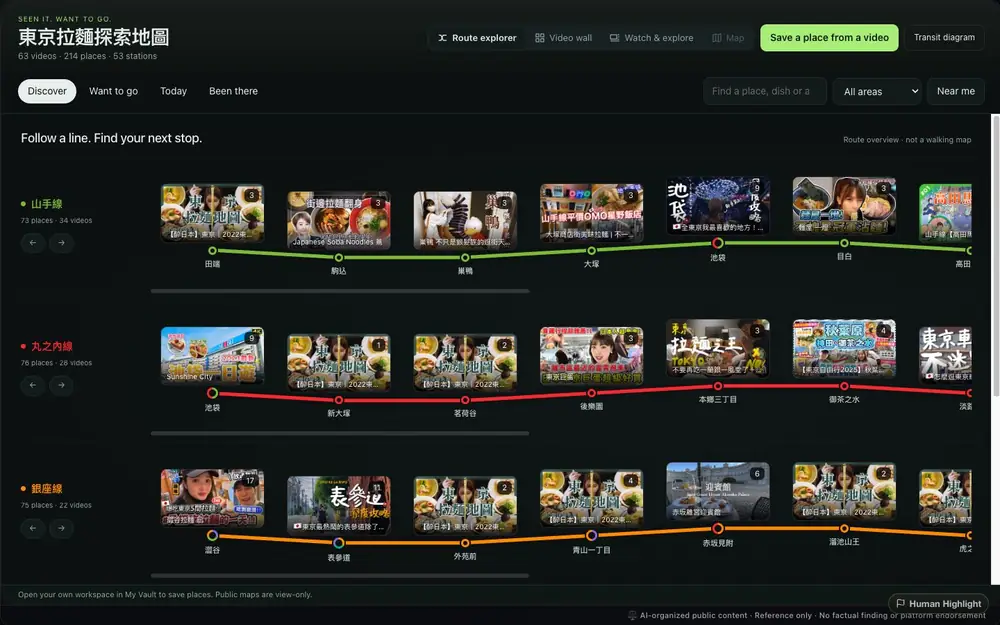
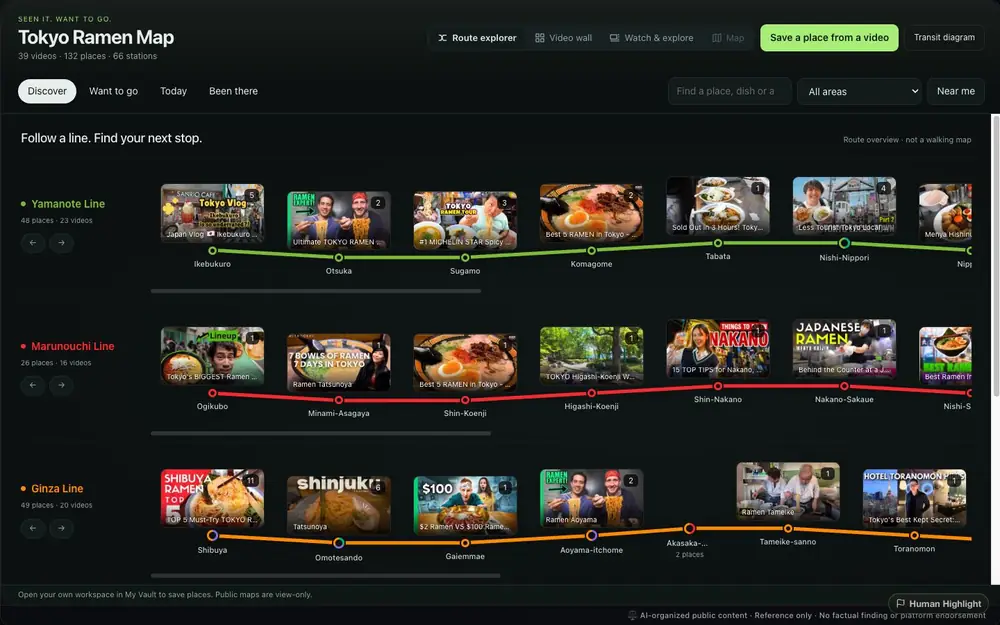
Historical figures and events suit Timeline; sports fit Tournament; learning a skill fits Pathfinder. The gallery turns all 17 topologies into guided tours, so you can see which structure solves which kind of problem before deciding how to organize your videos.

Take the gallery tour Browse public topology examples →
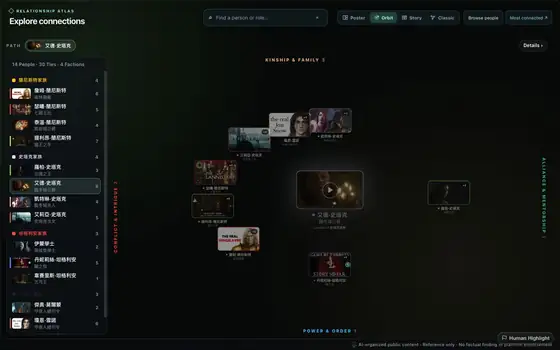
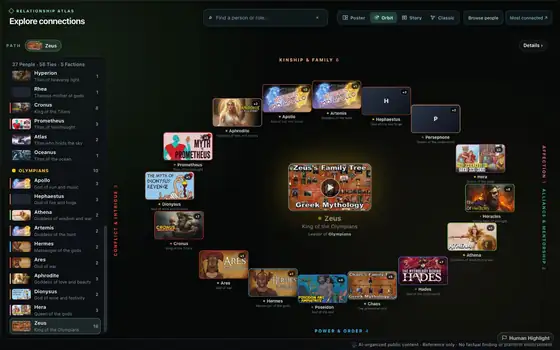
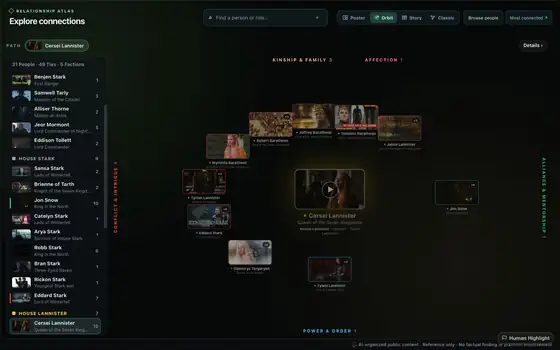
Relationship Web
🕸️ Relationship Web · 角色關係網
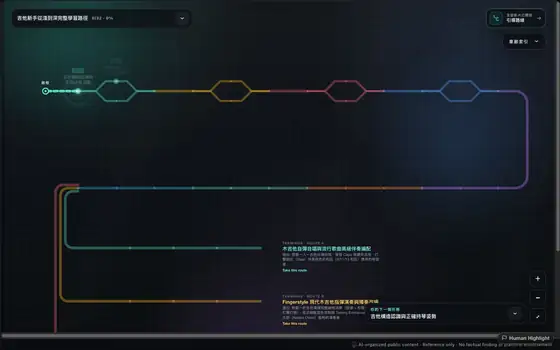
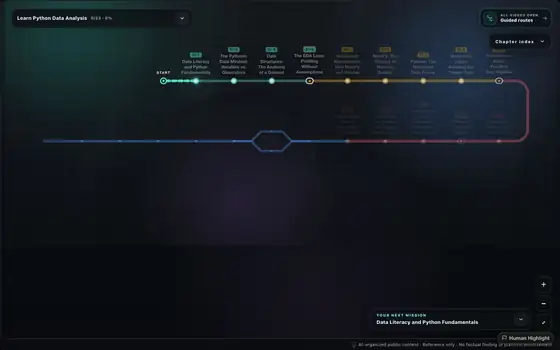
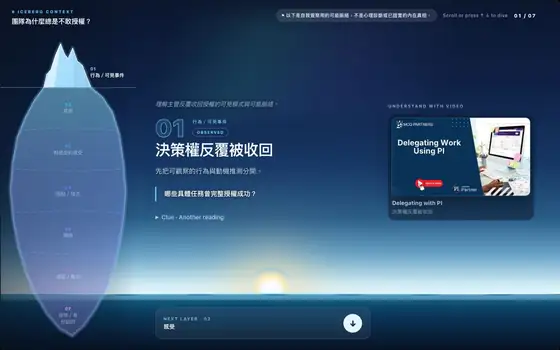
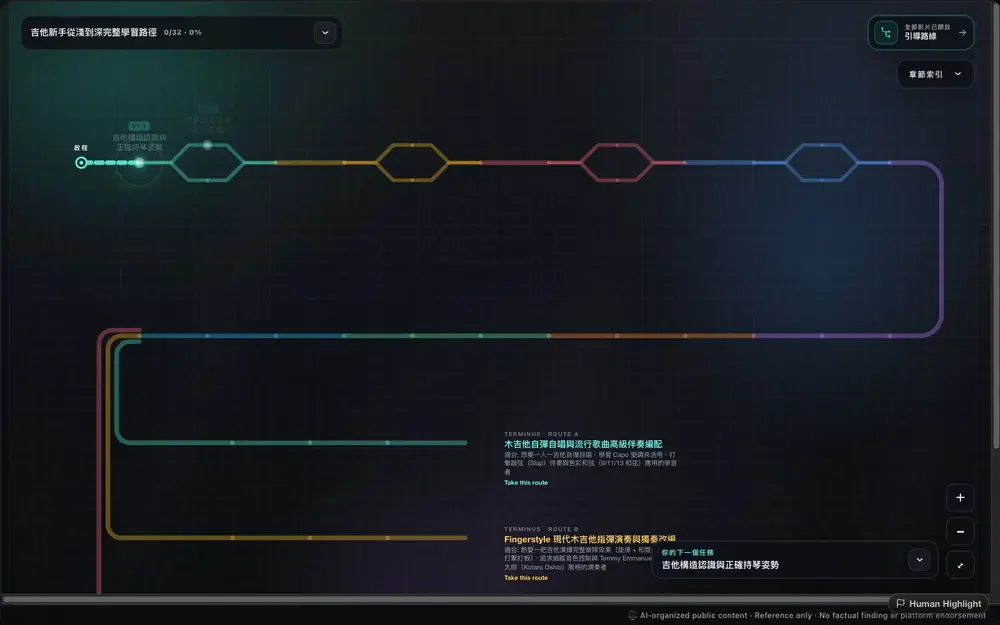
Pathfinder
🧭 Pathfinder · 學習路徑
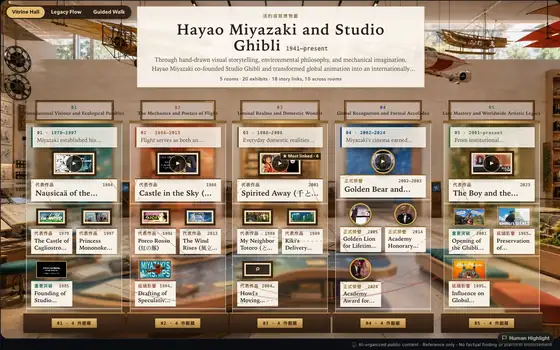
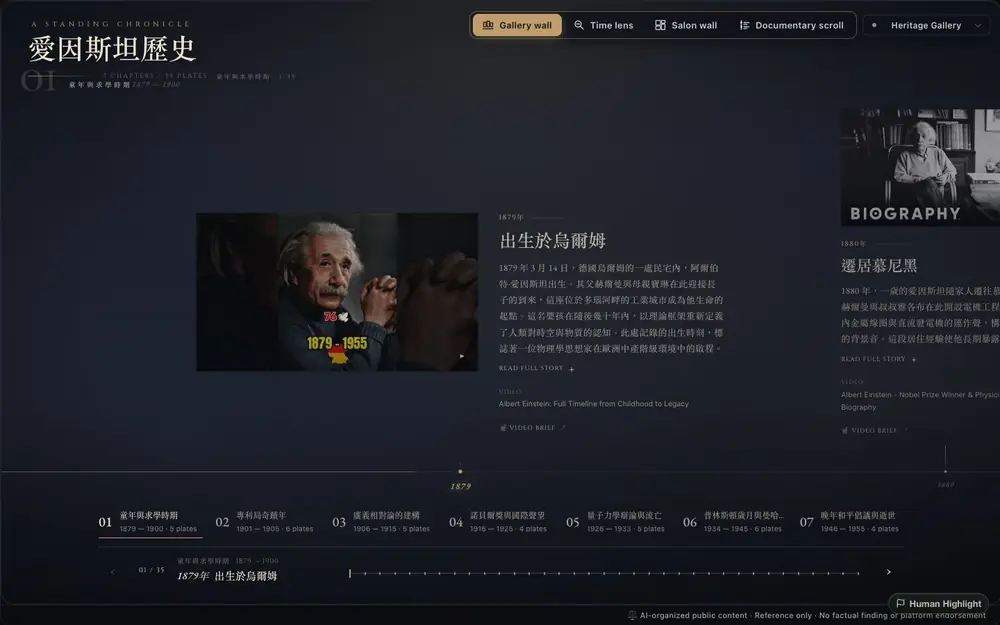
Timeline
📜 Timeline · 歷史時間軸

14 more full guided tours inside the gallery

🏆 Tournament · 👑 Tier List · 🔁 Cycle · 🔍 Investigation Board...
Pricing

Pick the plan that fits you

Want to try first? The Free plan is free forever — start with 60 points, plus 30 points every month to keep going.

Free
$0 Free forever
  • Server API key access
  • 60 starter points + 30 points monthly
  • Local storage (no cross-device sync)
Plan para creadores
Pro
$10.90 USD / mo
  • 500 Power Points / mo (resets on the 1st, UTC)
    ≈ 100 topologies or 50 BYOK rebuilds. Free plan: 30 points / mo.
  • Unlimited Creator Studio Galaxy publishing (Free: 1 per month)
  • Publish to the community Portal (Free: private saves only)
  • Chrome cross-device cloud sync, mobile browsing on Portal
  • BYOK mode — running low on monthly points?
    Bring your own Google Gemini API key for unlimited AI usage. The key lives only in this browser and is sent to our server proxy solely for BYOK AI requests — it's never written to our database.
FAQ

Before you decide

Can I export my topology data?
Not yet. The product is platform-first (you use it inside the extension and Portal), but ownership of your data is always yours. If this matters to you, let us know and we'll consider adding it.
Will my YouTube watch history be read?
No. The Chrome extension only reads the content of a YouTube video page (chapters, comments, description) when you open it, to build the topology. We don't store your watch history, don't track which videos you've seen, and don't upload anything to any analytics service.
Can I use my own Gemini API key?
Yes — the Pro plan has BYOK (Bring Your Own Key) built in. Once you add your own key, AI usage is unlimited and no longer capped by Power Points. The key lives only in this browser's localStorage and is sent to our server proxy to call Gemini solely for BYOK AI requests — it's never written to our database.
¿Human Highlight está afiliado con Gemini, ChatGPT u otros proveedores de IA?
No. Human Highlight es un producto independiente. Google Gemini se menciona solo como proveedor opcional de modelos BYOK, y ChatGPT/OpenAI u otras herramientas se mencionan solo como comparación. Human Highlight no está afiliado, respaldado ni patrocinado por Google, OpenAI, Anthropic, YouTube u otros proveedores de modelos.
What if the AI structure is wrong?
Every topology node links back to a real YouTube video, so you can verify it any time. If the AI places something in the wrong spot, you can regenerate, change the topology type, or edit it by hand. On the rare occasion the AI can't find the most fitting video, use the video-replace feature to refine your structure.
Can I use it without the Chrome Extension?
Yes, but for the full experience we recommend the Chrome Extension. It reads a YouTube page's chapters, comments, and description so you can build and organize topologies more completely. All Portal features — browsing community topologies, interacting, commenting, saving — work without the extension, and Portal runs in mobile browsers too.
How is this different from using ChatGPT to summarize YouTube?
Summary tools hand you a block of text, and you forget it as soon as you finish reading. Human Highlight gives you 17 visual structures (timeline, tournament bracket, relationship web, cycle diagram...) and lets you choose which topology best fits the content. Every node links back to the original clip — nothing the AI made up. It's a visual thinking tool, not just a text summarizer. The Chrome Extension goes further with full video summaries and context-capture tools, storing the videos you've watched as a knowledge star map so you can always return and collect from your YouTube memory.
What about note apps like Notion AI or Obsidian?
Those are blank canvases waiting for your input. Human Highlight is a pipeline: YouTube goes in, a structured topology comes out. It doesn't replace your notes — it complements them. You can drop a screenshot of a topology you found on Portal into Obsidian as an entry point into your study material.

The smartest people learn from YouTube.
Now you can too.